Help



help-articles Settings Campaigns
Campaigns: Setting up a dynamic sender alias
March 2nd, 2023 - Sadie Burgess
The dynamic sender feature allows you to assign a different email sender to each contact, this means that you can control who it looks like the...
help-articles Forms and Landing Pages
Forms: Protected Preference Form
March 1st, 2023 - Harry Thomas
We have added an additional security feature to Preference Forms. When creating a new Preference Form, users will now have the option to turn on...
help-articles Forms and Landing Pages
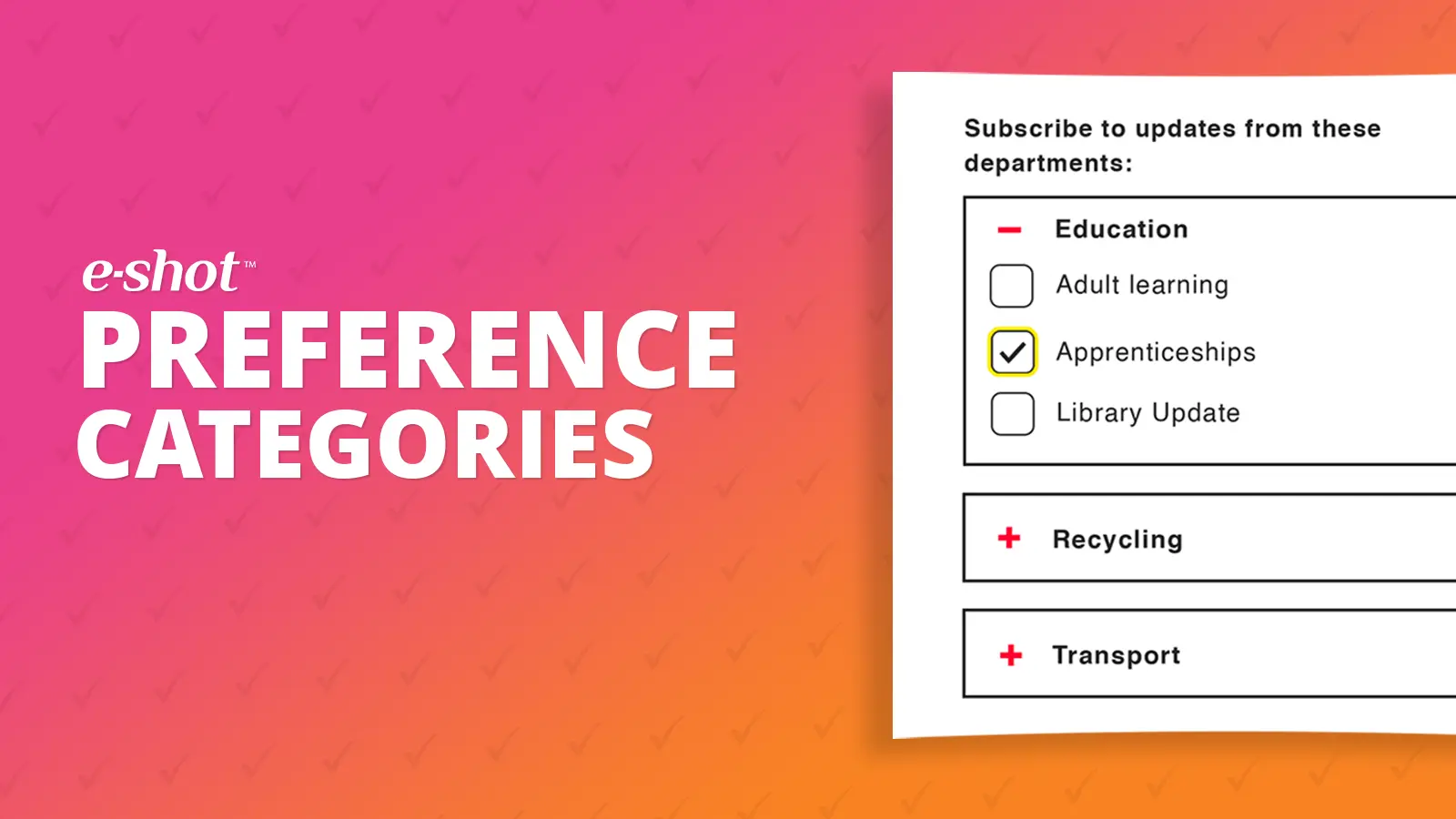
What are preference categories and how to set them up
January 24th, 2023 - Harry Thomas
What is a preference category? Preference categories allow you to put your preferences into different section and they enable you to split your...
.webp)
Feature Update; January 2023
January 24th, 2023 - Harry Thomas
The first e-shot release of 2023 is here. Full details for this release will be available in the release notes but this article will summarise some...
help-articles Settings Integration
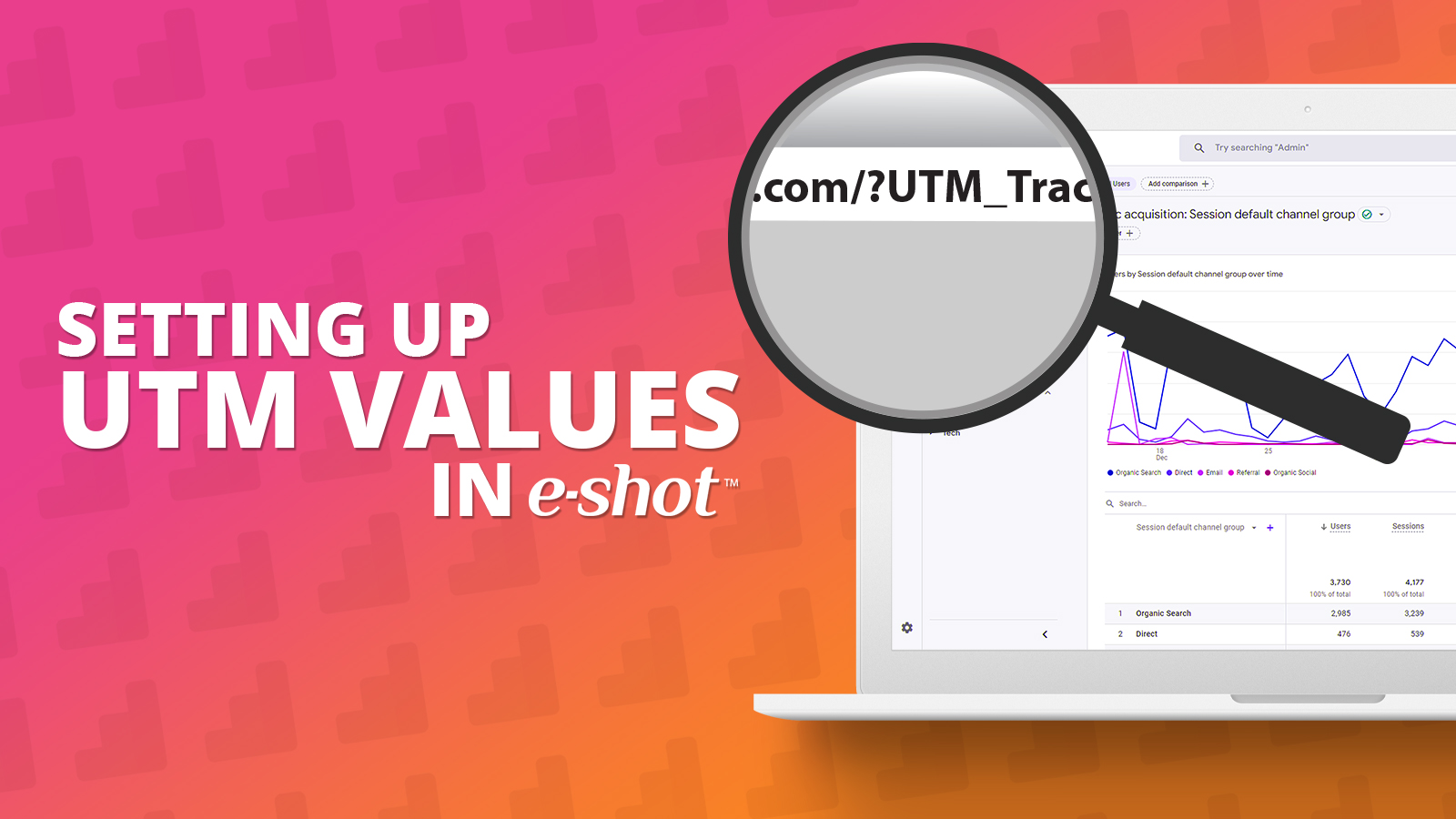
Setting up UTM values in e-shot
January 16th, 2023 - Harry Thomas
UTM codes help you track where website traffic is coming from, allowing you to properly measure each campaign’s, platform’s, or medium’s ROI. UTM...
Feature Update: July 2022
July 11th, 2022 - Sadie Burgess
Our July release will see some important updates to e-shot that will affect customers in specific ways. Full details will be available in the...
-1657540460.jpg)
help-articles Forms and Landing Pages
Forms: Preference Centre
July 11th, 2022 - Harry Thomas
There are 3 areas in e-shot that make up a ‘Preference Centre’. Settings > Preference settings - where you define the individual preferences for...
Designs: SMS
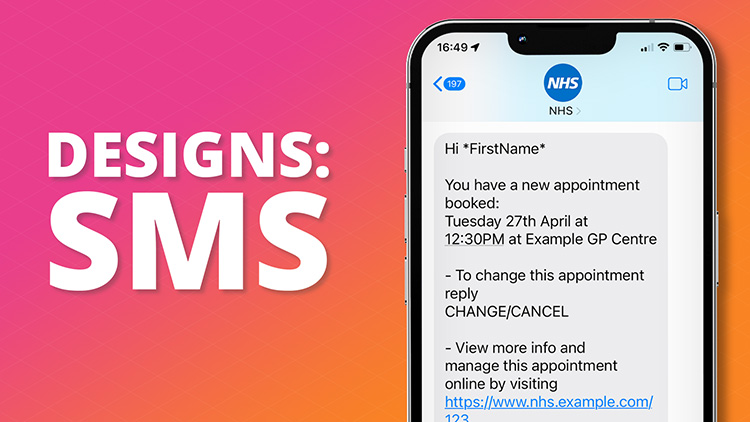
July 6th, 2022 - Harry Thomas
When creating an SMS, you have to go to Designs Menu then New Design. Then click on SMS.
.png)
Test Contact Management
June 7th, 2022 - Harry Thomas
When you hit send you want to be confident that it is your best work that will be winging its way to your audience. e-shot provides a variety of...
.jpg)
Template Customisation - User Guide
May 20th, 2022 - Sadie Burgess
The template you choose will be partially based on the type of message you’ll be sending, such as a marketing offer, transactional...
.png)
Designs: Link Manager
March 18th, 2022 - Sadie Burgess
e-shot has its own links manager where you can add a place holder to a link to make it quicker and easier to add links within your email design....
.jpg)
Campaigns: Filtering
February 1st, 2022 - Sadie Burgess
When you are setting up your campaign, there is an optional step that allows you to further segment your data by either applying a saved filter or...
.png)
Forms and Landing Pages help-articles
Forms: Landing Pages
January 20th, 2022 - Sadie Burgess
A landing page effectively enables you to put a vanity URL wrapper around your sign-up form, and indeed allow you to do some other things as well....
.png)
Designs: Branding
January 20th, 2022 - Sadie Burgess
In the Branding section of the console you are able to control elements, such as your default logo, centrally. This is the place you would put your...
.jpg)
help-articles Deliverability Settings
Account set up: Allowlisting your e-shot domain
January 20th, 2022 - Sadie Burgess
What is an allowlist and why use it? Allowlist (previously known as whitelist - see...
help-articles Forms and Landing Pages
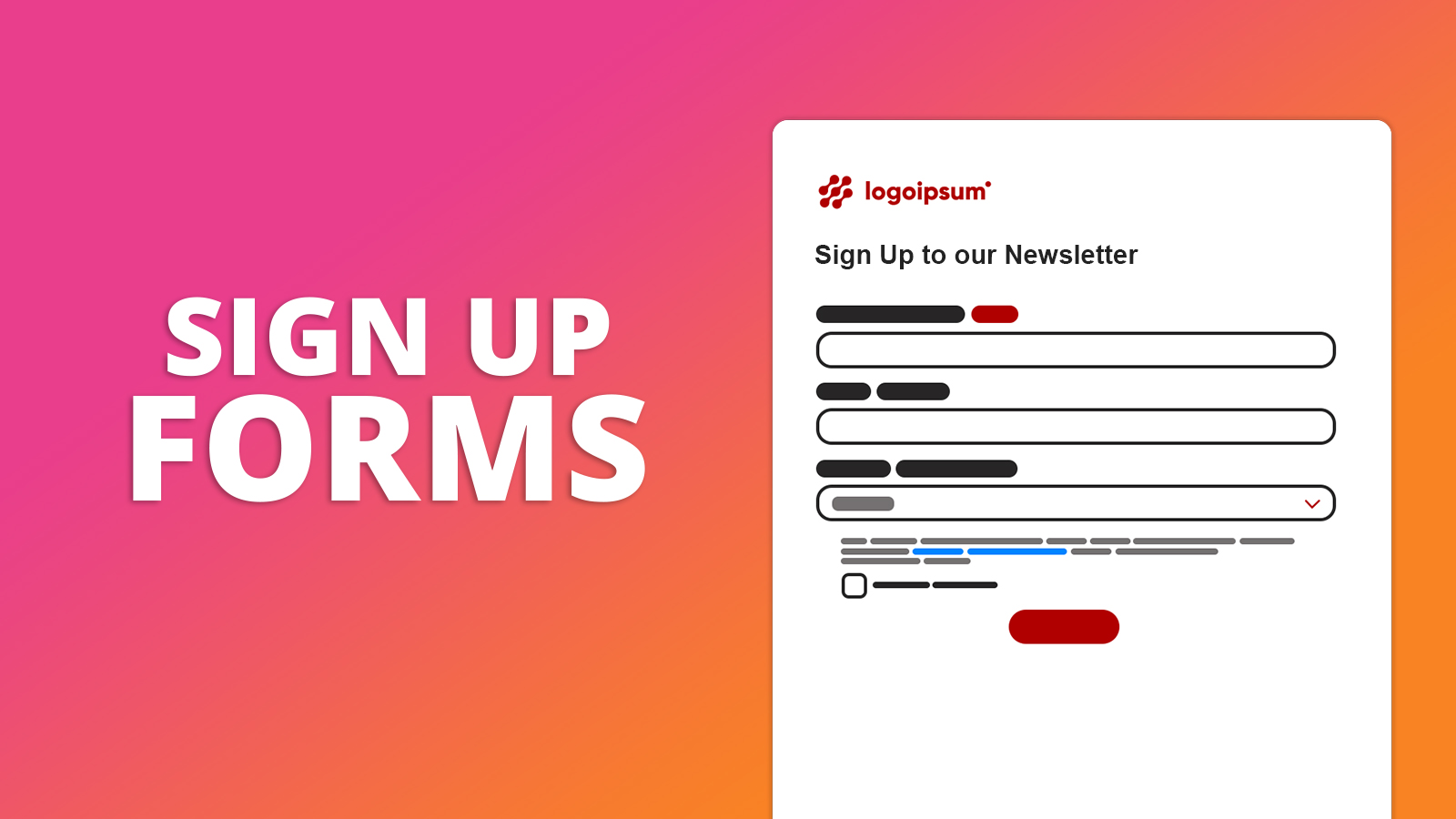
Forms: Sign-up forms
January 19th, 2022 - Sadie Burgess
To grow your subscriber base, you need somewhere that new subscribers can sign up. To manage your forms, go to the forms section in the main menu...
help-articles Campaigns Designs Settings
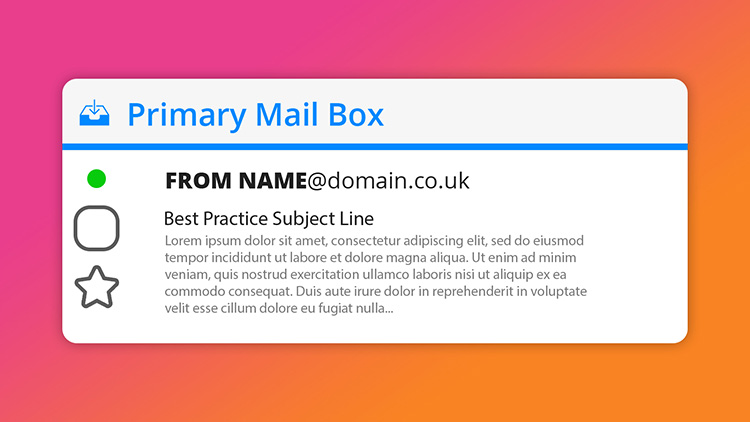
Send Preferences: From name and address
January 18th, 2022 - Sadie Burgess
Each message you send out has both the sender and from address. The sender domain is what the receiving email server sees when initiating the...
.png)
Smart Editor: Using Banners
November 29th, 2021 - Sadie Burgess
The banner is the first element of your email that your recipients see. It is the primary position to get your message across. Smart editor allows...
.jpg)
Deliverability help-articles Analytics
Deliverability Dashboard: Engagement Deep Dive
November 19th, 2021 - Sadie Burgess
The Deliverability Dashboard gives you a one-stop shop to monitor the health of your account. Here you can see an overview of your activity...



