Email design

.png)

.png)

Designing effective emails is easy with e-shot. Our email design tools help you to create high impact communications with engaging content using a highly intuitive drag and drop editor.
Video embed
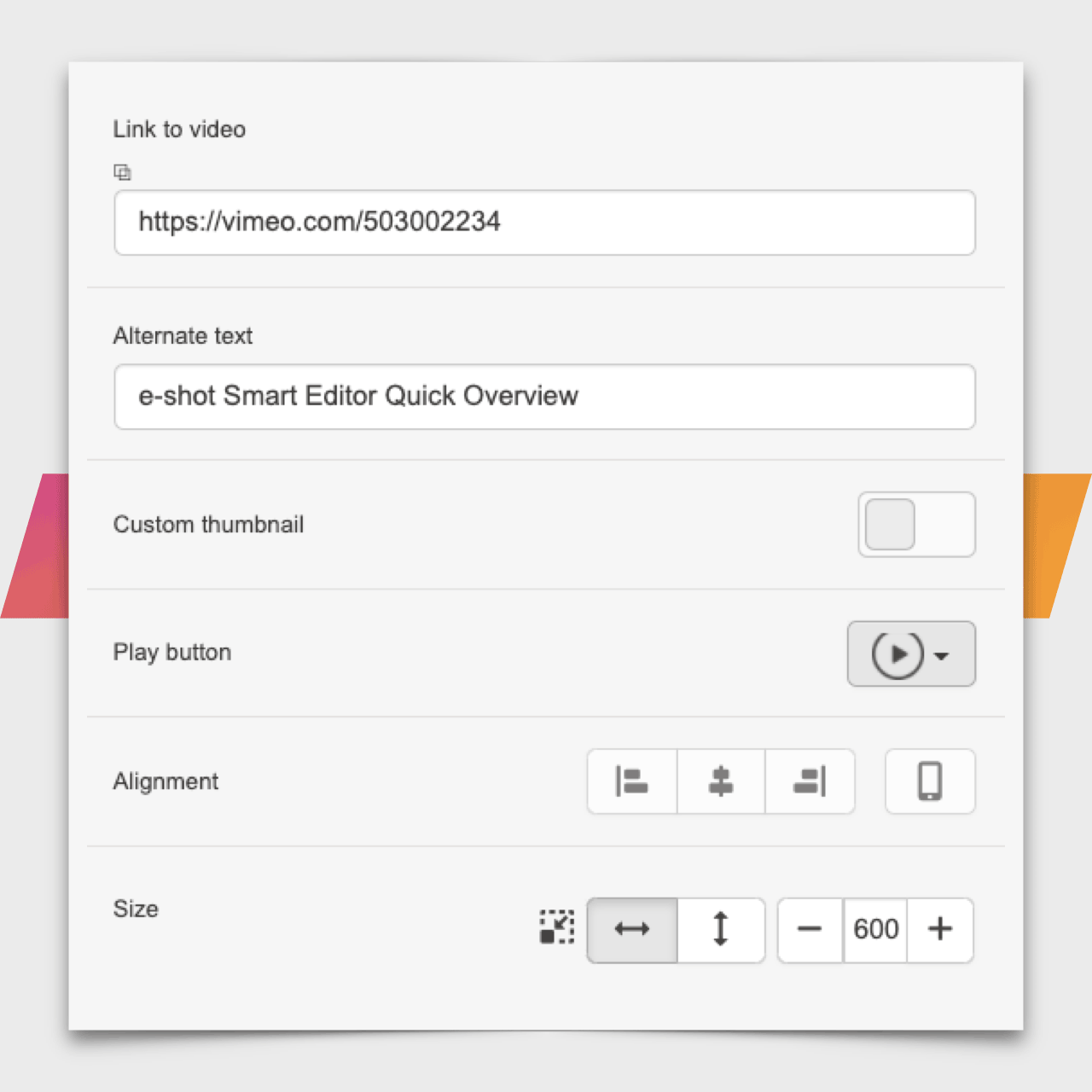
Paste a video link from YouTube or Vimeo to automatically embed a video link in you email. A preview will automatically be imported, but you can customise this and the play button style.
Countdown timer
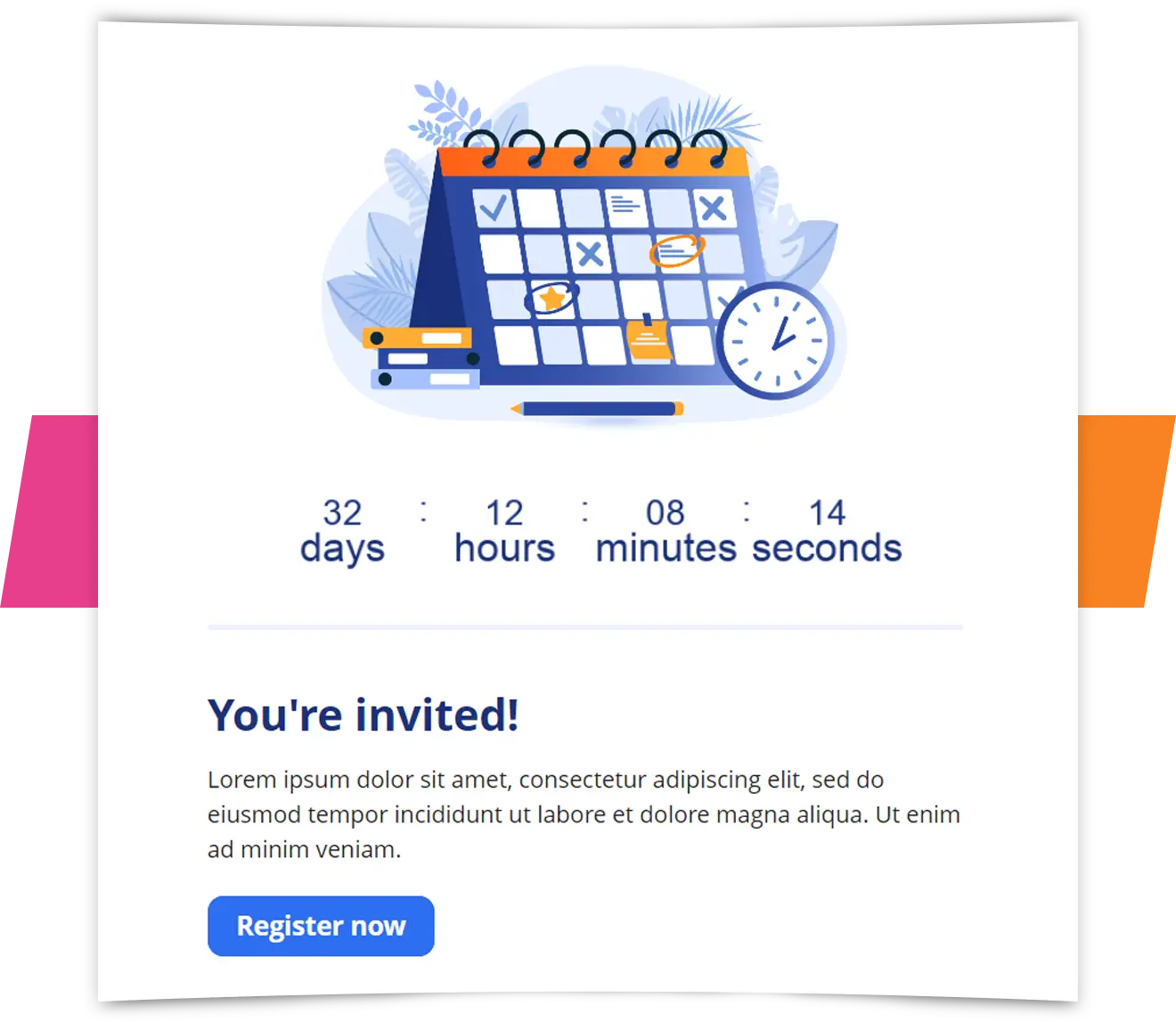
Encourage urgency for events and other deadline driven content with our dynamic countdown timers.
Infinite Restore
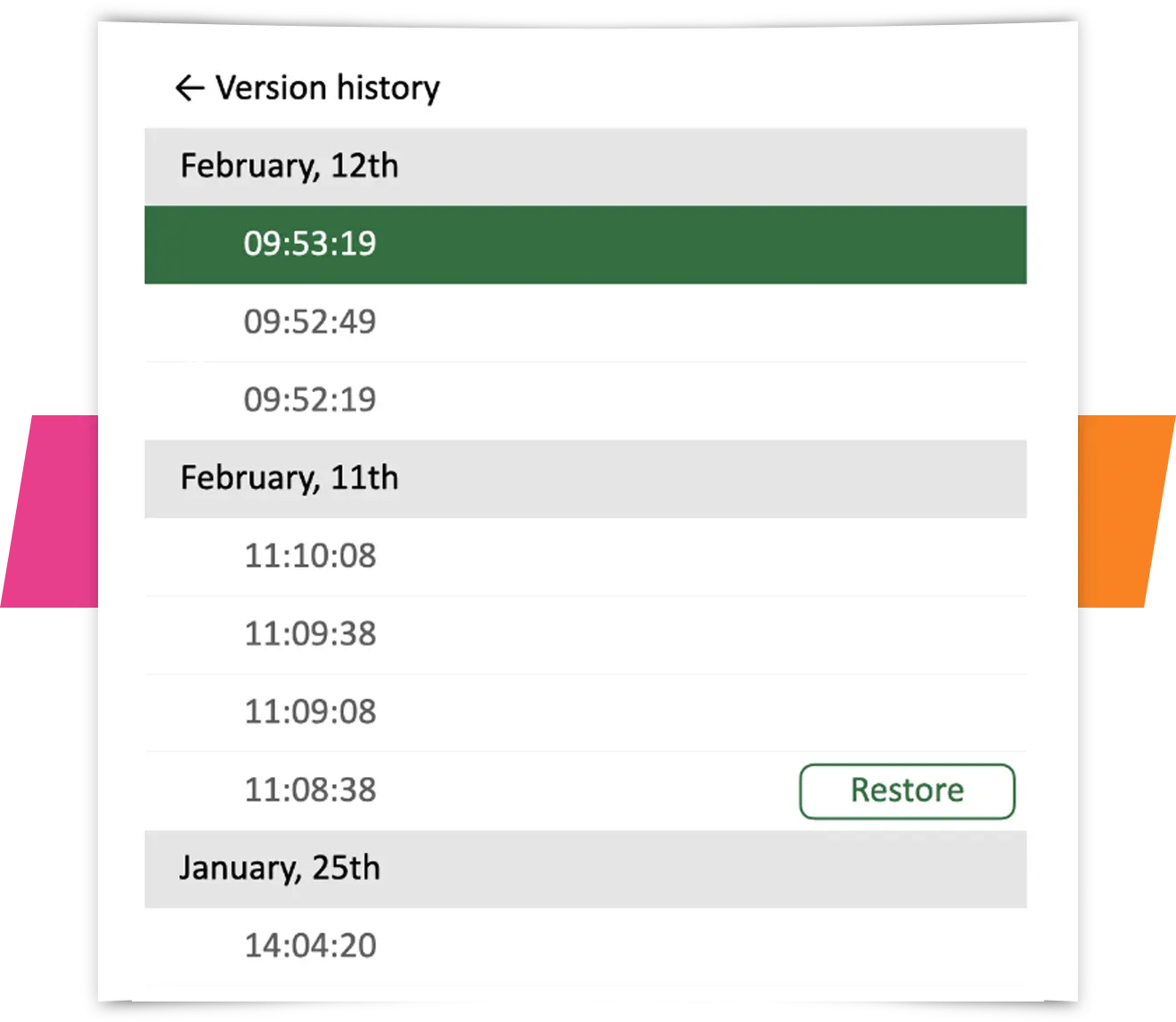
Your designs are autosaved continuously. If you need to restore an earlier version of the design, you can easily rewind a few minutes or even a few months.
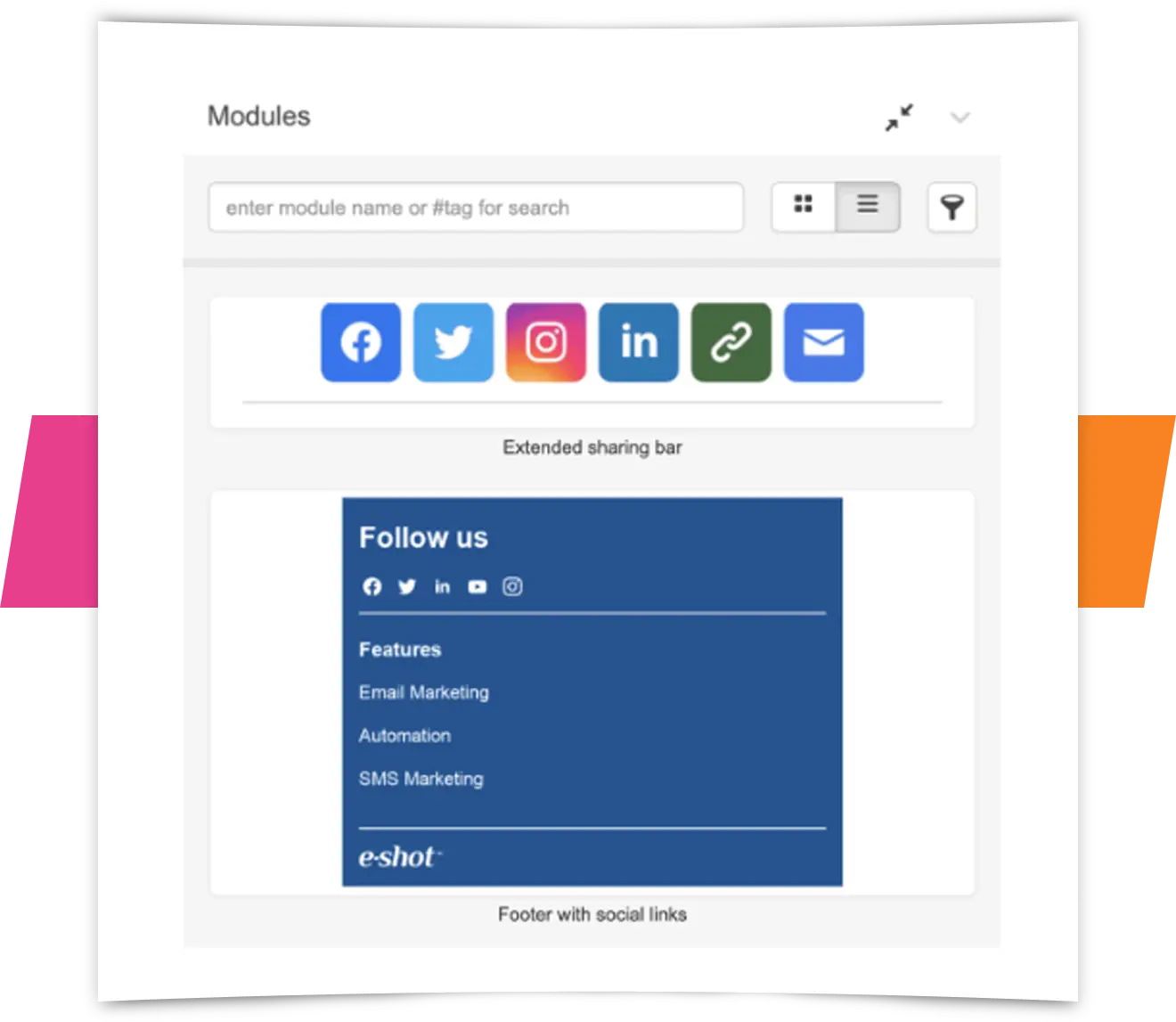
Modules
The module library gives you access to templated elements such as footers or social icons where everything is pre-configured and helps to speed up design time.
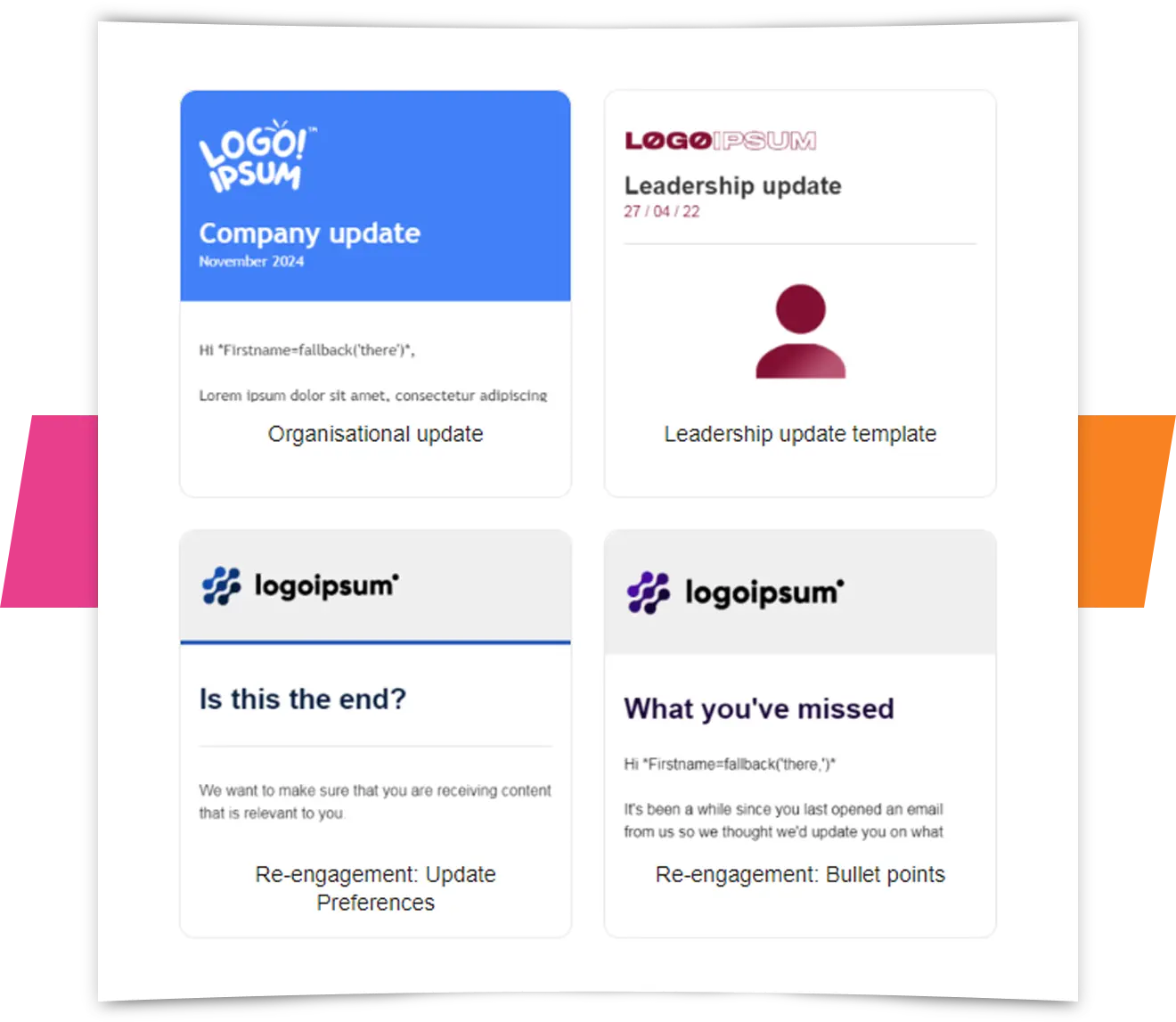
Templates
Maintain brand consistency and speed up design time with templates that can be managed centrally. Granular controls over colours, fonts, links and other elements along with sharing options. A selection of best-practice templates is also available.
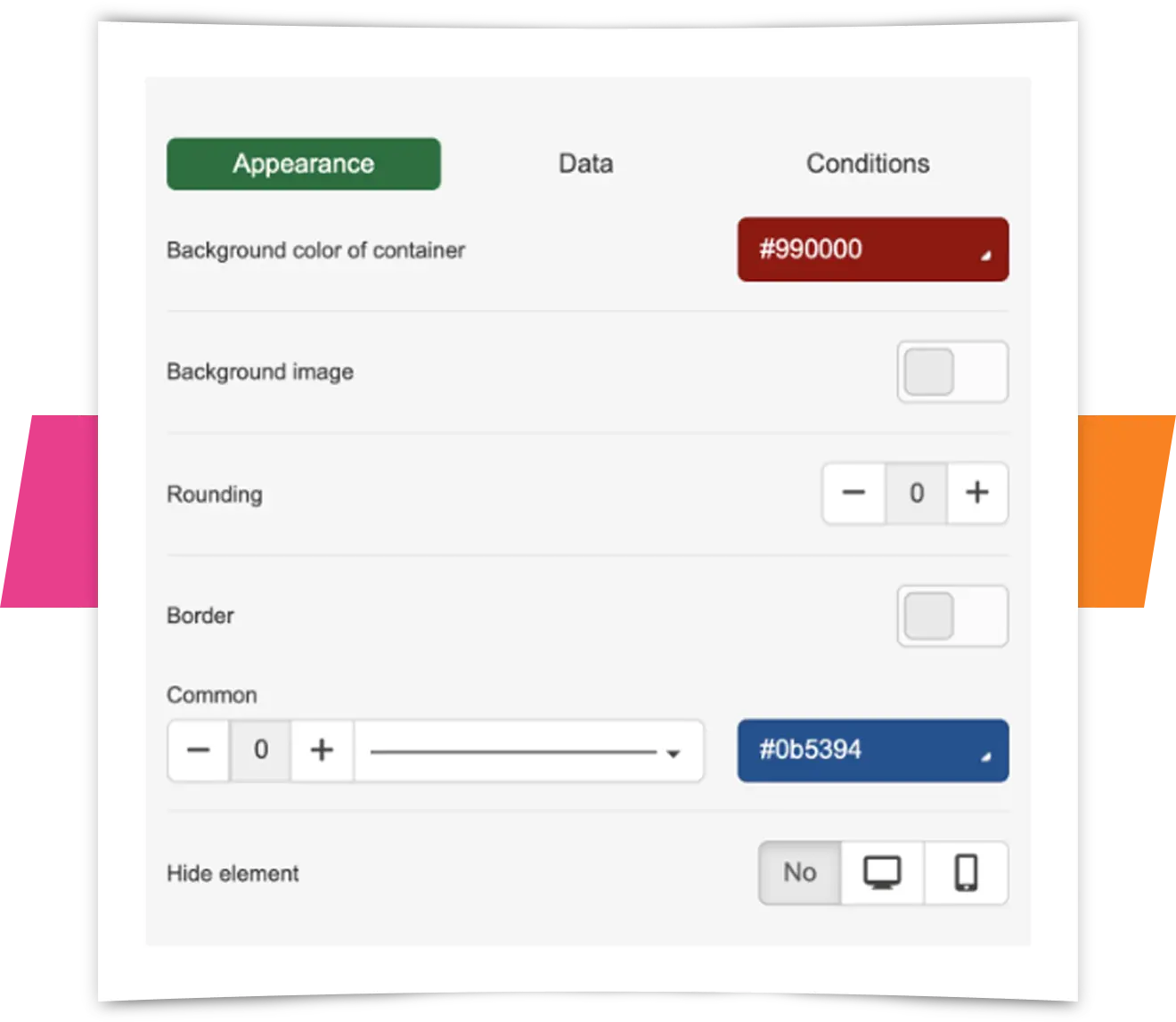
Precise controls
Advanced email designers enjoy a variety of controls to alter the email appearance including show/hide controls and specific mobile formatting controls. You can also manipulate the HTML of each element.
Accessibility preview
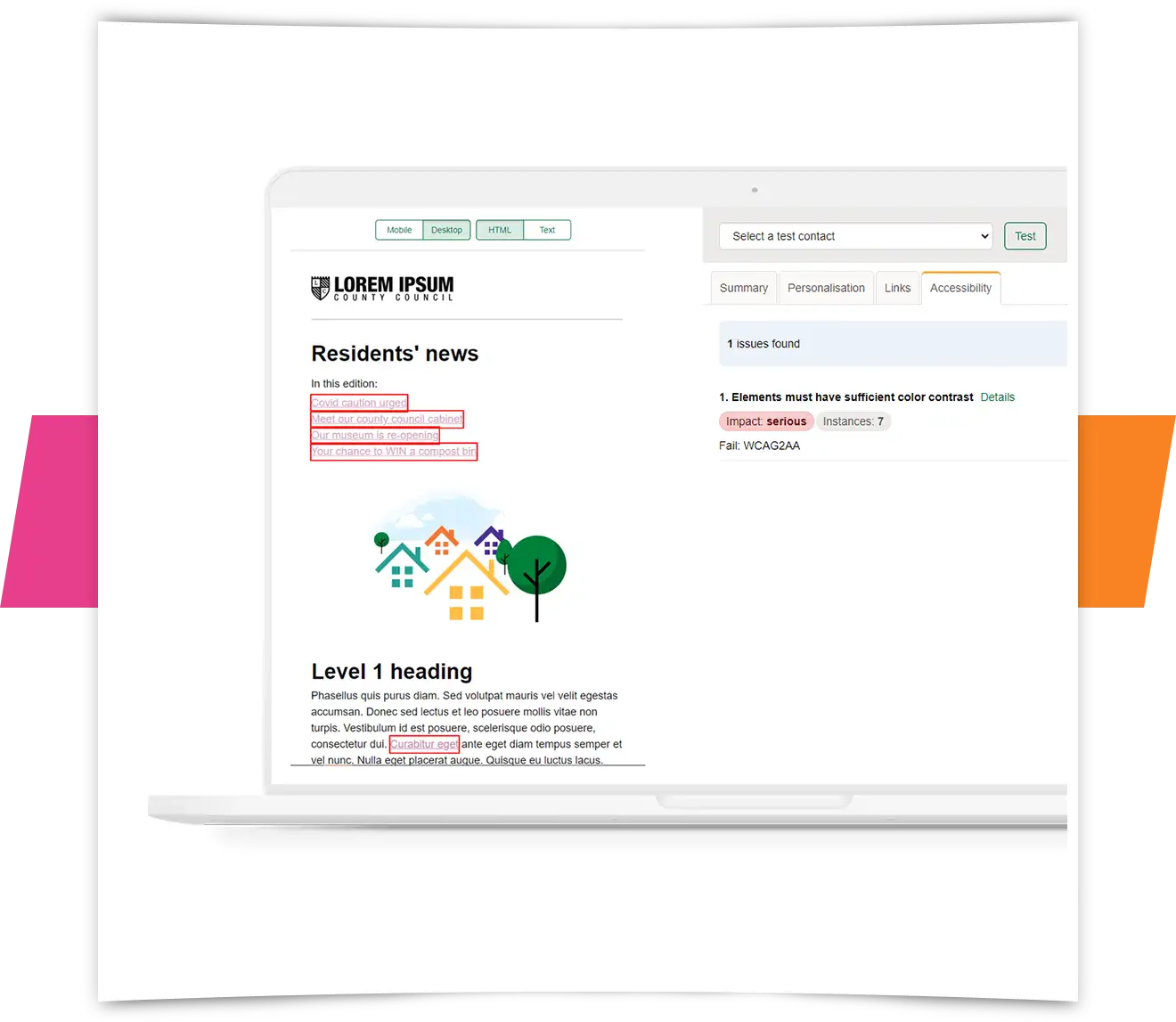
e-shot's accessibility preview highlights accessibility issues within a campaign design such as, insufficient colour contrast or structural concerns like the correct use of heading tags. The tool highlights the issues in the preview screen so the email author can instantly see what needs to be addressed in the design.