Help



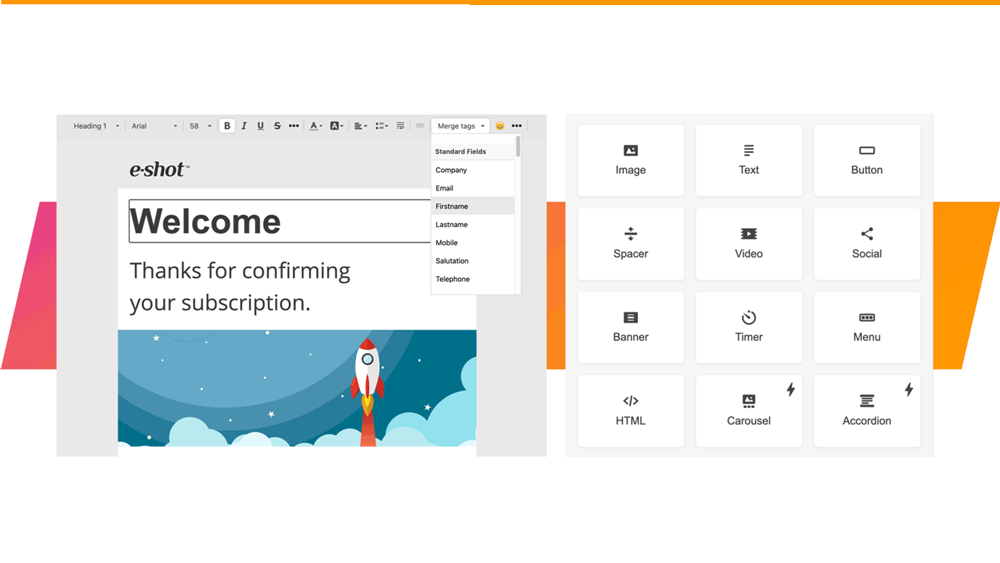
Smart Editor: Templates and Template Library
January 27th, 2021 - Sadie Burgess
In the Design menu there is a Template option. These templates are specifically for use within the Smart Editor.
Smart Editor: Version History and infinite restore
January 27th, 2021 - Sadie Burgess
What is Smart Editor version history and how to use itIf you want to undo a change that you have just made then of course you have the Undo...
Smart Editor: How to insert *variable* links in your design
January 26th, 2021 - Sadie Burgess
You can add special links such as Unsubscribe or View in browser to emails created in Smart editor, i.e. *UnsubscribeURL* and *MyEshotURL*...

CRM: Deleting contacts and groups
January 26th, 2021 - Sadie Burgess
When a contact is deleted in e-shot; manually, in bulk or via the API, it begins a period of 30-day ‘Soft delete’ status.As a Soft delete, the...
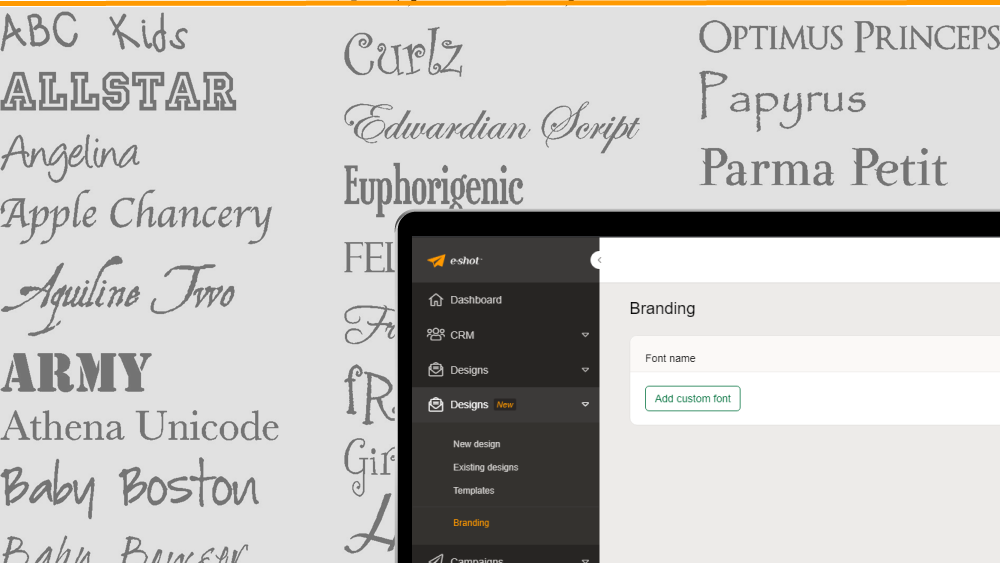
Branding: How to add/manage custom fonts for use in Smart Editor
January 26th, 2021 - Harry Thomas
Smart Editor supports three types of fonts: standard fonts (such as Arial and Times New Roman), non-standard web fonts (such as Open Sans), and...
Saved Filters
January 17th, 2021 - Sadie Burgess
If you would like to filter across either contacts, groups or accounts you can find the tool to build your desired filters in the CRM menu.

Managing your data protection responsibilities with e-shot
January 15th, 2021 - Sadie Burgess
What is GDPR? The GDPR, or General Data Protection Regulation, is a European privacy law that went into effect in May 2018. It regulates how...
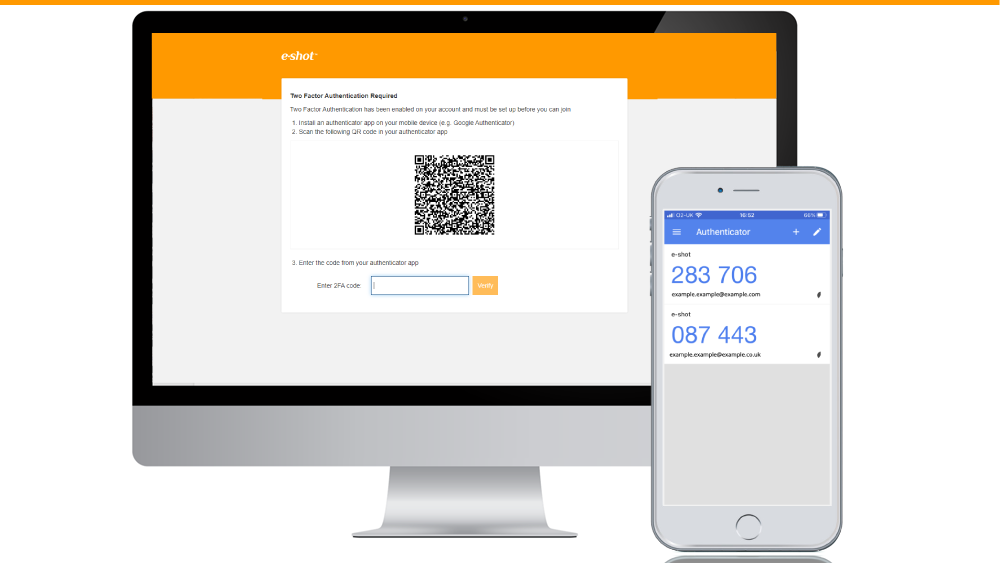
Enabling MFA: Administrator Guide
November 12th, 2020 - Sadie Burgess
To protect your security, you should restrict access to your account by using Multi-Factor Authentication (MFA). You will sign in using your email,...
Enabling MFA: User Guide
November 12th, 2020 - Sadie Burgess
To protect your security, you should restrict access to your account by using Multi-Factor Authentication (MFA). You will sign in using your...

Adding personalisation, custom fields information and other useful *variables* to your email message
November 12th, 2020 - Sadie Burgess
e-shot allows users to add dynamic personalisation into your emails, this includes the actual email content or your subject line and preview...
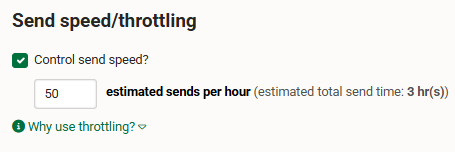
Campaigns - Send speed/throttling
November 2nd, 2020 - Harry Thomas
Our Send Speed feature gives you the ability to control the speed at which your email campaigns are sent out. By choosing how many emails are...
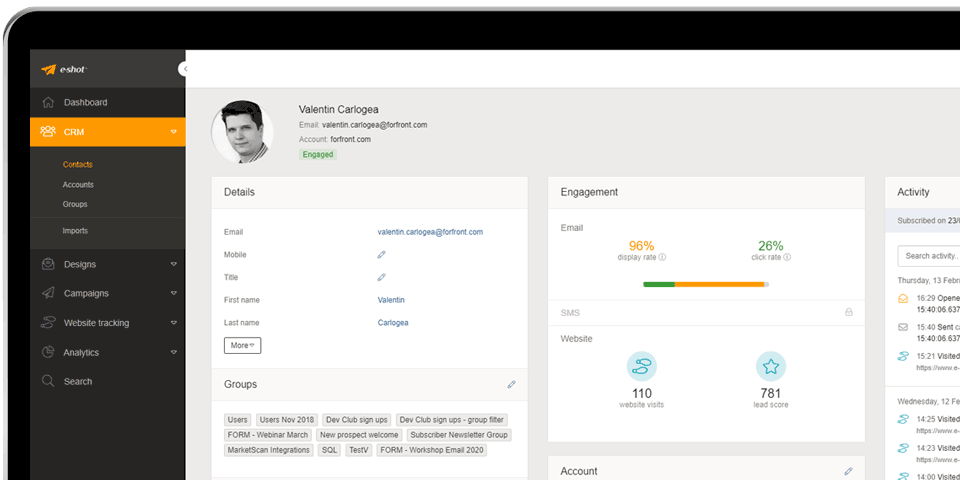
help-articles Website tracking Settings
Installing e-shot's Web Tracking on your website
October 19th, 2020 - Sadie Burgess
It is simple to install e-shot’s Web Tracking code.We will provide you with a unique javascript that needs to be placed in the Head of your...

HTML for Email guidelines
July 23rd, 2020 - Sadie Burgess
There are a few HTML ground rules, that need to be followed. This should be considered for: HTML you upload into the HTML Upload and Dynamic HTML...

Archiving Reports
June 17th, 2020 - Sadie Burgess
By default, campaigns older than 12 months are automatically placed within the archive. This archive is accessible by clicking the Archived tab on...

Lawful basis for processing data and the evidence required
June 12th, 2020 - Sadie Burgess
The lawful basis for processing are set out in Article 6 of the GDPR. At least one of these must apply whenever you process personal...

How do I reset my password?
June 4th, 2020 - Sadie Burgess
From time to time, you may wish to update your e-shot password, or you may have forgotten what it is. To update or reset your password there are a...
How to use e-shot for re-targeting
March 8th, 2020 - Sadie Burgess
What is re-targeting? Retargeting, also known as remarketing, is a method used to reach out to someone you previously made contact with....


Deliverability FAQs Analytics CRM
Understanding bounces
March 6th, 2020 - Sadie Burgess
What is a bounce? First, let's explain what a bounce is. In simple terms, a bounce is an email message that gets rejected by a mail server....

Custom Reports
February 21st, 2020 - Sadie Burgess
In the analytics section of e-shot, you will find ‘custom reports'. In this section, there are several reports available to you, split into...