Help



.jpg)
help-articles Deliverability Analytics
Deliverability Dashboard
November 17th, 2021 - Sadie Burgess
The Deliverability Dashboard gives you a one-stop shop to monitor the health of your account. Here you can see an overview of your activity...
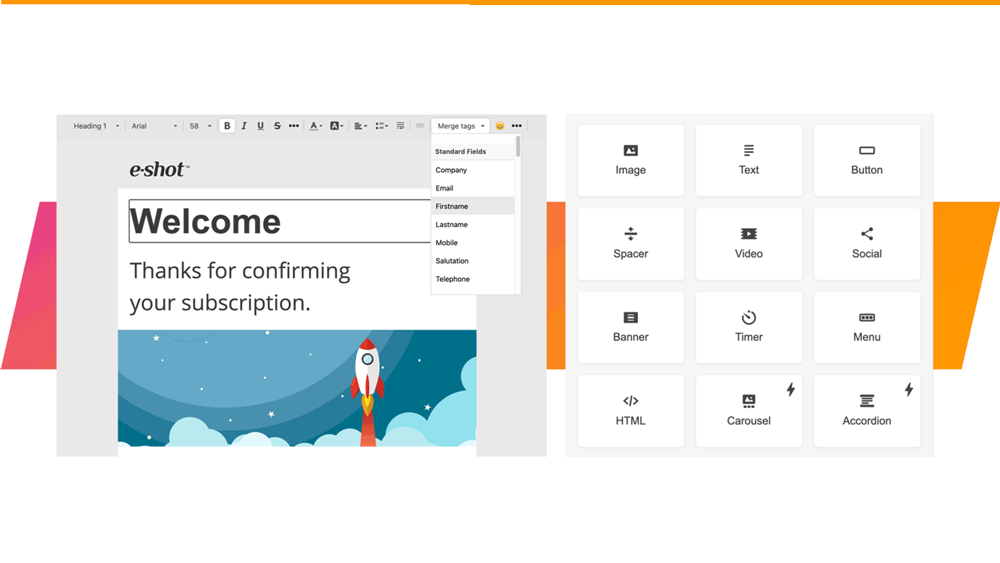
Smart Editor: Creating a single question survey
November 17th, 2021 - Sadie Burgess
Single question surveys are easy to assemble and a convenient way to get insight into your contacts views. And as it is only one question it is...
.jpg)
How does e-shot measure email opens and displays?
September 22nd, 2021 - Sadie Burgess
On the face of it, one would assume that the open rate, or display rate in e-shot terminology, is the number of people who open/display your email....
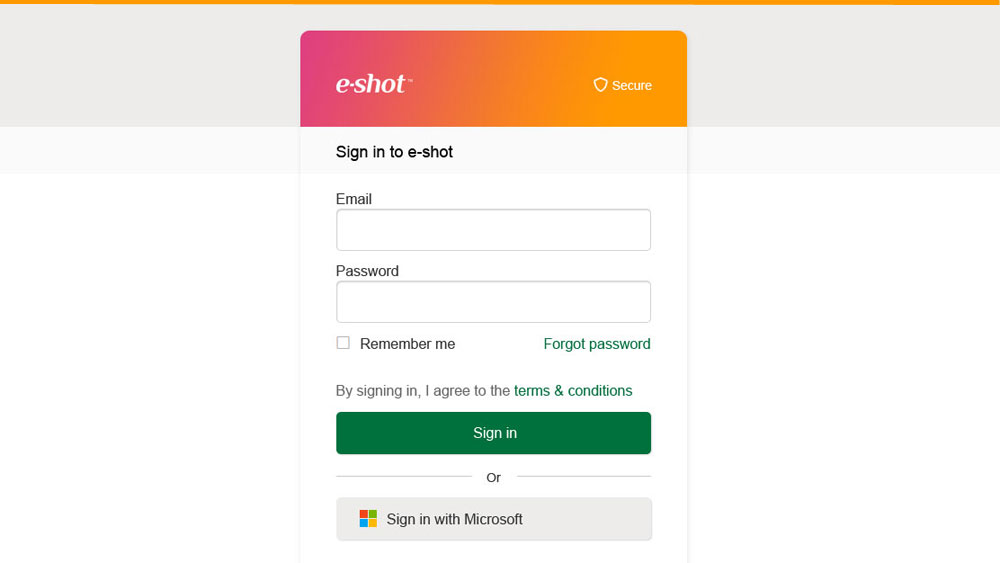
Sign in with Microsoft
July 23rd, 2021 - Sadie Burgess
e-shot supports Single sign-on (SSO) via Microsoft.If you wish to use Microsoft to sign in to e-shot, simply use the same email address for your...
Keeping your e-shot account secure
July 23rd, 2021 - Harry Thomas
e-shot offers a high level of security to keep its users safe. The system offers users a choice of enhanced authentication when they sign in and...

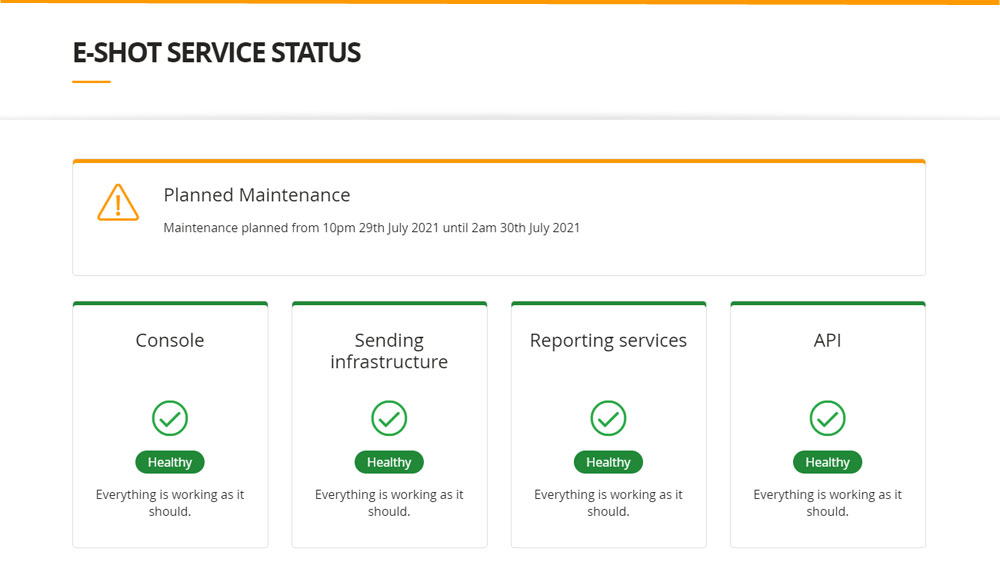
e-shot status page and maintenance notifications
July 20th, 2021 - Sadie Burgess
Users can now check the status and platform health of e-shot at any time on our ‘Service Status page’. This page allows you to check the status...
Smart Editor: Applying anchor tags
June 2nd, 2021 - Sadie Burgess
Anchor tags are used to allow readers to easily travel to a specific piece of content – which is particularly useful when your email is a bit...

Smart Editor: Image Management
May 19th, 2021 - Sadie Burgess
Image block allows you to add images in PNG, JPG, or GIF formats.Images can be uploaded to different galleries depending on how they are...
Smart Editor: Building menus
March 15th, 2021 - Sadie Burgess
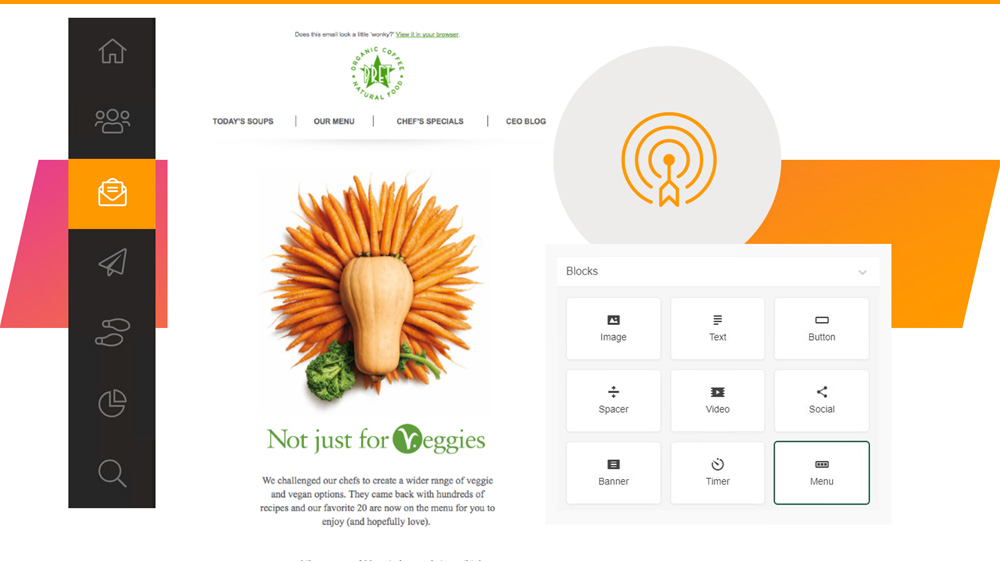
Smart Editor offers three kinds of menus: Links, icons, links with icons. To create a menu in an email with our editor, drag-and-drop the basic...

Smart Editor: Let’s get social
March 9th, 2021 - Sadie Burgess
Social media is integral to many people’s lives and a place where your customers are likely to engage with your brand – so let’s make it easy for...
Smart Editor: Overview
January 29th, 2021 - Sadie Burgess
Once you have done the preliminary steps setting up your new design, you can launch the Smart Editor. Our step buy step guide on Setting up your...
Smart Editor: Understanding the email design layout
January 28th, 2021 - Sadie Burgess
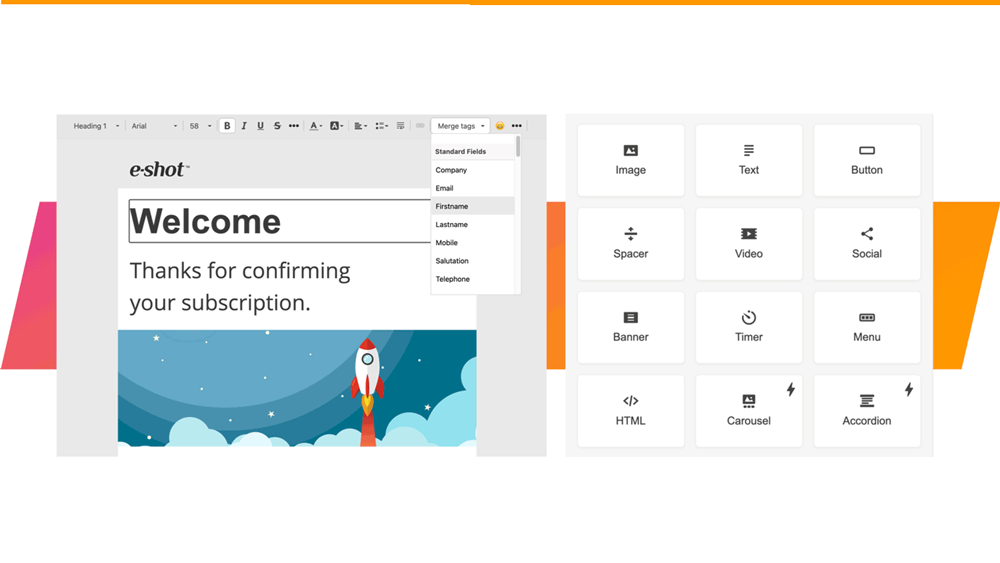
The structure of Smart Editor emails is based on the HTML table layout.The core elements of the email are stripes that may contain an unlimited...
Smart Editor: Creating a new design
January 28th, 2021 - Sadie Burgess
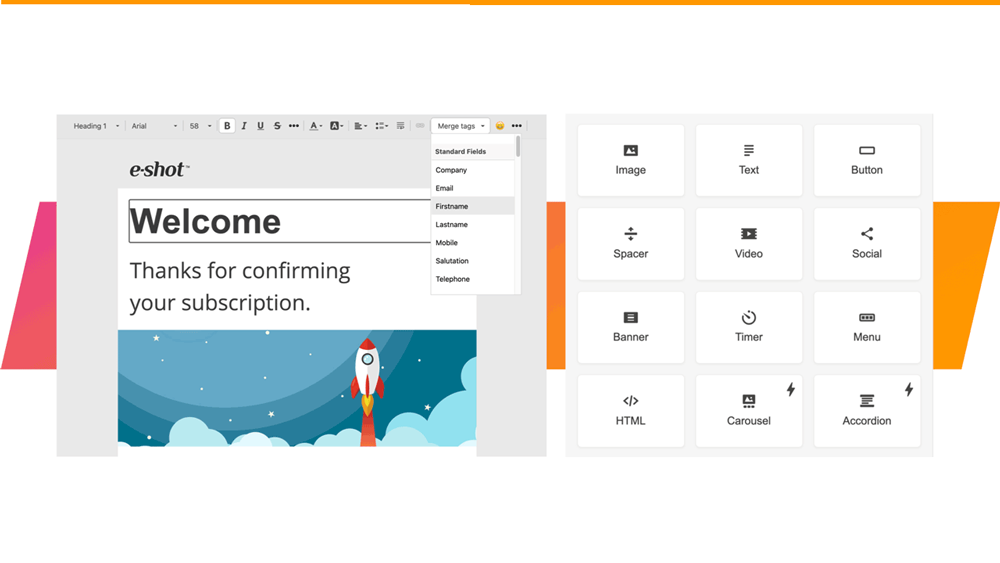
Before you can start designing an email using the Smart Editor you must name the design, set the sender details and write the subject line. First...
Smart Editor: Structures and containers, and how to use them
January 28th, 2021 - Sadie Burgess
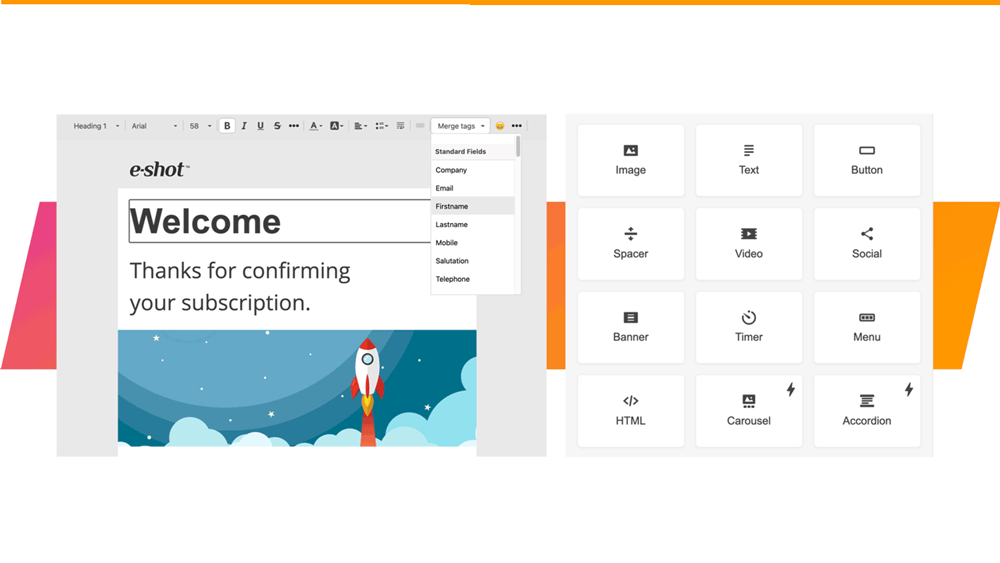
StructuresA stripe is a top element in the email hierarchy. There are structures in each stripe.To add a structure, you can drag and drop it from...
Smart Editor: Stripes and how to use them
January 28th, 2021 - Sadie Burgess
All the emails in our editor are structured by a descending hierarchy of elements. Stripes that contain structures, containers and blocks are at...
Smart Editor: Basic blocks and how to use them
January 27th, 2021 - Sadie Burgess
Smart Editor has its own hierarchy of elements. We can start from the stripes and proceed in descending order, through the structures and...
Smart Editor: Appearance settings
January 27th, 2021 - Sadie Burgess
In the settings panel on the right-hand side of the Smart Editor you find the Appearance and the Content tabs.
Smart Editor: Optimising your design for mobile
January 27th, 2021 - Sadie Burgess
You can use Mobile Formatting menu to configure displaying on mobiles. The settings of this section are only used to configure emails displaying on...