Help



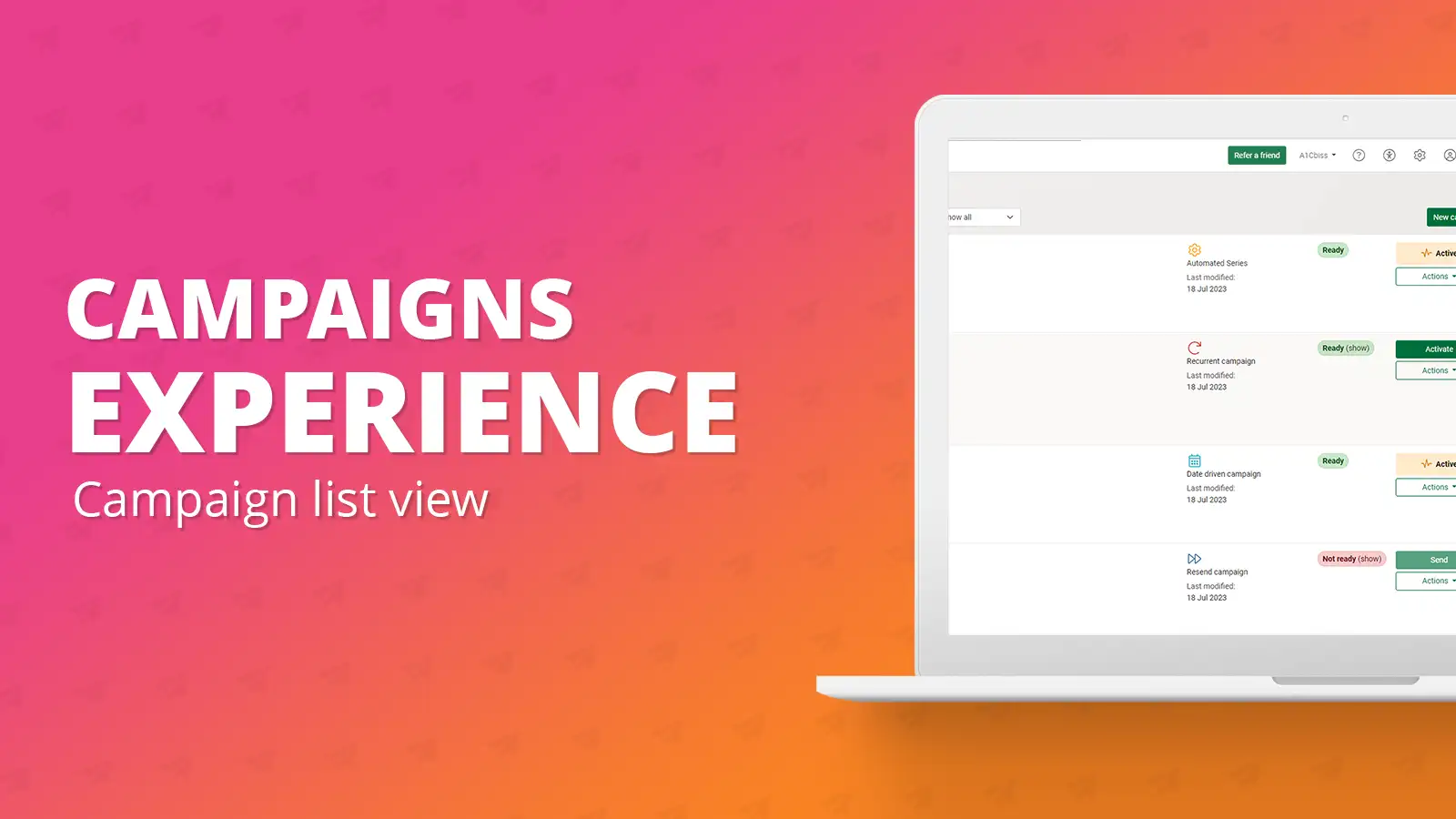
Campaign list view
July 24th, 2023 - Harry Thomas
Going from top to bottom, left to right we will explain the details seen on the page. First, you’ll see a search bar with the text ‘Search name or...
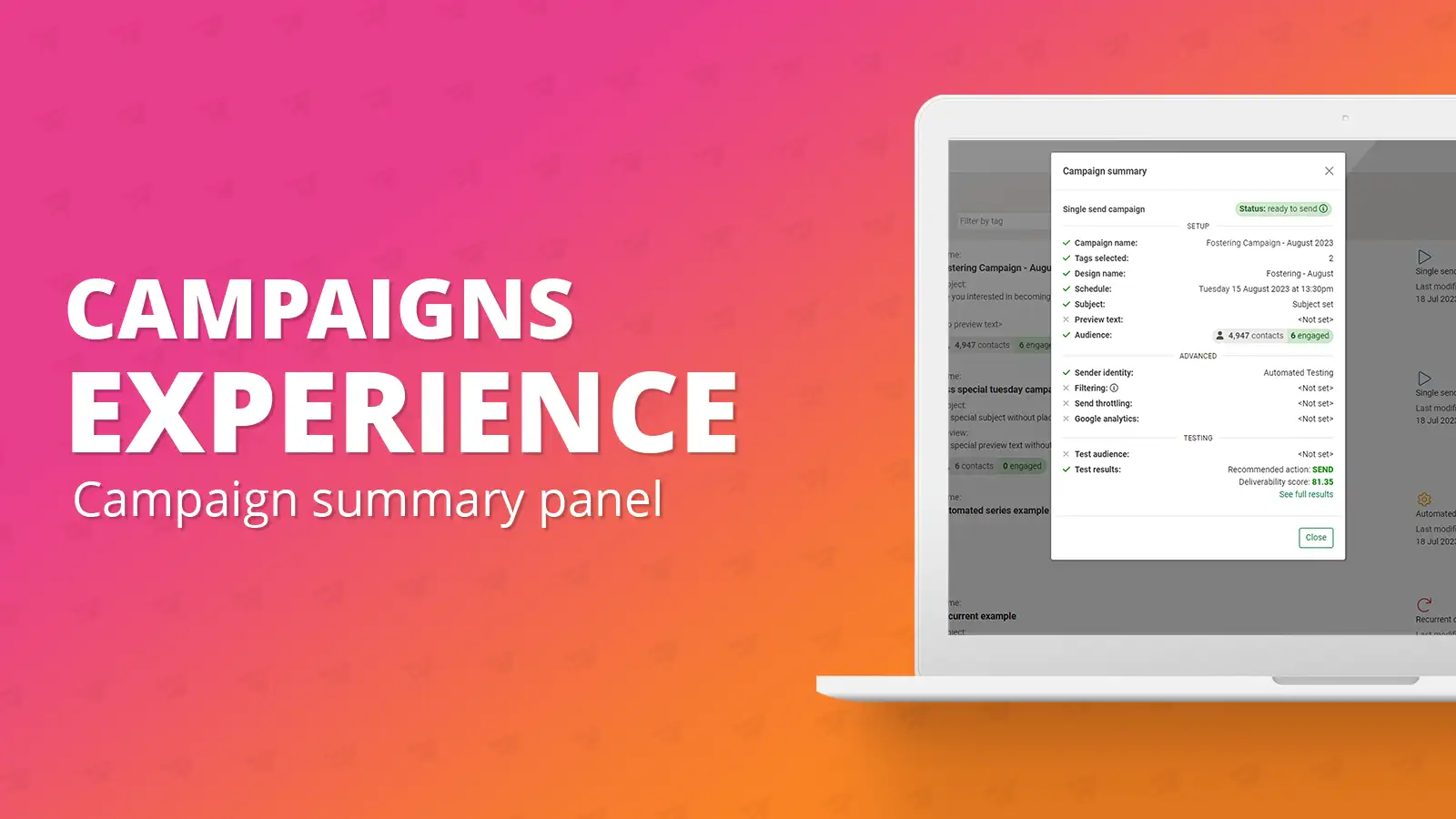
Campaign summary panel
July 24th, 2023 - Harry Thomas
The campaign summary panel is another new addition to the new campaigns experience. It is a panel that can be seen from any page within the...
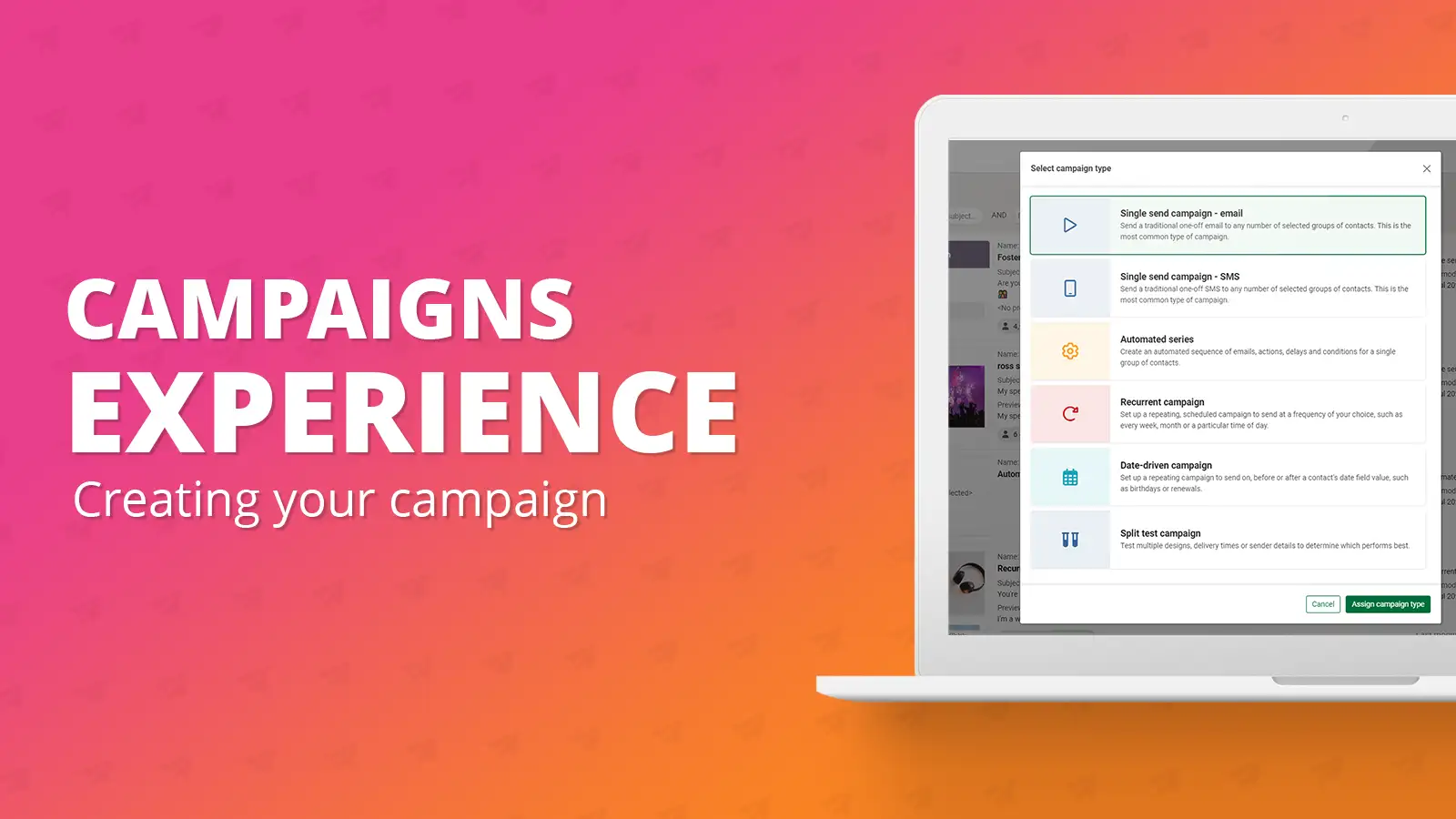
Campaign setup: Creating your campaign
July 24th, 2023 - Harry Thomas
To create a new campaign, you will need to be on the campaigns list view page. On this page you will see a green button in the top right corner...
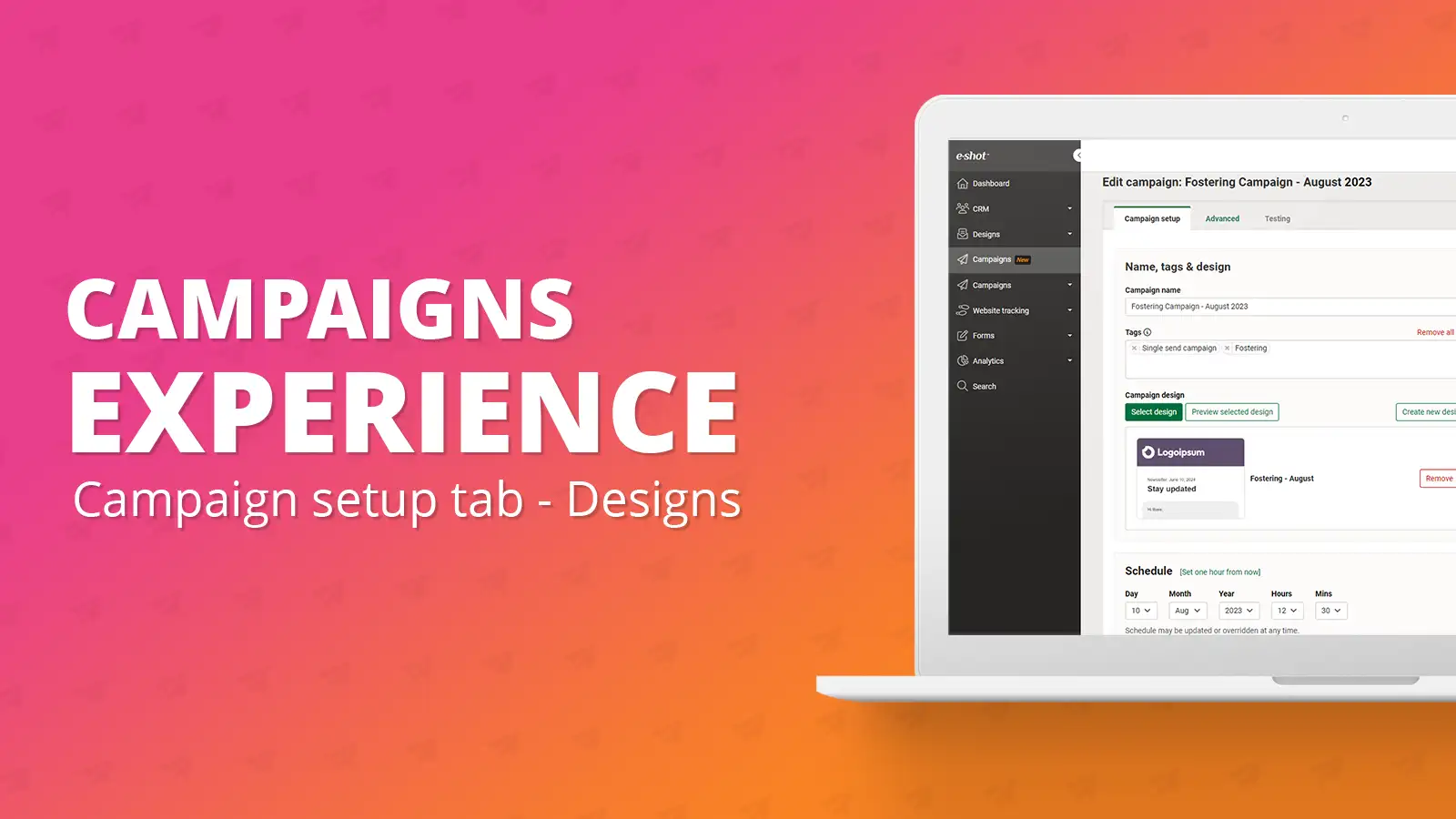
Campaign setup tab: Designs
July 24th, 2023 - Harry Thomas
Designs are essential for your campaign. To send any campaign within e-shot a design must be assigned to the campaign. Selecting a design To add a...
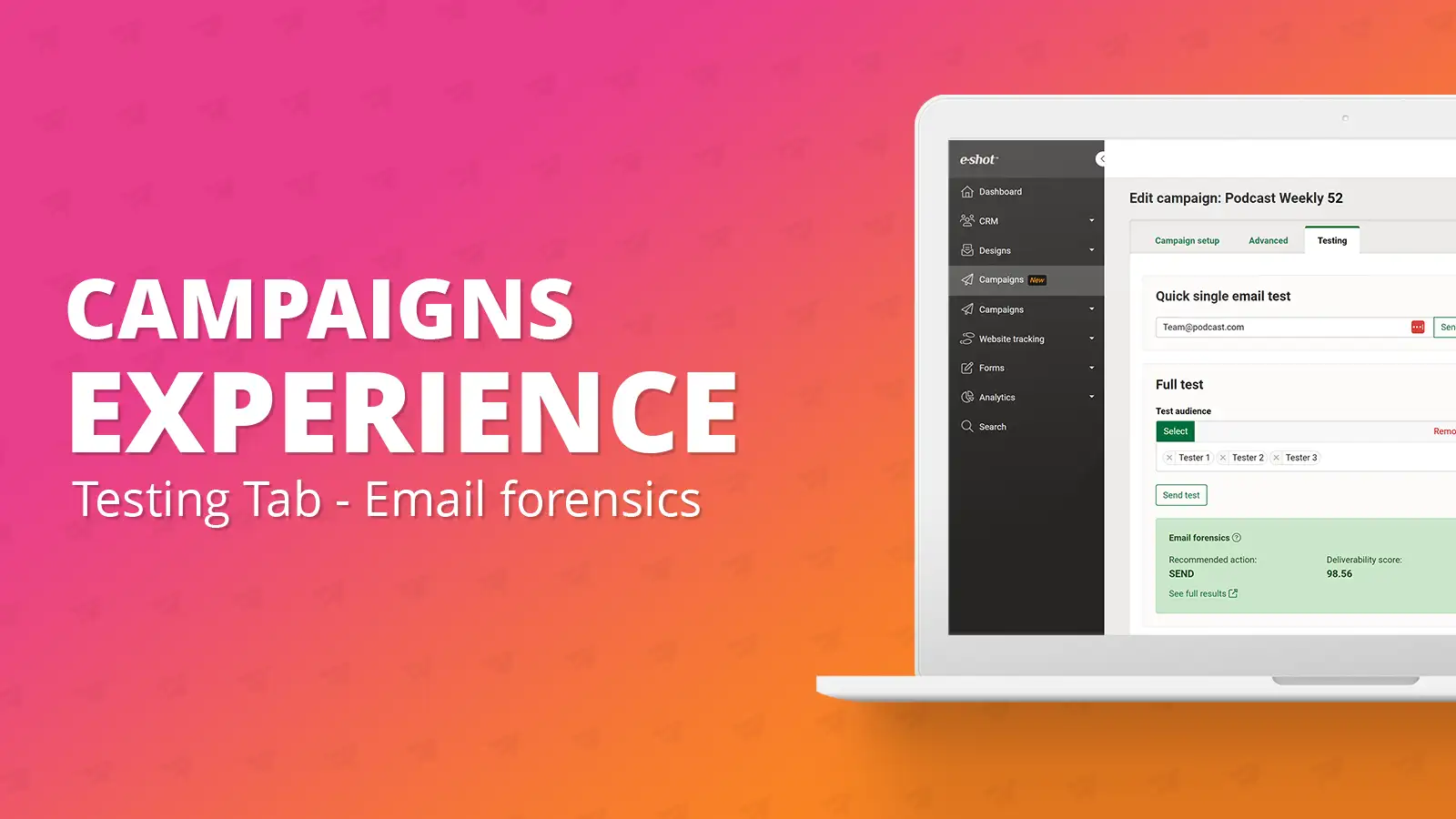
Testing tab: Email forensics
July 24th, 2023 - Harry Thomas
mail forensics has been a feature e-shot has offered for some time now. If you aren’t aware what email forensics is, please refer to our dedicated...
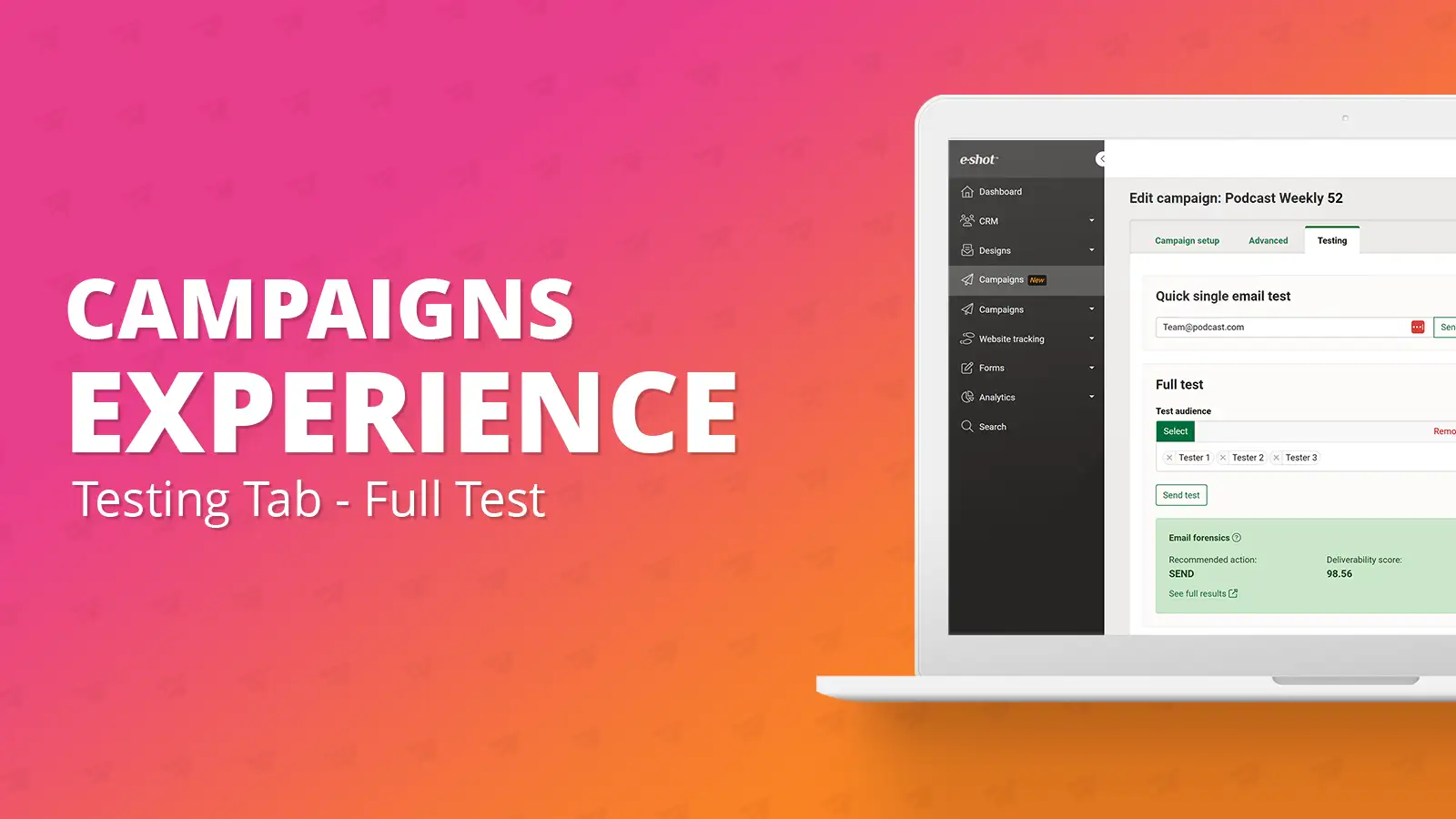
Testing tab: Full test
July 24th, 2023 - Harry Thomas
Existing testing functionality will also remain along with the addition of the quick single email test. To send a full test, you will need to...
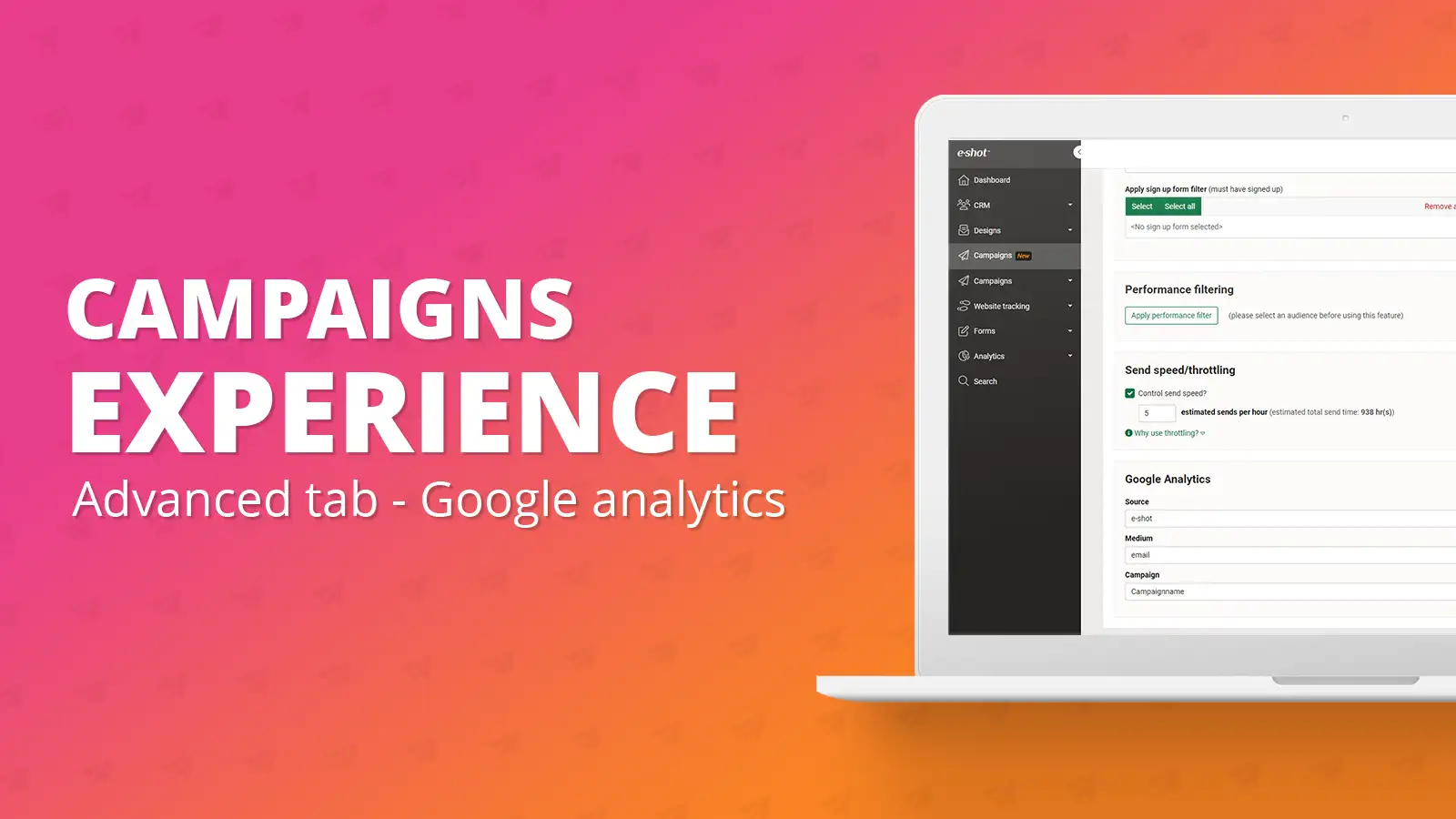
Advanced tab: Google analytics
July 24th, 2023 - Harry Thomas
To track the effectiveness of your campaign in Google Analytics, you must first set up the UTM values on your e-shot account. For details on how to...
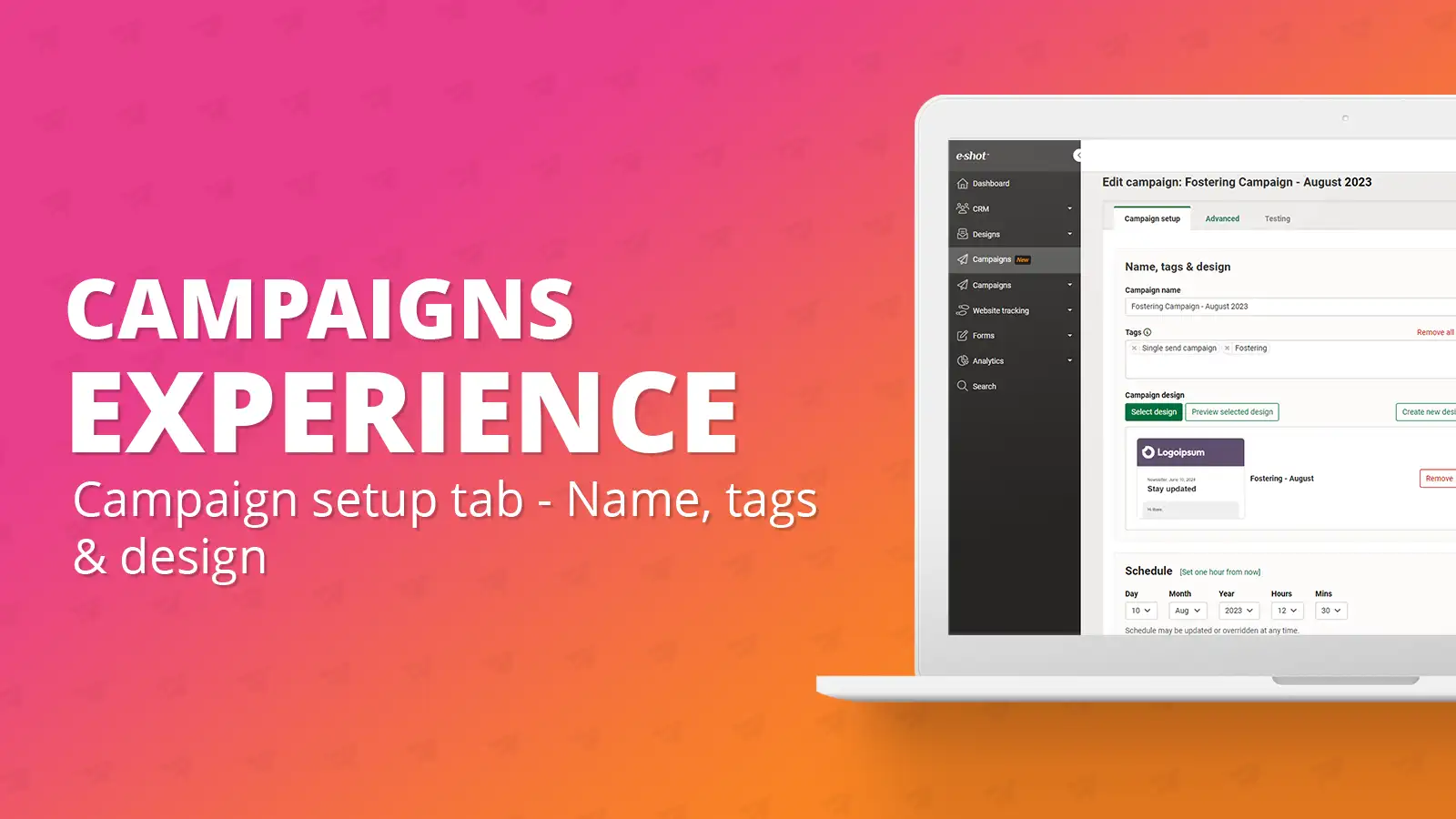
Campaign setup tab: Name, tags & design
July 24th, 2023 - Harry Thomas
The first step of setting up your campaign will be giving it a name as well as assigning a design and any tags you want to the campaign. After...
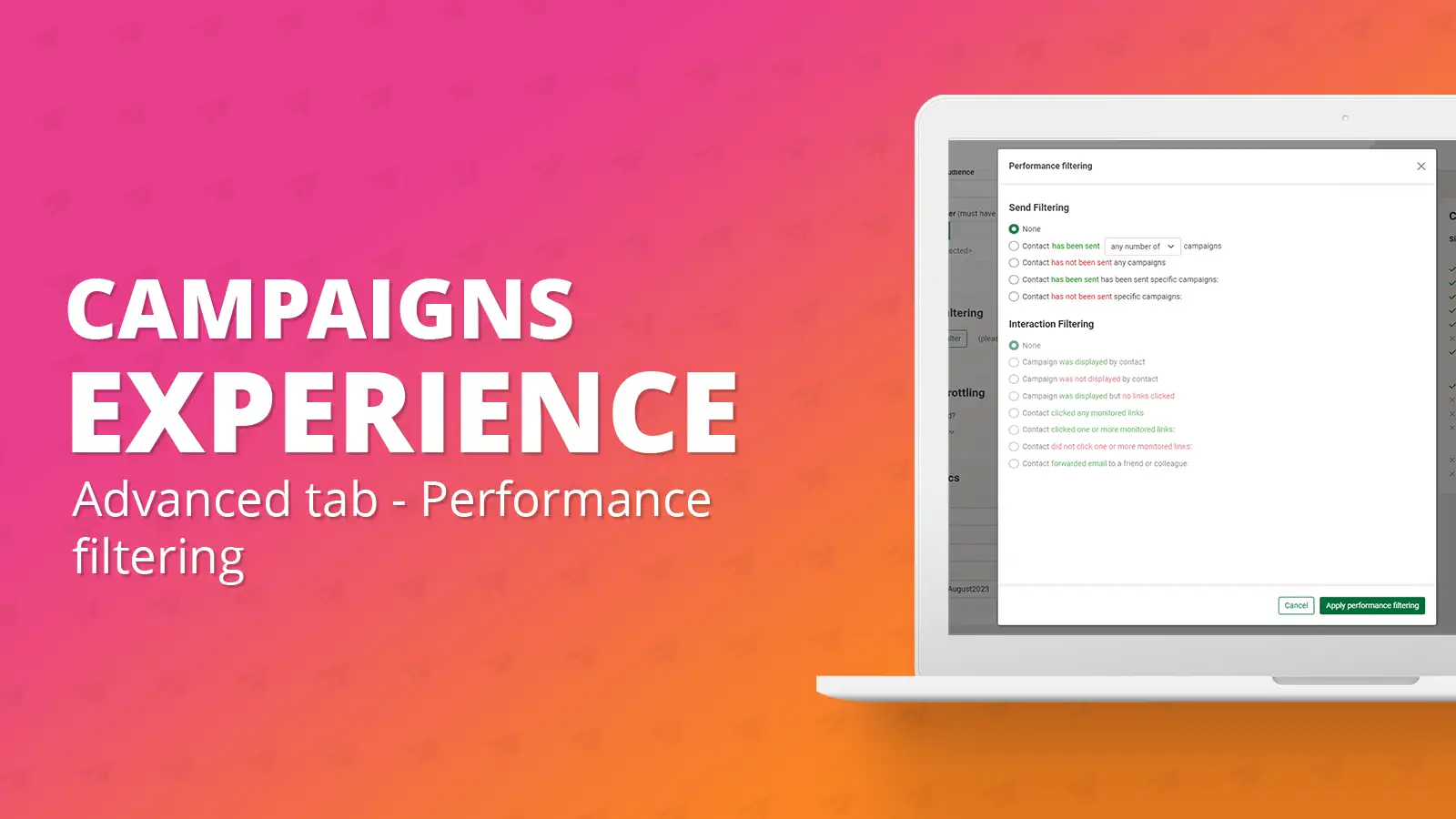
Advanced tab: Performance filtering
July 24th, 2023 - Harry Thomas
Performance filtering is a way to filter you audience using send filtering and interaction filtering from previously sent campaigns. It is a great...
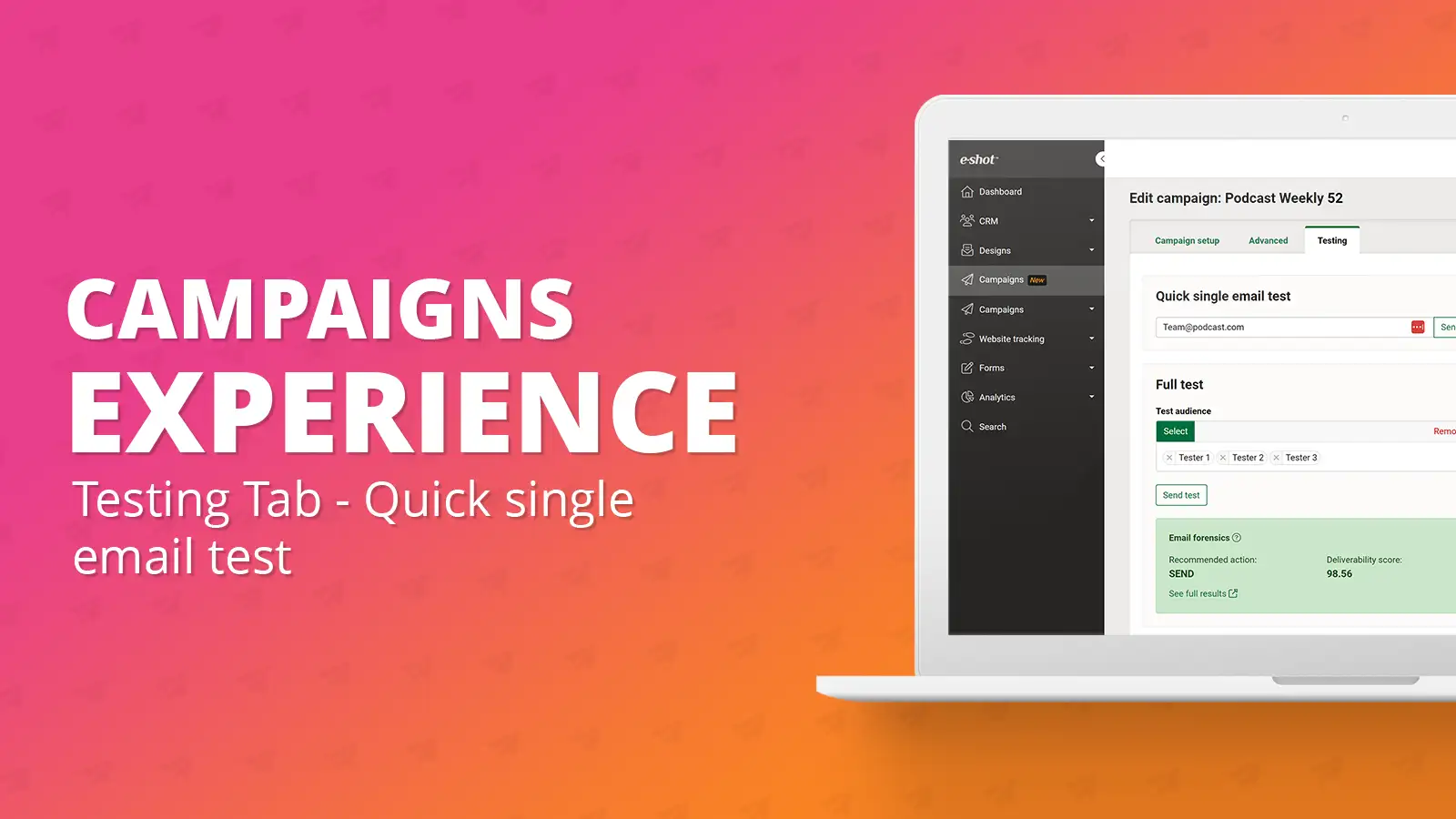
Testing tab: Quick single email test
July 24th, 2023 - Harry Thomas
We have now simplified the testing experience from within the campaign and added an additional area labelled ‘Quick single email test’. This is a...
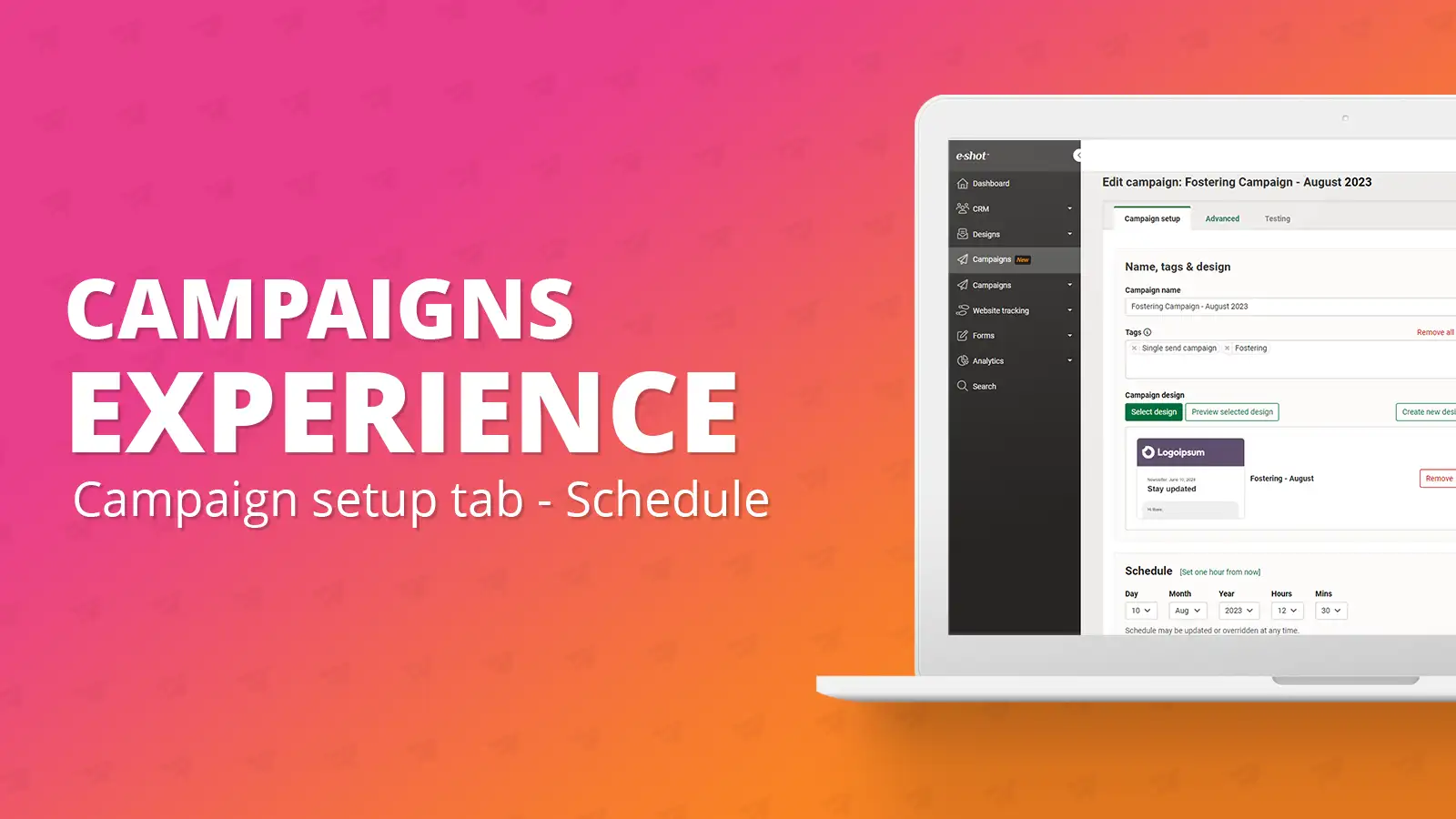
Campaigns setup tab: Schedule
July 24th, 2023 - Harry Thomas
Users can now set a schedule from within the campaign, this schedule will be carried over when you go to send the campaign. The schedule section...
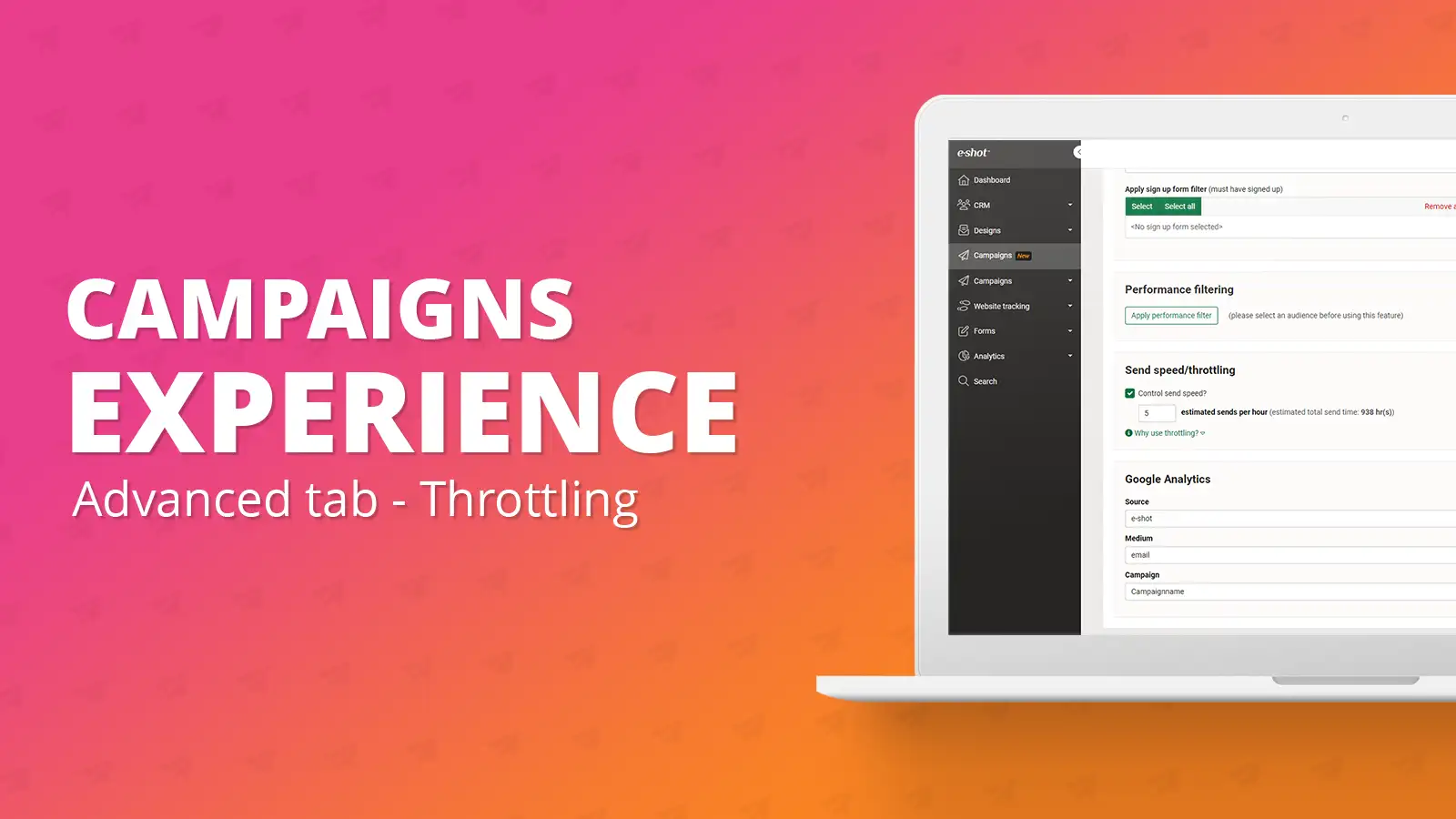
Advanced tab: Send speed/throttling
July 24th, 2023 - Harry Thomas
What is send speed/throttling? Send speed is a way to control the speed of your campaigns send. It is particularly useful for larger sends, for...
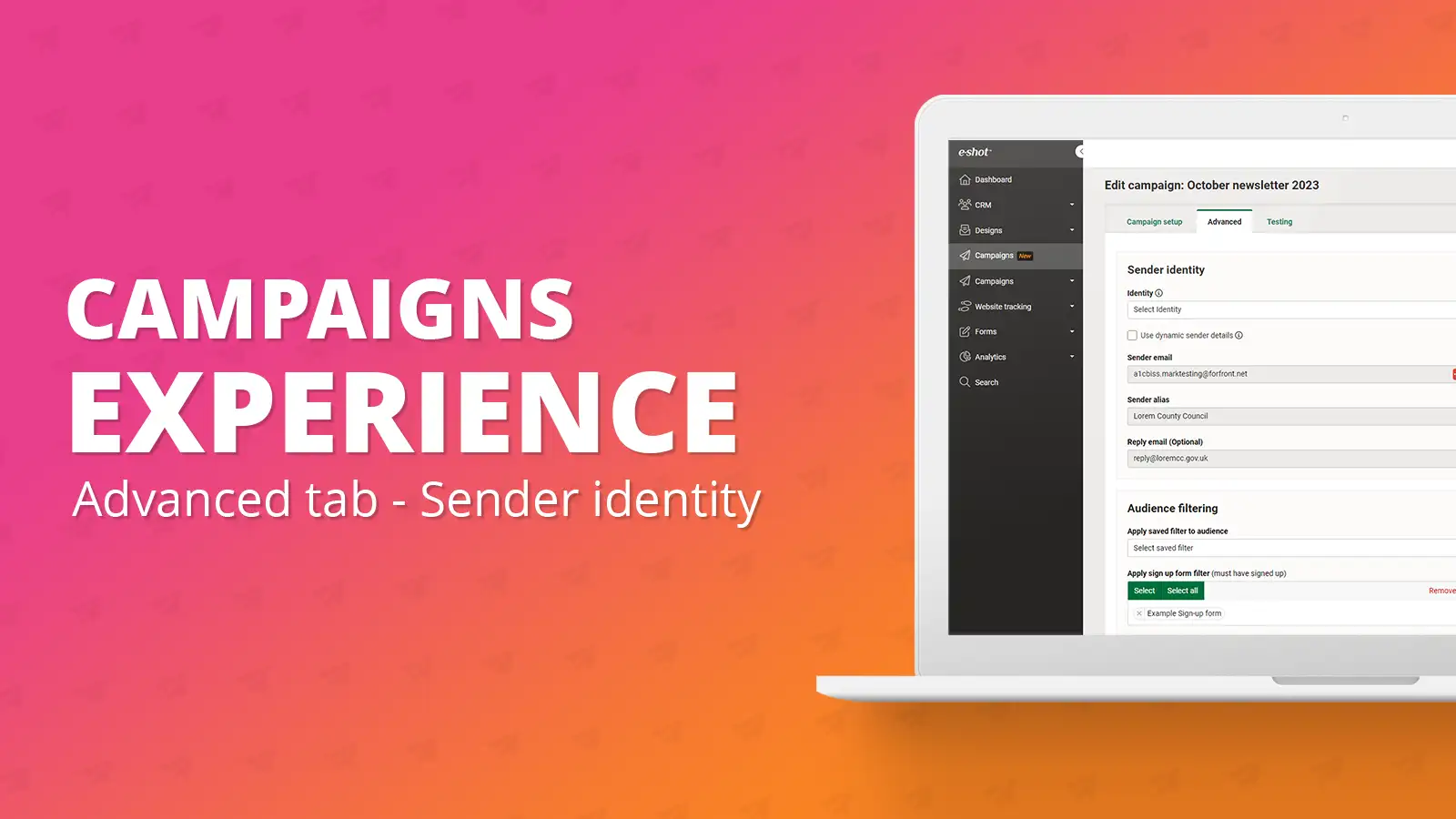
Advanced tab: Sender identity
July 24th, 2023 - Harry Thomas
Your sender identity will likely automatically be set for every campaign you create, depending on if you have a default set in your account...
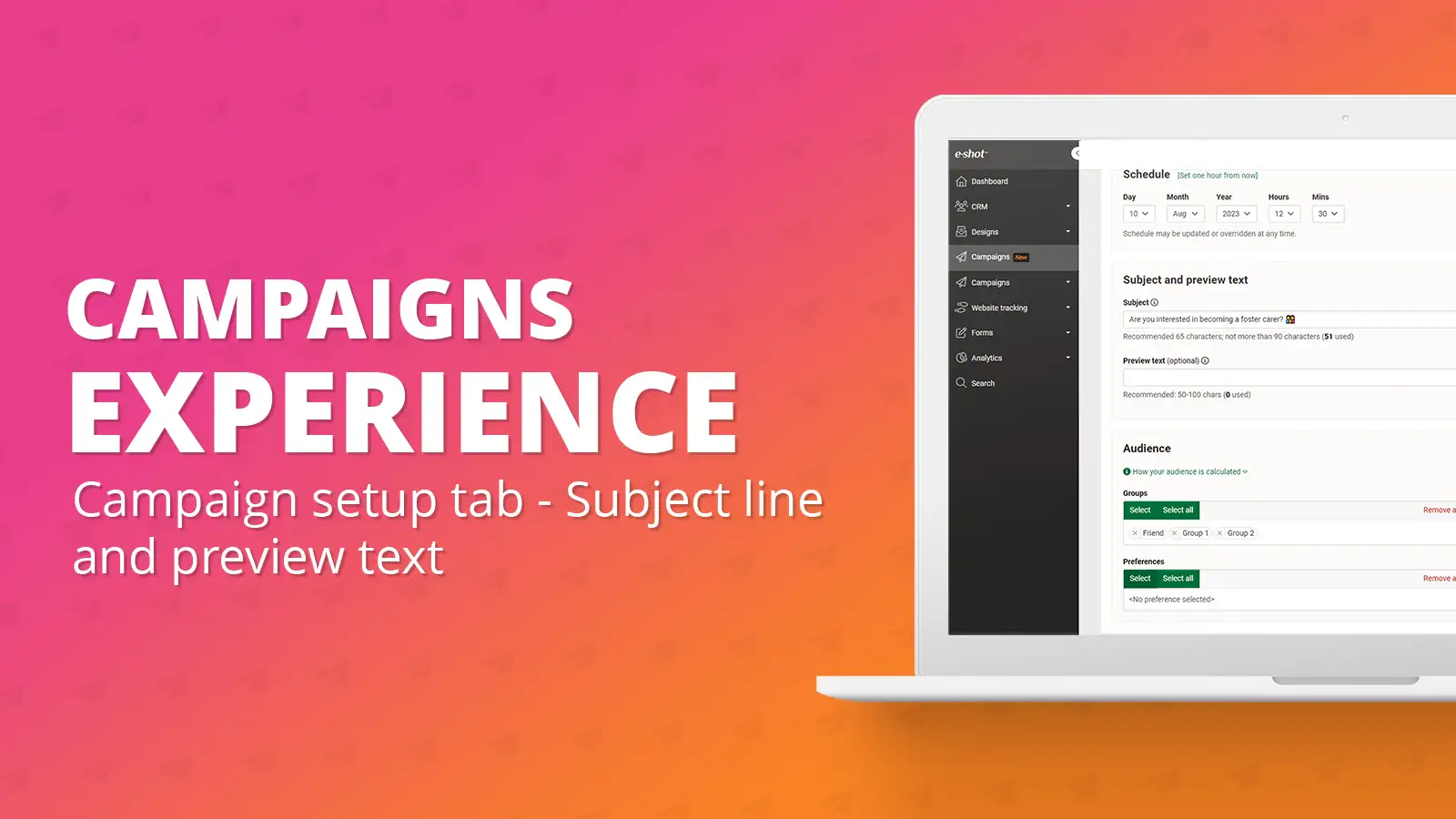
Campaign setup tab: Subject and preview text
July 24th, 2023 - Harry Thomas
It is now possible to update your subject line and preview text at any time whilst creating your campaign. Applying a subject line and preview...
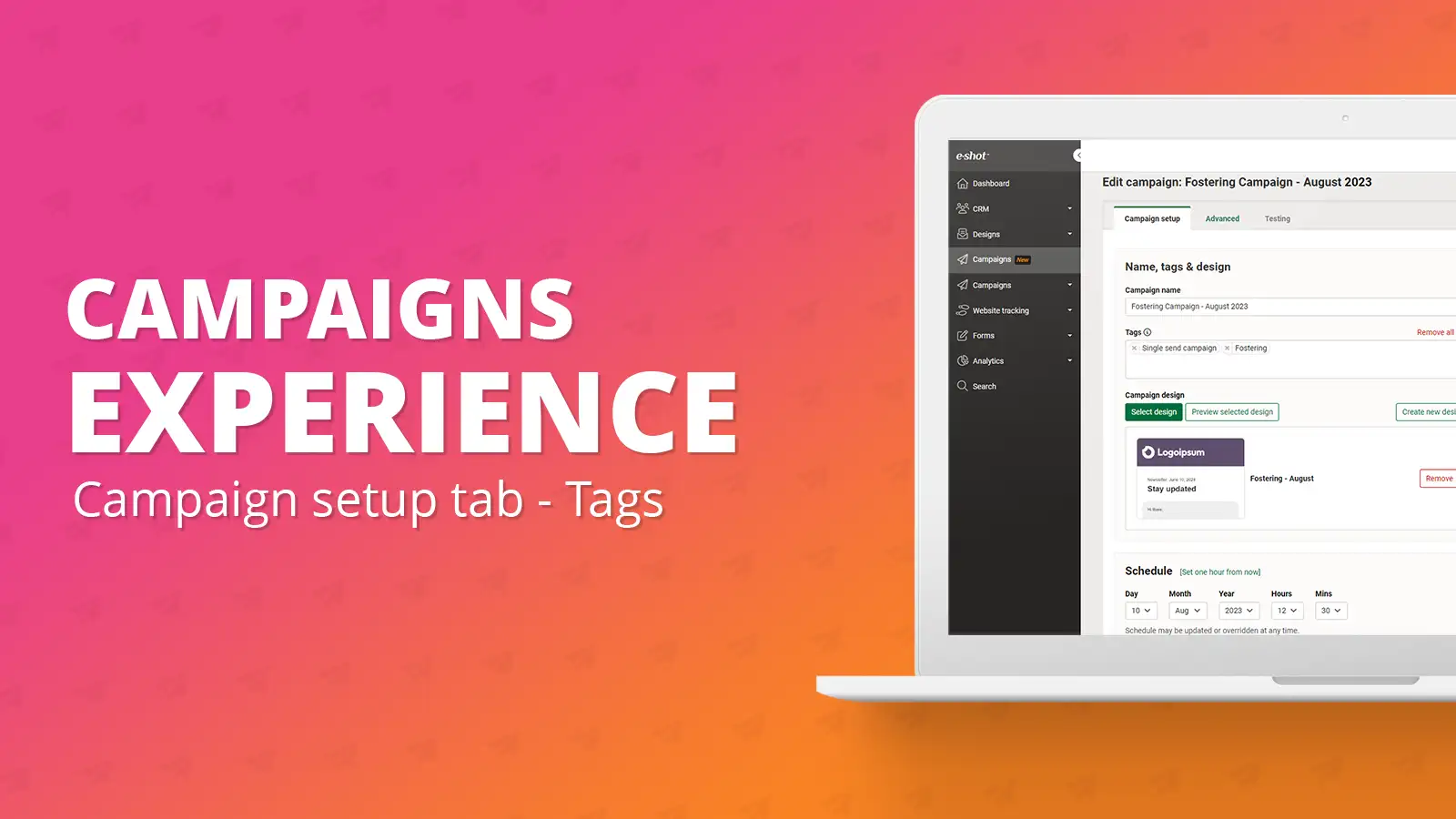
Campaign setup tab: Tags
July 24th, 2023 - Harry Thomas
Tags are essentially a way to filter your campaigns from the campaigns list view. They are great way to then be able to filter to certain types of...
Enabling automatic image download by default in Microsoft 365 / Exchange Online / Outlook
July 7th, 2023 - Harry Thomas
Depending on how your internal IT and email security policies are configured, the default behavior of your email client may be to block the...
Enabling SSO with Microsoft 365: Administrator Guide
June 7th, 2023 - Harry Thomas
This guide is intended for your IT support team to enable authorised e-shot users to sign in to e-shot by using their Microsoft 365 credentials....
Embedding of sign-up forms
May 24th, 2023 - Harry Thomas
In this article we will outline the ways you are able to embed and sign-up form onto your website. The options described below are based on the...
help-articles Analytics Designs FAQs
Public URL's: What’s the difference and the use cases for each
May 9th, 2023 - Harry Thomas
We often get asked if it’s possible to share a design whether that be internally for proofing or for sharing on social media. This article explains...

help-articles Designs Campaigns Training Accessibility
Accessibility checks: How we review your emails
March 14th, 2023 - Harry Thomas
e-shot gives you a powerful set of marketing tools, but the technology is only half of the puzzle.As part of our account reviews we provide...