Help



Smart Editor: Image Management
May 19th, 2021 - Sadie Burgess
Image block allows you to add images in PNG, JPG, or GIF formats.Images can be uploaded to different galleries depending on how they are...
Smart Editor: Building menus
March 15th, 2021 - Sadie Burgess
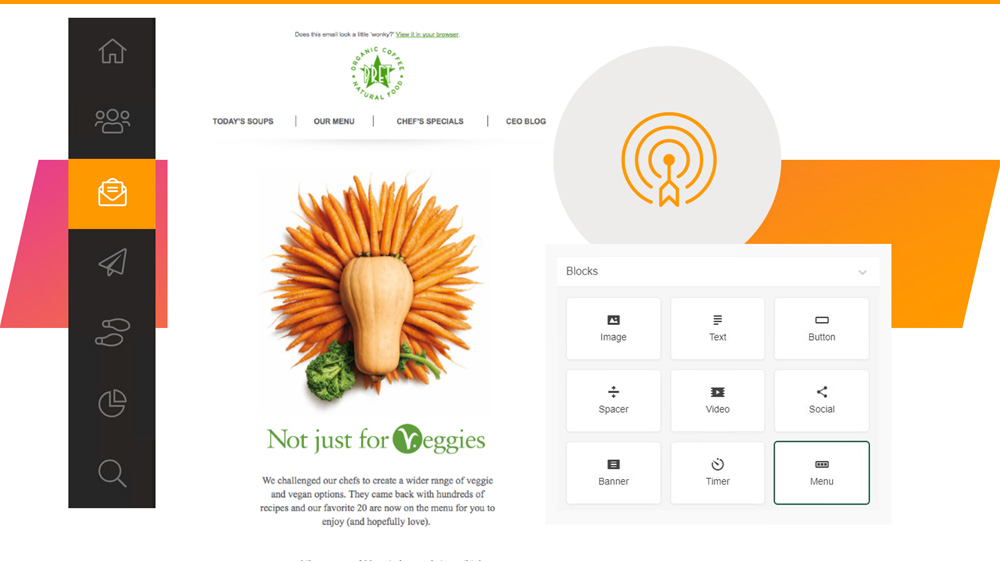
Smart Editor offers three kinds of menus: Links, icons, links with icons. To create a menu in an email with our editor, drag-and-drop the basic...

Smart Editor: Let’s get social
March 9th, 2021 - Sadie Burgess
Social media is integral to many people’s lives and a place where your customers are likely to engage with your brand – so let’s make it easy for...
Smart Editor: Overview
January 29th, 2021 - Sadie Burgess
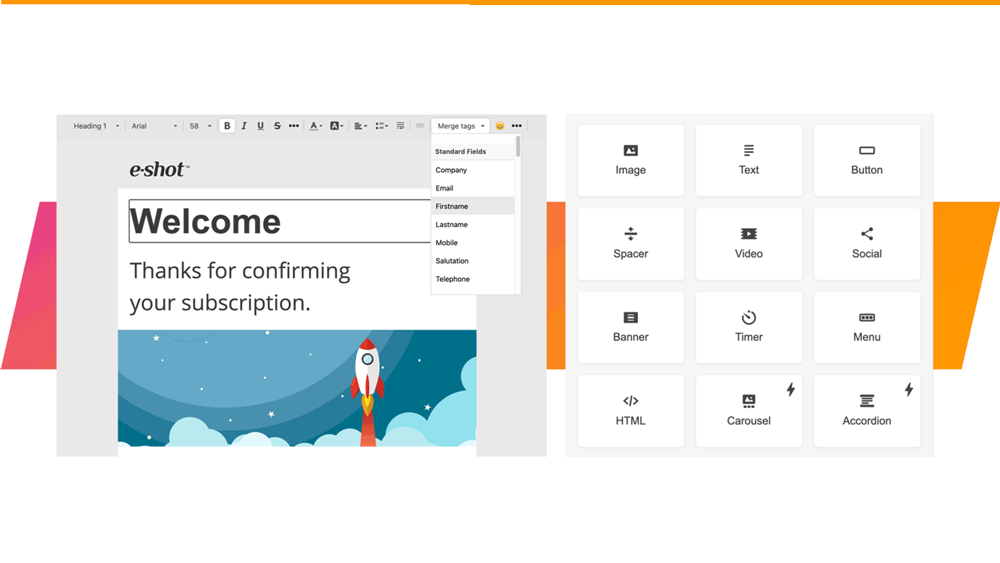
Once you have done the preliminary steps setting up your new design, you can launch the Smart Editor. Our step buy step guide on Setting up your...
Smart Editor: Understanding the email design layout
January 28th, 2021 - Sadie Burgess
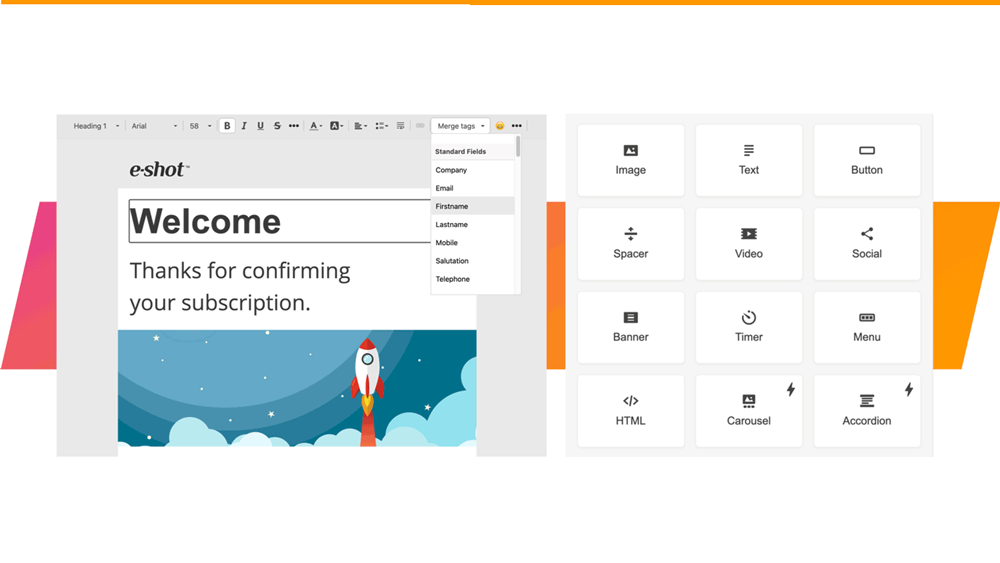
The structure of Smart Editor emails is based on the HTML table layout.The core elements of the email are stripes that may contain an unlimited...
Smart Editor: Creating a new design
January 28th, 2021 - Sadie Burgess
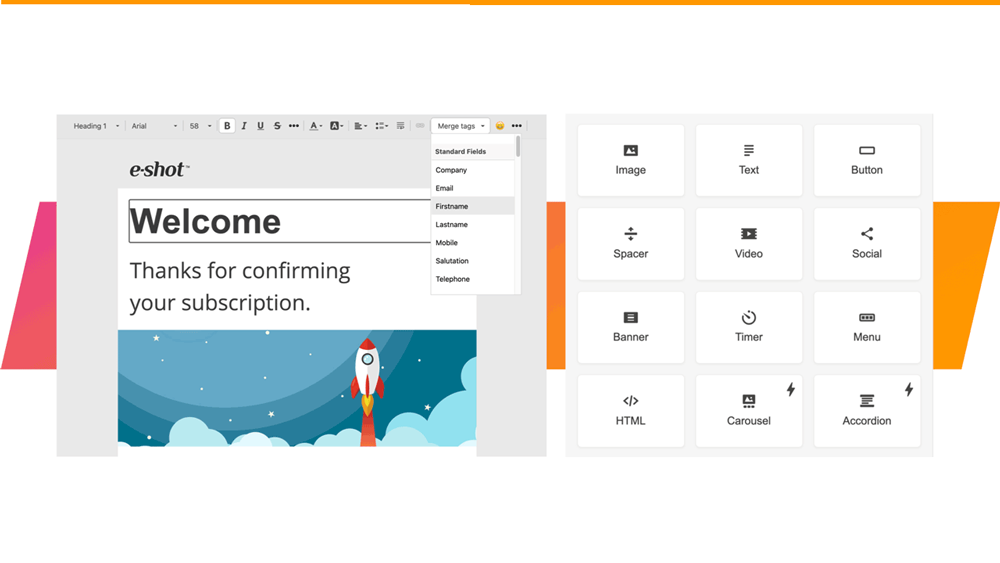
Before you can start designing an email using the Smart Editor you must name the design, set the sender details and write the subject line. First...
Smart Editor: Structures and containers, and how to use them
January 28th, 2021 - Sadie Burgess
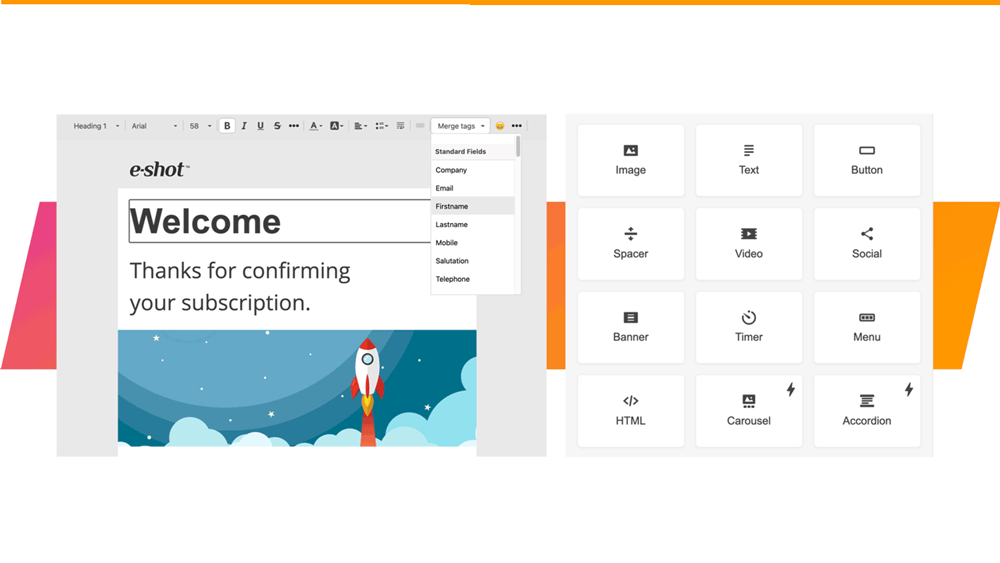
StructuresA stripe is a top element in the email hierarchy. There are structures in each stripe.To add a structure, you can drag and drop it from...
Smart Editor: Stripes and how to use them
January 28th, 2021 - Sadie Burgess
All the emails in our editor are structured by a descending hierarchy of elements. Stripes that contain structures, containers and blocks are at...
Smart Editor: Basic blocks and how to use them
January 27th, 2021 - Sadie Burgess
Smart Editor has its own hierarchy of elements. We can start from the stripes and proceed in descending order, through the structures and...
Smart Editor: Appearance settings
January 27th, 2021 - Sadie Burgess
In the settings panel on the right-hand side of the Smart Editor you find the Appearance and the Content tabs.
Smart Editor: Optimising your design for mobile
January 27th, 2021 - Sadie Burgess
You can use Mobile Formatting menu to configure displaying on mobiles. The settings of this section are only used to configure emails displaying on...
Smart Editor: Templates and Template Library
January 27th, 2021 - Sadie Burgess
In the Design menu there is a Template option. These templates are specifically for use within the Smart Editor.
Smart Editor: Version History and infinite restore
January 27th, 2021 - Sadie Burgess
What is Smart Editor version history and how to use itIf you want to undo a change that you have just made then of course you have the Undo...
Smart Editor: How to insert *variable* links in your design
January 26th, 2021 - Sadie Burgess
You can add special links such as Unsubscribe or View in browser to emails created in Smart editor, i.e. *UnsubscribeURL* and *MyEshotURL*...
Branding: How to add/manage custom fonts for use in Smart Editor
January 26th, 2021 - Harry Thomas
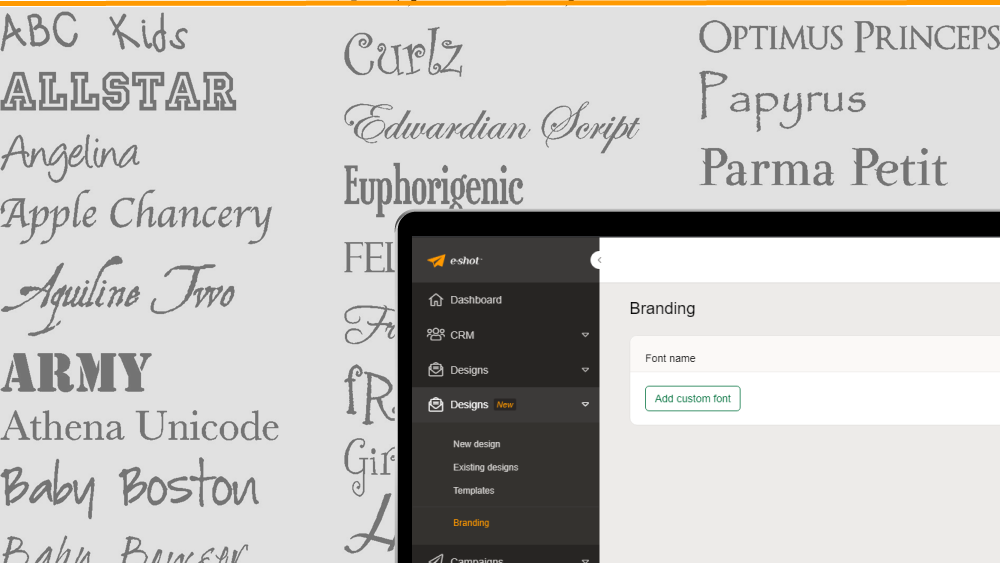
Smart Editor supports three types of fonts: standard fonts (such as Arial and Times New Roman), non-standard web fonts (such as Open Sans), and...
Adding personalisation, custom fields information and other useful *variables* to your email message
November 12th, 2020 - Sadie Burgess
e-shot allows users to add dynamic personalisation into your emails, this includes the actual email content or your subject line and preview...
HTML for Email guidelines
July 23rd, 2020 - Sadie Burgess
There are a few HTML ground rules, that need to be followed. This should be considered for: HTML you upload into the HTML Upload and Dynamic HTML...
Linking to a calendar in your emails
January 6th, 2020 - Sadie Burgess
Ever wanted a recipient of your emails to easily add one of your events to their calendar? In a few steps, this is achievable in your emails and...
Where has my padding gone?
October 30th, 2019 - Sadie Burgess
I’m sure we all want that comfortable, roomy spacing around our text (and images, used carefully!), to make sure our emails don’t look like a 1994...



