Help


Understanding WhatsApp message design statuses
January 1st, 2027 - Harry Thomas
Before you can send a WhatsApp message to your contacts, any design you create must go through a review process managed by Meta. Once submitted,...
How to create a WhatsApp design
January 1st, 2027 - Harry Thomas
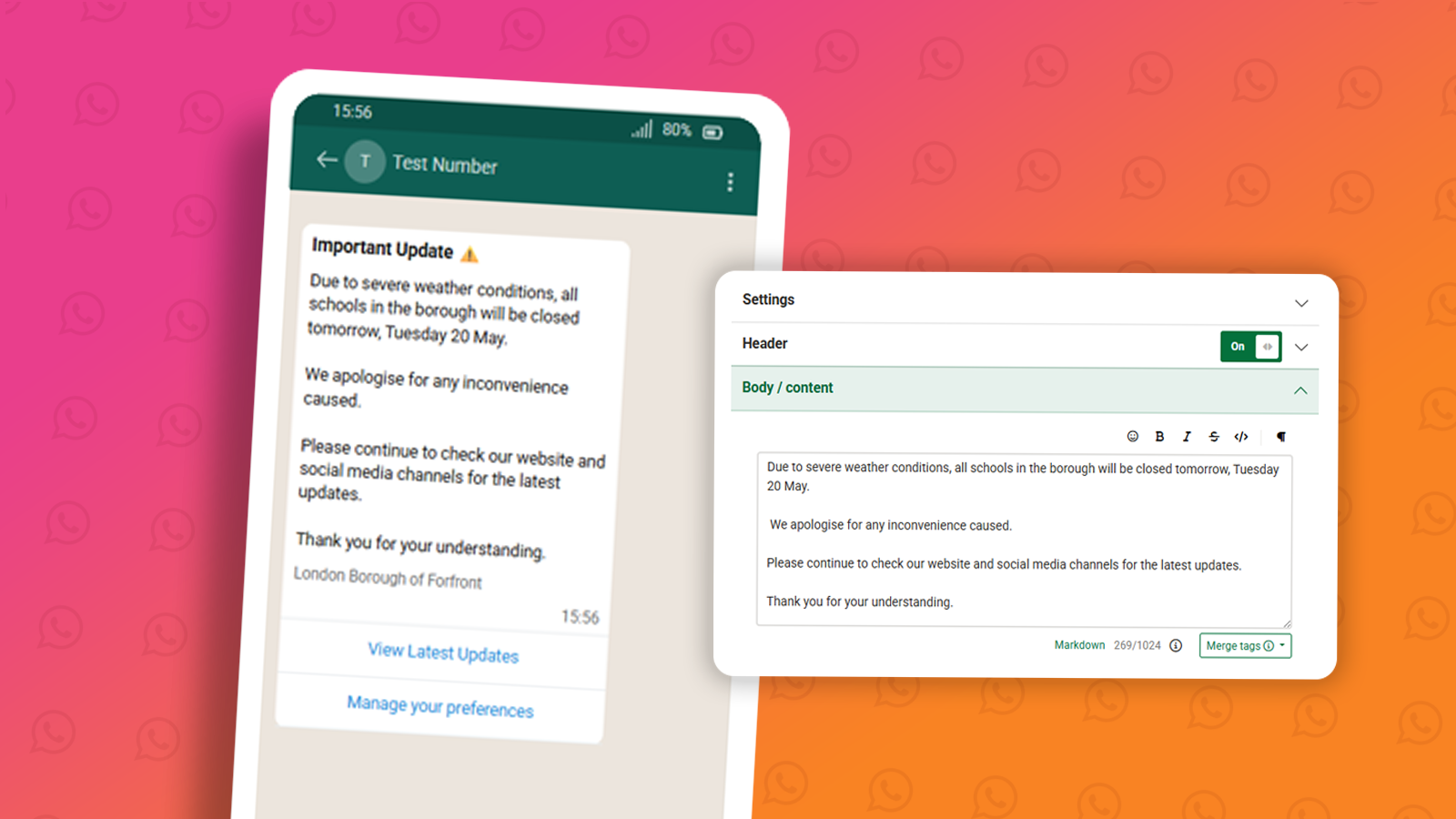
Designs are the message templates you send to your audience via WhatsApp. Before a design can be used in a campaign, it must be submitted to Meta...
WhatsApp Marketing vs Utility messages
January 1st, 2027 - Harry Thomas
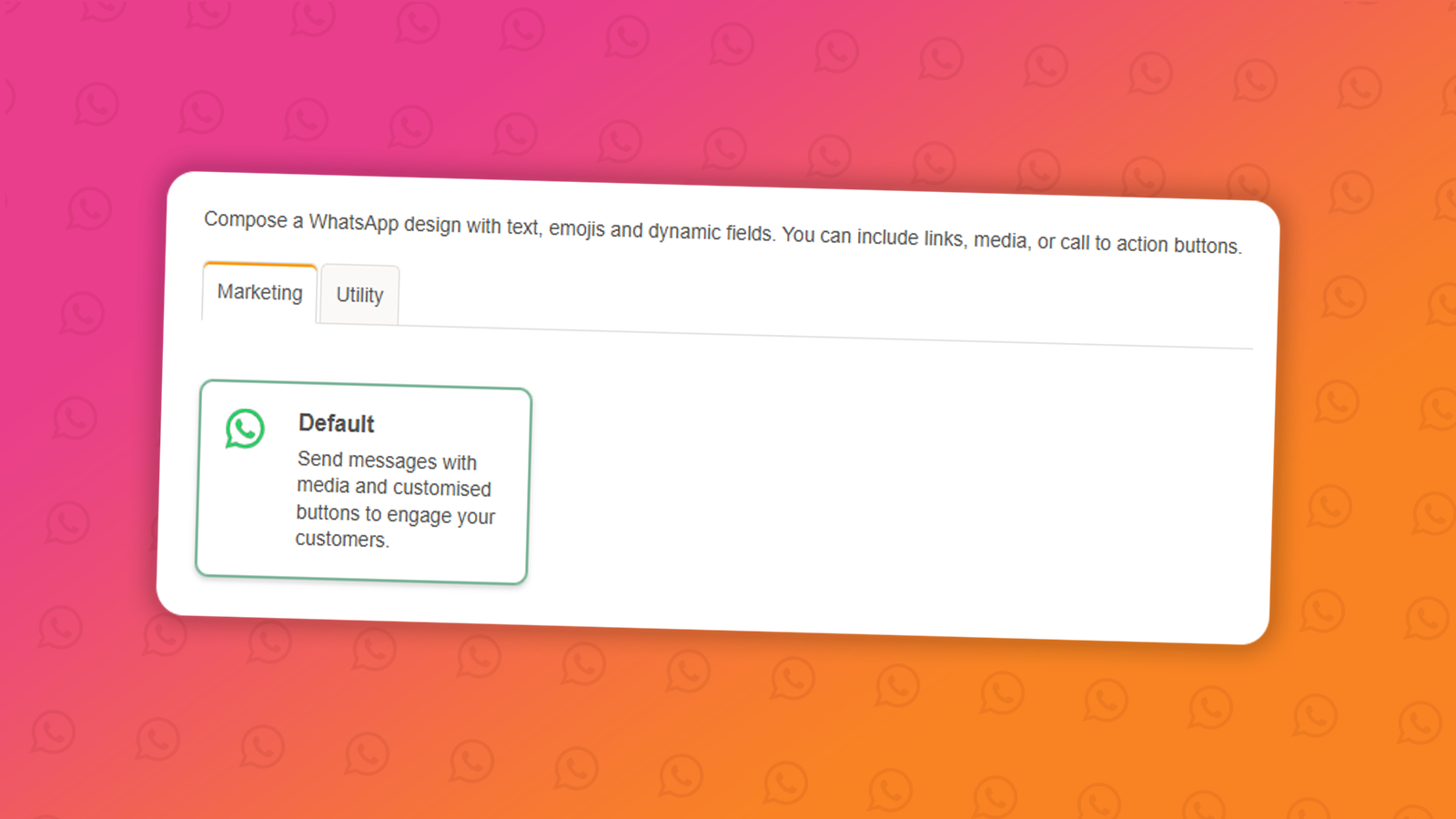
When creating a new WhatsApp message design, you'll be asked to choose a message type: Marketing or Utility. Choosing the right one is...
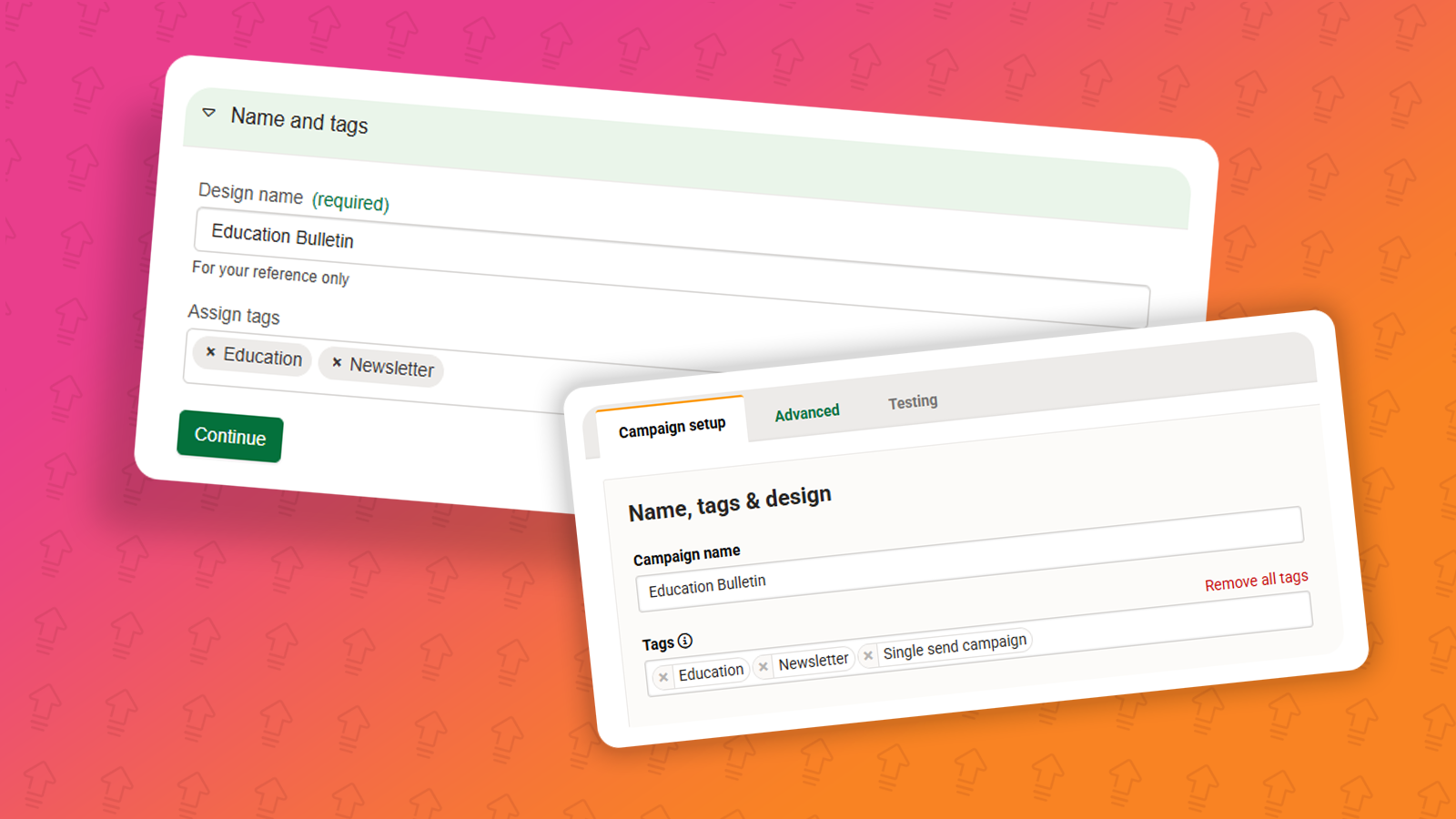
Tags within e-shot and how to use them
November 5th, 2025 - Harry Thomas
The tagging feature allows you to easily organise and manage your designs and campaigns by applying specific tags that can also be used for...
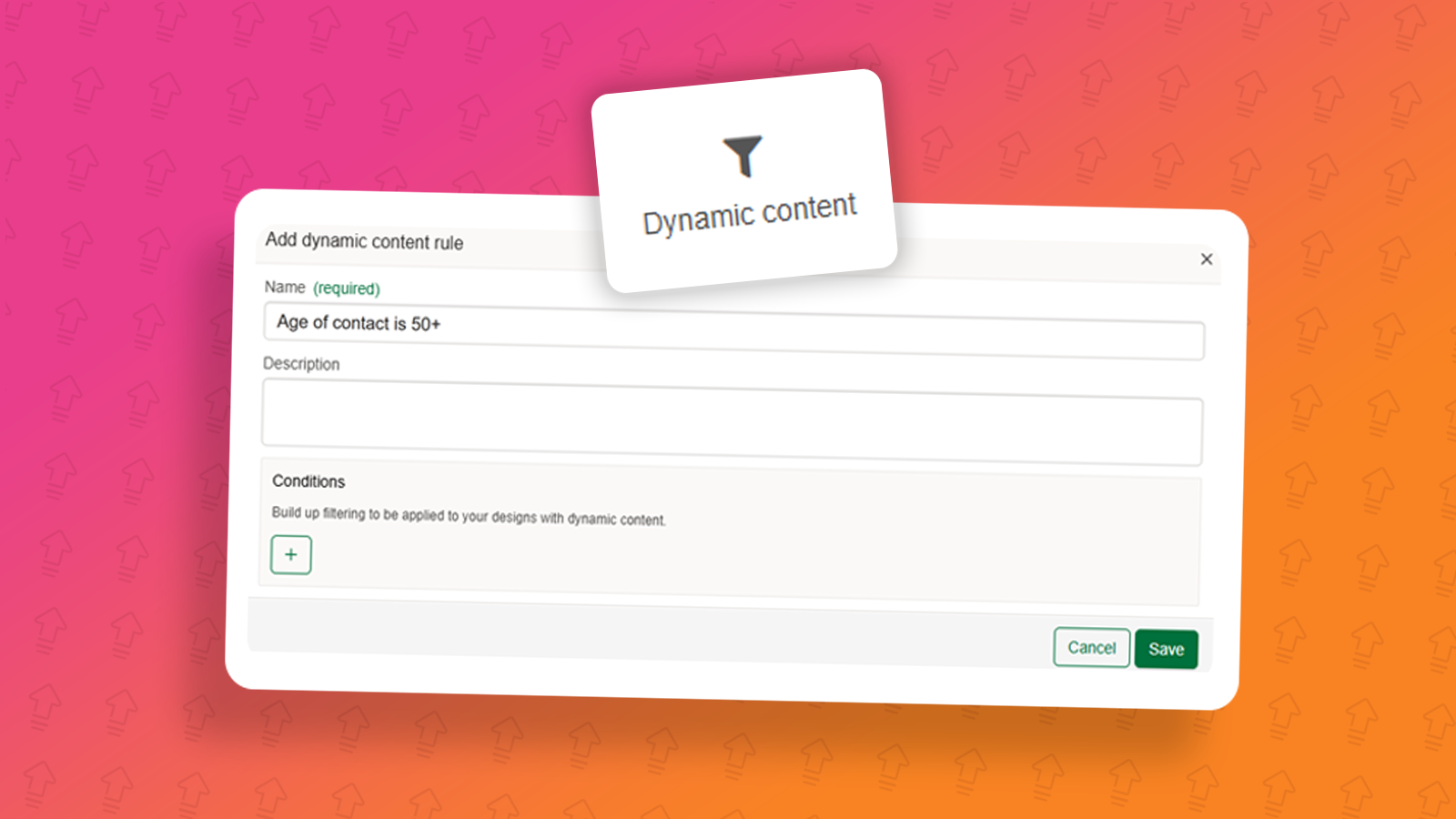
Using dynamic content in Smart Editor designs
September 5th, 2025 - Harry Thomas
Disclaimer: This feature is currently a request only feature and will not be on your account by default. If you would like access to it for no...
.png)
Social share
July 25th, 2025 - Harry Thomas
e-shot’s social share feature helps your subscribers to share your emails with their networks and helps you gain new subscribers from those shared...
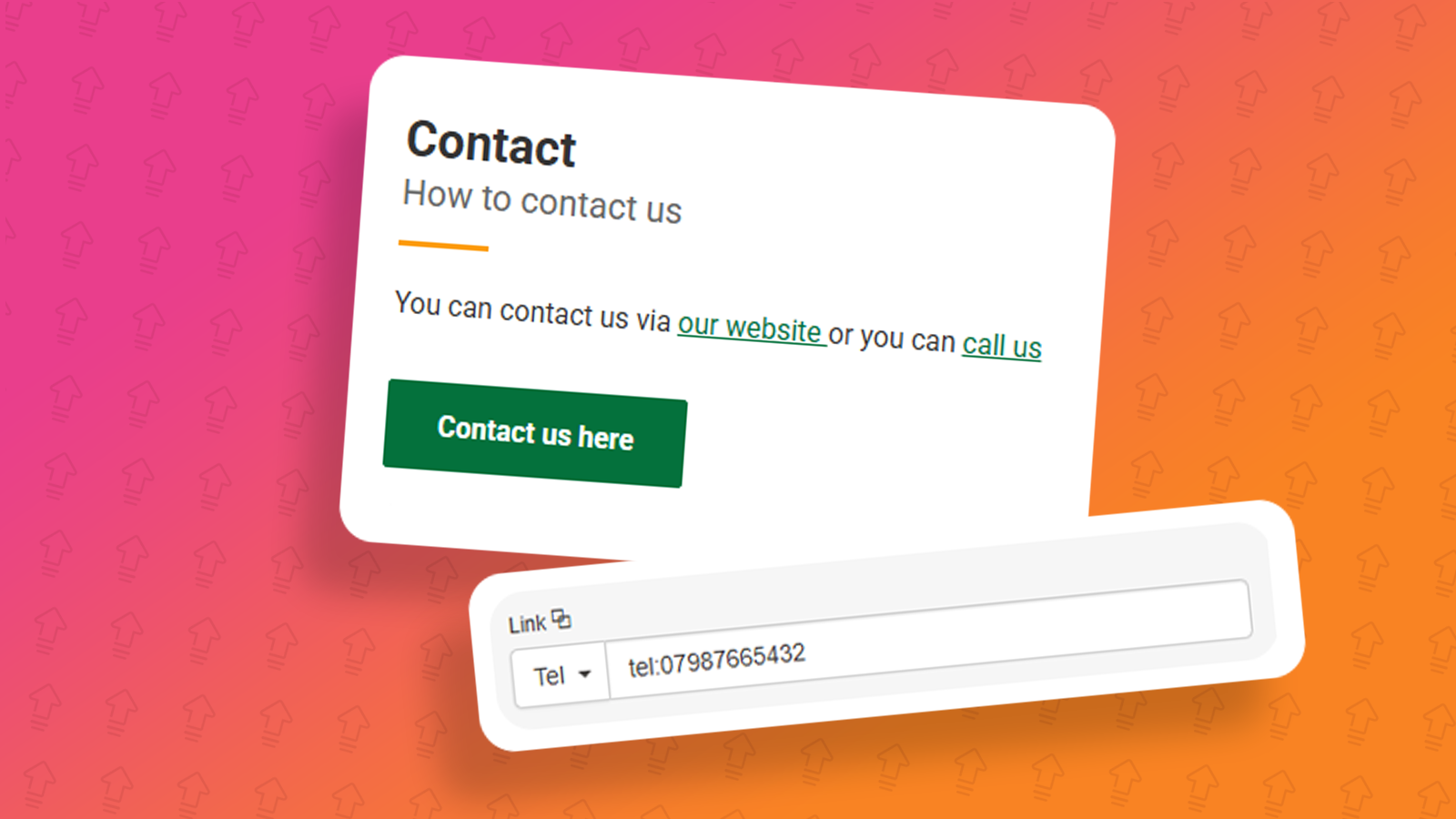
Clickable phone numbers in email
April 16th, 2025 - Harry Thomas
When designing emails, you should give your recipients multiple ways to contact you, for feedback, or suggestions, adding an email address which...
Designs: HTML Upload
February 28th, 2024 - Harry Thomas
As part of the latest e-shot release, we have updated the HTML upload editor design process. This help article will talk you through the new and...
Smart Editor update: October 2023
October 27th, 2023 - Harry Thomas
Our Smart Editor has recently been updated. This article will outline some of the key changes and improvements that have been made to the...
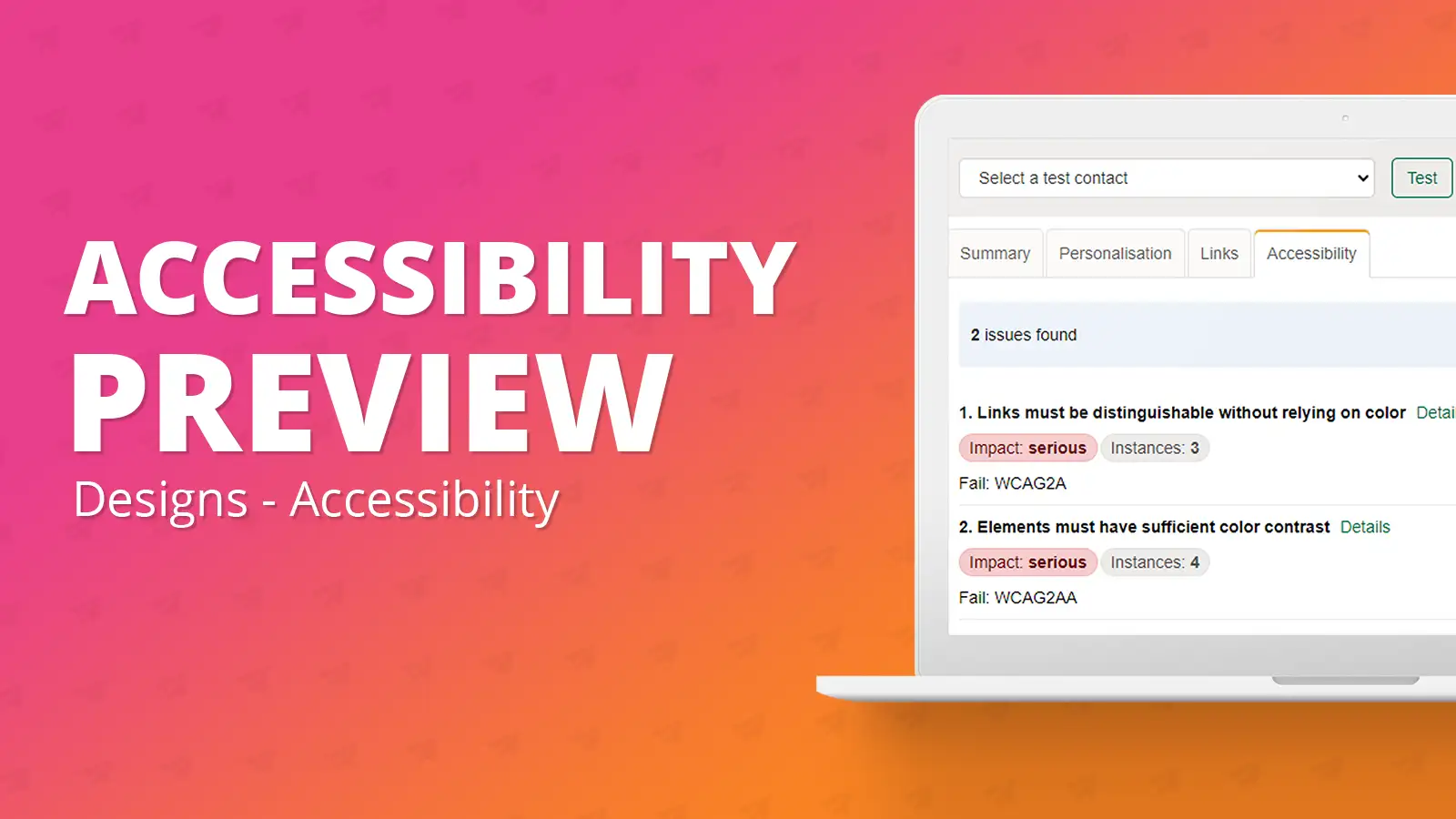
Smart Editor: Accessibility Preview
September 19th, 2023 - Harry Thomas
The accessibility widget tool allows the user at any moment in the design creation process to preview their design and address any WCAG AA...
help-articles Analytics Designs FAQs
Public URL's: What’s the difference and the use cases for each
May 9th, 2023 - Harry Thomas
We often get asked if it’s possible to share a design whether that be internally for proofing or for sharing on social media. This article explains...
help-articles Designs Campaigns Training Accessibility
Accessibility checks: How we review your emails
March 14th, 2023 - Harry Thomas
e-shot gives you a powerful set of marketing tools, but the technology is only half of the puzzle.As part of our account reviews we provide...
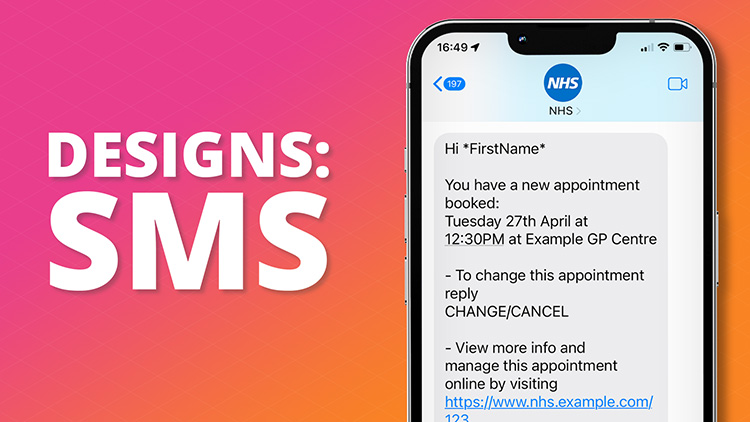
Designs: SMS
July 6th, 2022 - Harry Thomas
When creating an SMS, you have to go to Designs Menu then New Design. Then click on SMS.
.jpg)
Template Customisation - User Guide
May 20th, 2022 - Sadie Burgess
The template you choose will be partially based on the type of message you’ll be sending, such as a marketing offer, transactional...
.png)
Designs: Link Manager
March 18th, 2022 - Sadie Burgess
e-shot has its own links manager where you can add a place holder to a link to make it quicker and easier to add links within your email design....
.png)
Designs: Branding
January 20th, 2022 - Sadie Burgess
In the Branding section of the console you are able to control elements, such as your default logo, centrally. This is the place you would put your...
help-articles Campaigns Designs Settings
Send Preferences: From name and address
January 18th, 2022 - Sadie Burgess
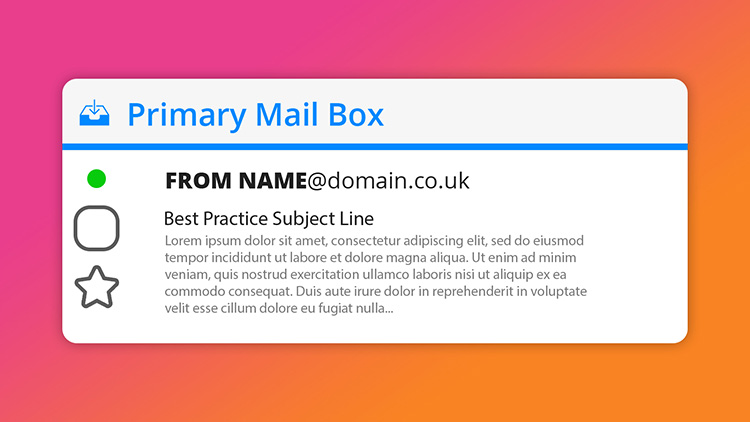
Each message you send out has both the sender and from address. The sender domain is what the receiving email server sees when initiating the...
.png)
Smart Editor: Using Banners
November 29th, 2021 - Sadie Burgess
The banner is the first element of your email that your recipients see. It is the primary position to get your message across. Smart editor allows...
Smart Editor: Creating a single question survey
November 17th, 2021 - Sadie Burgess
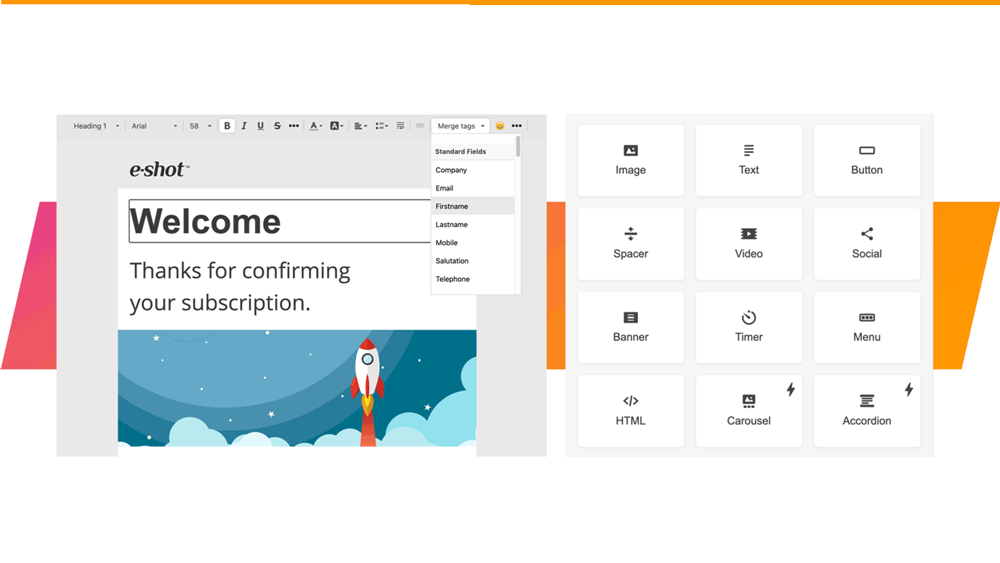
Single question surveys are easy to assemble and a convenient way to get insight into your contacts views. And as it is only one question it is...
Smart Editor: Applying anchor tags
June 2nd, 2021 - Sadie Burgess
Anchor tags are used to allow readers to easily travel to a specific piece of content – which is particularly useful when your email is a bit...



