Help articles
CATEGORY: DesignsWhatsApp
Understanding WhatsApp message design statuses
Before you can send a WhatsApp message to your contacts, any design you create must go through a review process managed by Meta. Once submitted, your design will move through a series of statuses depending on the outcome of that review and how your messages are received by recipients.
Here's what each status means:
Draft
The design has been created or is currently being worked on but has not yet been submitted to Meta for review. It cannot be sent to customers. When you're ready, you can submit it for review directly from the design editor.

In review
Your design has been submitted and is currently being assessed by Meta. Review can take up to 24 hours but typically no longer than an hour. During this time the designs cannot be sent to customers. Most design are reviewed quickly via an automated process, but some may take longer if they require manual review.

Approved (Ready to send – Quality pending)
The design has been approved and has yet to receive quality feedback or read-rate information from customers. Designs with this status can be sent to customers. This is the status your design will first appear in after a successful review.

Ready to send – High quality
The design has received little to no negative customer feedback. Designs with this status can be sent to customers. This is the healthiest status for a design and means it is performing well.
Ready to send – Medium quality
The design has received some negative feedback from multiple customers, or low read-rates, but may soon become paused or disabled. Designs with this status can still be sent to customers. We recommend reviewing the content and audience targeting to prevent further negative signals.
Ready to send – Low quality
The design has received negative feedback from multiple customers, or low read-rates. Designs with this status can still be sent to customers but are in danger of being paused or disabled soon. You should take action to address the issues as soon as possible.
Rejected
The design was rejected during review. This typically means it does not comply with one or more of Meta's policies. Common reasons include incorrect variable formatting, a mismatch between the designs content and the selected category, or content that appears promotional when submitted as a utility message. If your design is rejected, you can edit it and resubmit for approval.
Paused
The design was paused because of recurring negative user feedback, such as blocks or spam reports. Messages that use this design cannot be sent. You may edit a paused design if you believe it will receive less negative feedback. However, after editing, the design will be marked In Review and cannot be sent until it is approved and becomes active again.
Disabled
The design was disabled because of repeated negative feedback or a policy violation. Disabled design cannot be sent and cannot be re-enabled. If this happens, you will need to create a new design with distinct content.
Tips for keeping your WhatsApp designs healthy
Only send messages to customers who have opted in to receive them.
Ensure your design category (marketing vs. utility) accurately matches the content.
Avoid vague or overly generic content that could be mistaken for spam.
Monitor your design statuses regularly and act quickly if quality drops.
You may also like these articles
Campaigns WhatsApp
How to create a WhatsApp campaign
January 1st, 2027 - Harry Thomas
A WhatsApp campaign lets you send an approved WhatsApp design to a selected audience. Before you can send a campaign, you'll need an approved...
Analytics WhatsApp
WhatsApp campaign analytics
January 1st, 2027 - Harry Thomas
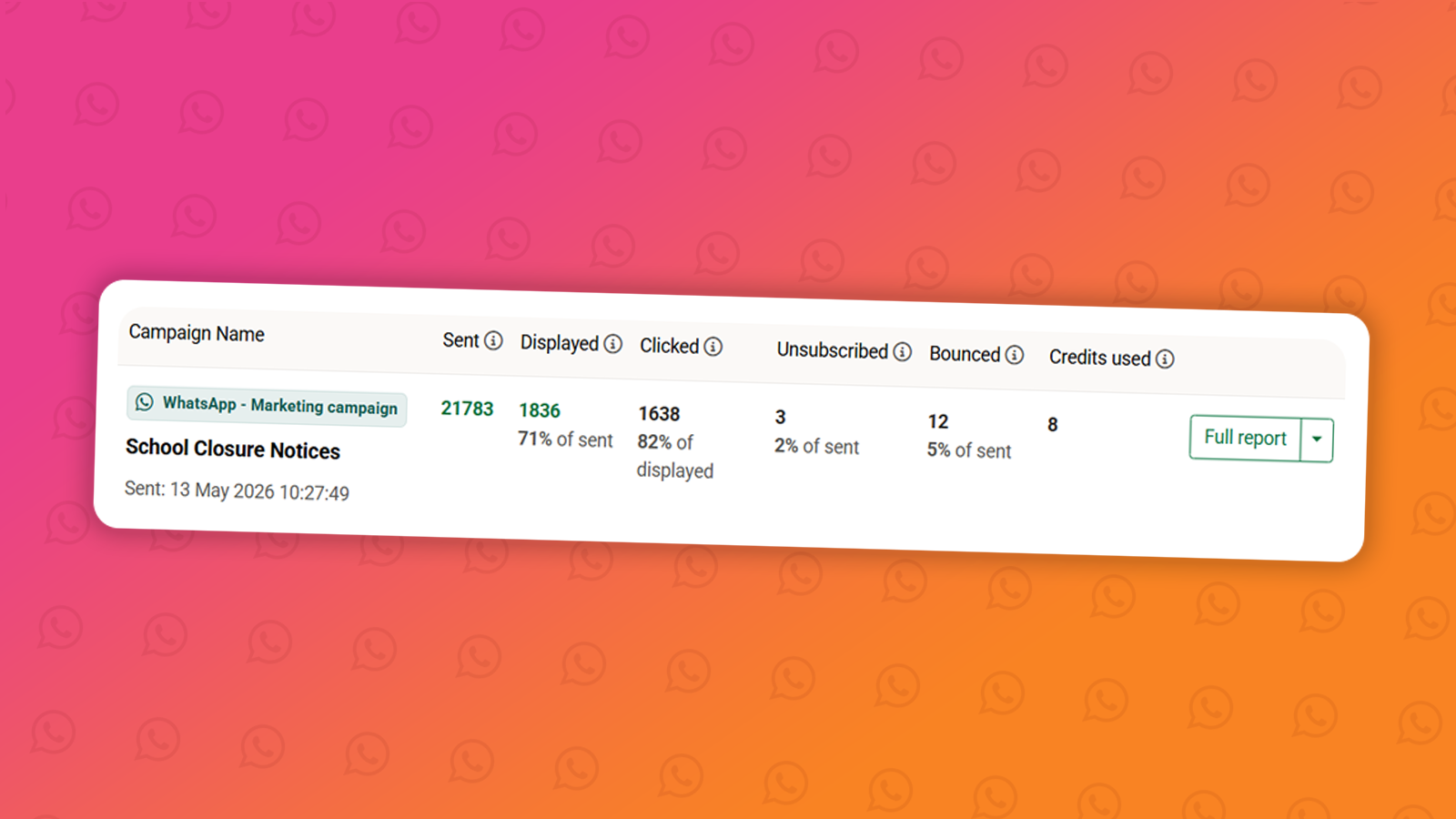
Once a WhatsApp campaign has been sent, you can track its performance through the Analytics section. WhatsApp reporting gives you visibility over...
Designs WhatsApp
How to create a WhatsApp design
January 1st, 2027 - Harry Thomas
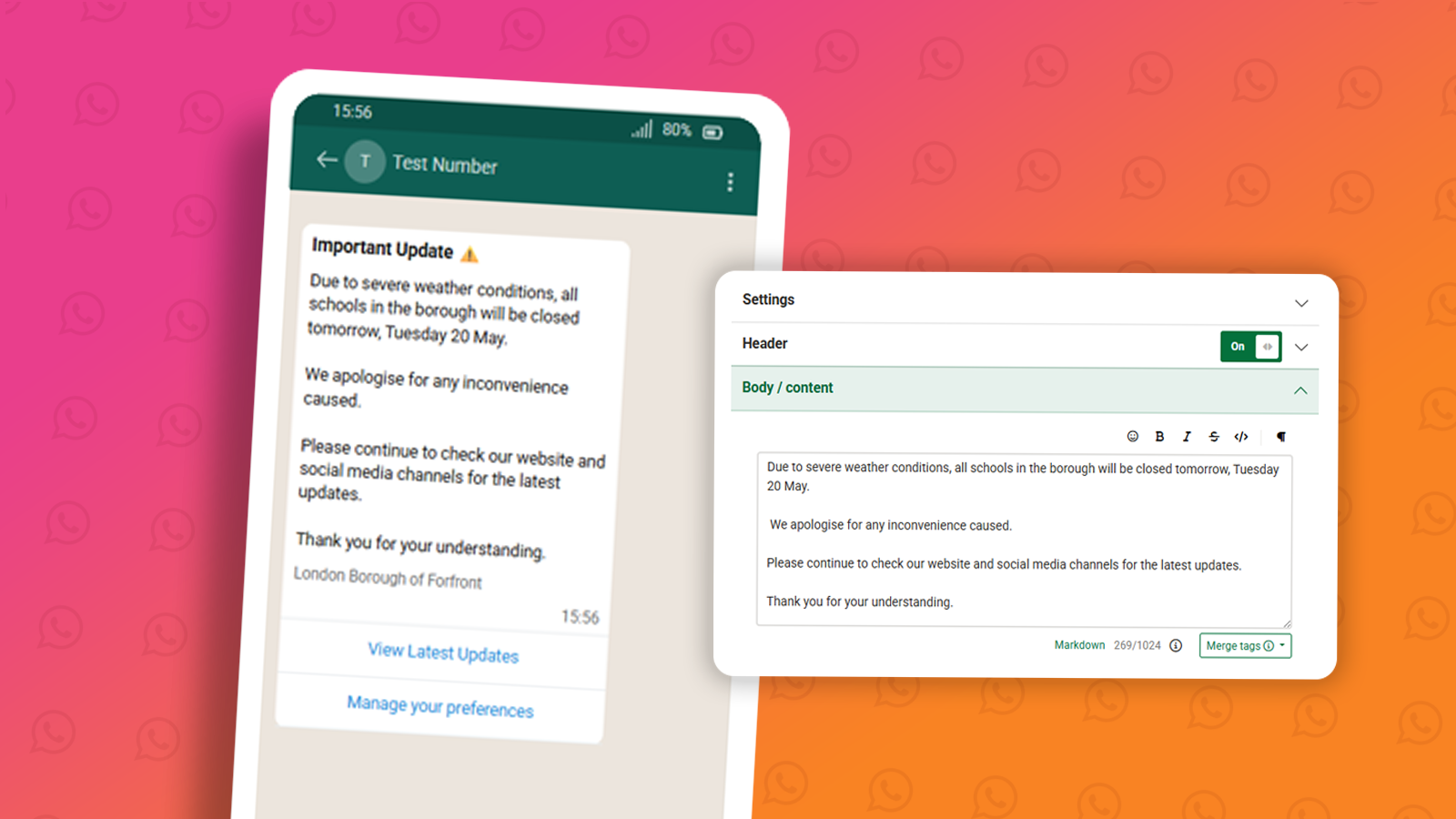
Designs are the message templates you send to your audience via WhatsApp. Before a design can be used in a campaign, it must be submitted to Meta...
Solutions
Email Marketing
Create email campaigns and newsletters and manage end-to-end subscription processes with forms and preferences.
Marketing Automation
Create sophisticated automated campaigns for email and SMS combined.

Digital Communication
The comprehensive solution to manage and automate your digital communication across email, SMS, websites and landing pages.

Email marketing healthcheck
We are confident that we can help you, which is why we offer a free healthcheck to identify potential issues with your current programme and free advice on things that could be done to improve it.