Help articles
CATEGORY: Designs
Clickable phone numbers in email
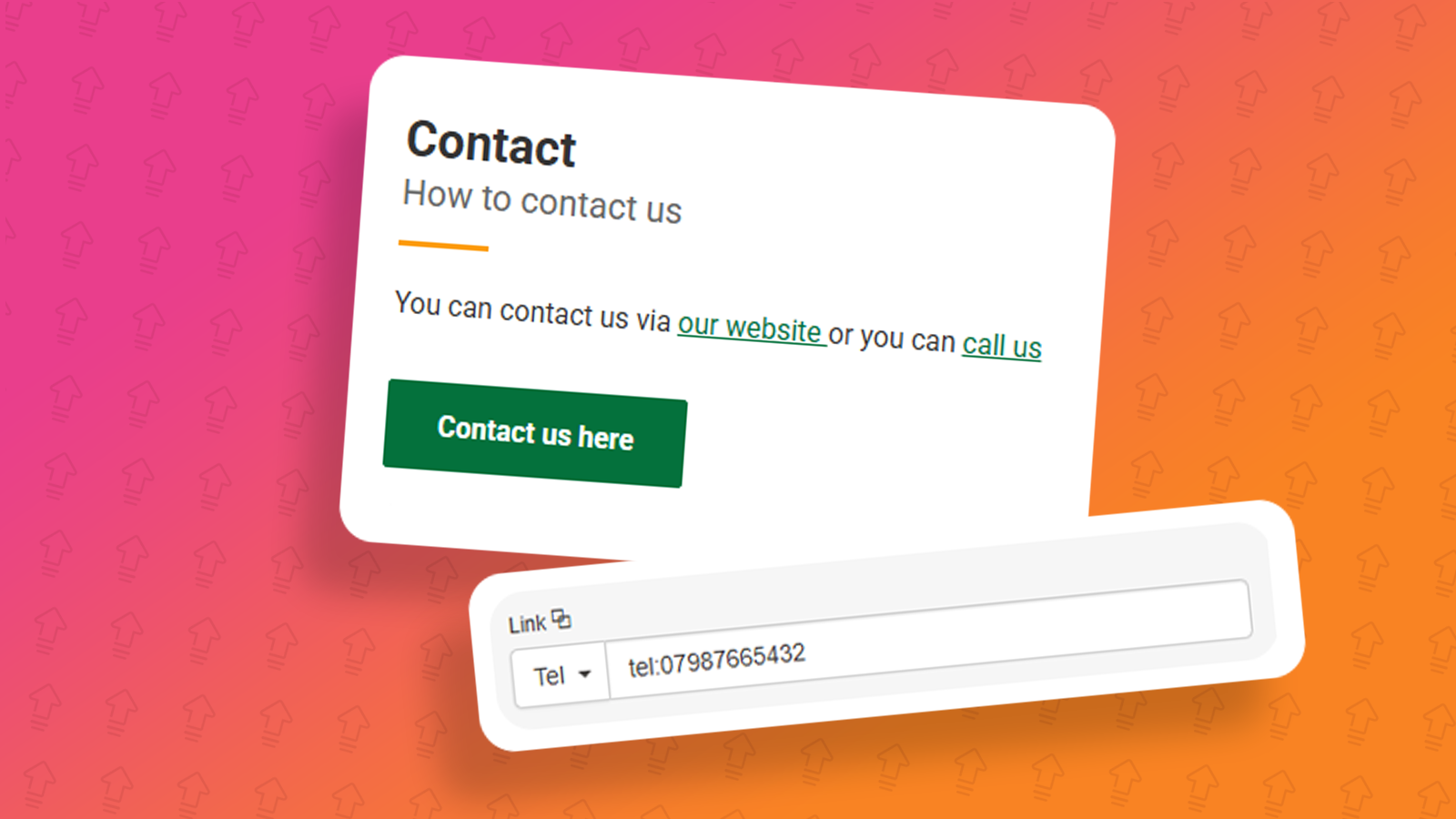
When designing emails, you should give your recipients multiple ways to contact you, for feedback, or suggestions, adding an email address which your recipients can respond to is great, but why not add a phone number for them to call or text.
What is a click-to-call phone number?
A click-to-call phone number, or a clickable phone number, is a link inside an email that opens up a calling app and calls the linked phone number.
These sorts of links are useful if you want contacts to keep in touch with your support/call centre team.
How to add a clickable phone number into your e-shot design
To add a clickable phone number within your design you would first need to decide if you would like this as an inline text link or as a button, for this example we will be using an inline text link,
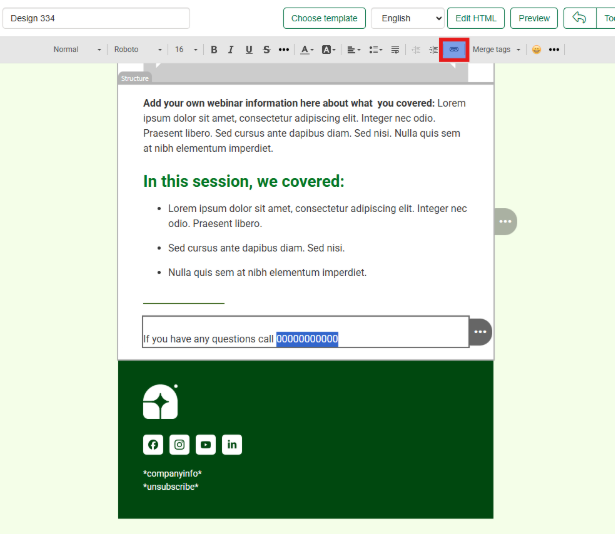
When creating an inline text link, you would need to select the specific text you wish to add the link behind. Then in the top navigation click the link icon button as seen below.
Once you have done this the panel on the right-hand side of the screen to allow you to change different aspects of the link e.g. type of link, colour of link, the URL where the link takes you.
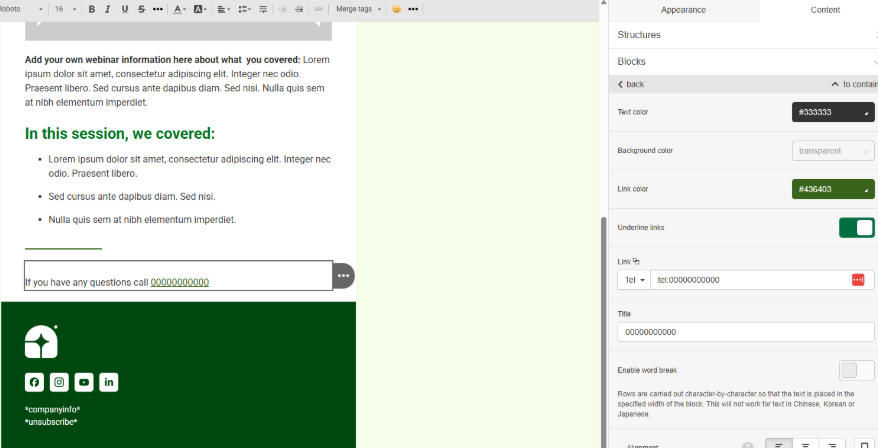
When you create an inline text link, e-shot will identify text you have made an inline text link and then identify the best format for the link, in the image above as we have selected a numerical value as the inline text link therefore e-shot has selected the “Tel:” link type.
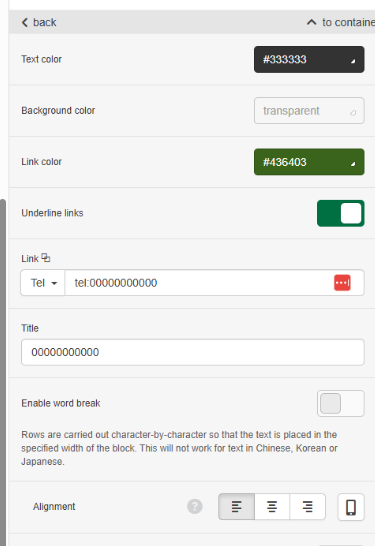
As seen below you can then enter your desired telephone number.
Using a phone number link within your emails – How will they action for your subscribers?
Using the “Tel:” link type will tell the email client that this is a clickable phone number, when clicking this on a desktop device using Outlook, it will give you a selection of suggested apps to choose from to open this link.
Desktop:
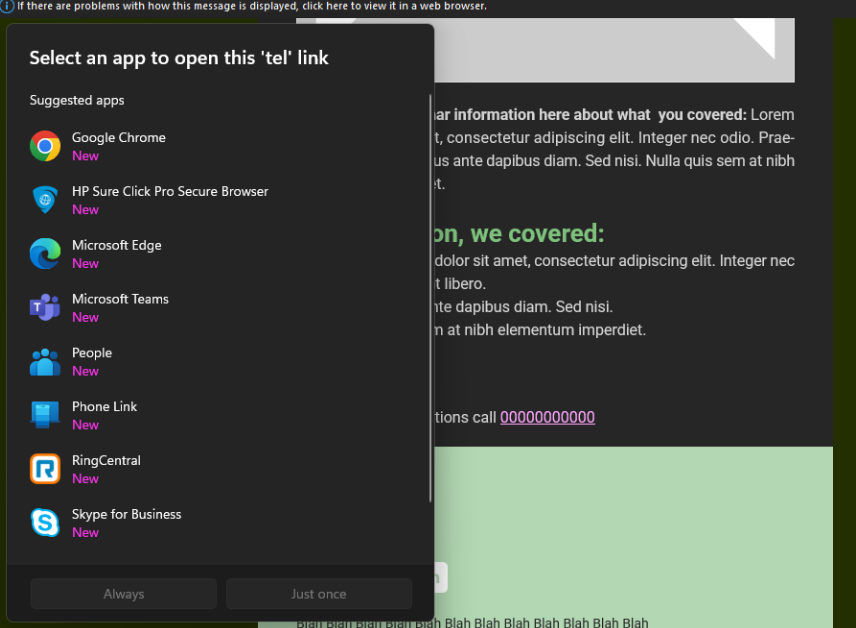
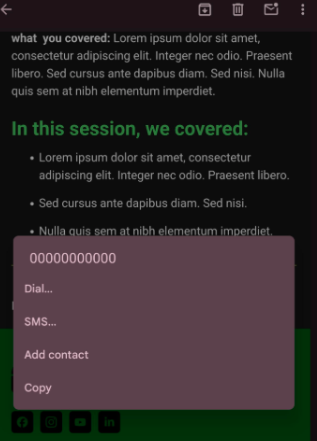
Whereas when you click this on a mobile phone, as default this will open into your calling app on your phone, however if you were to press and hold the link then you get to see different options for the link.
Mobile:
You may also like these articles
help-articles Designs
Smart Editor: Appearance settings
January 27th, 2021 - Sadie Burgess
In the settings panel on the right-hand side of the Smart Editor you find the Appearance and the Content tabs.
help-articles Designs
Smart Editor: Optimising your design for mobile
January 27th, 2021 - Sadie Burgess
You can use Mobile Formatting menu to configure displaying on mobiles. The settings of this section are only used to configure emails displaying on...
Designs Accessibility
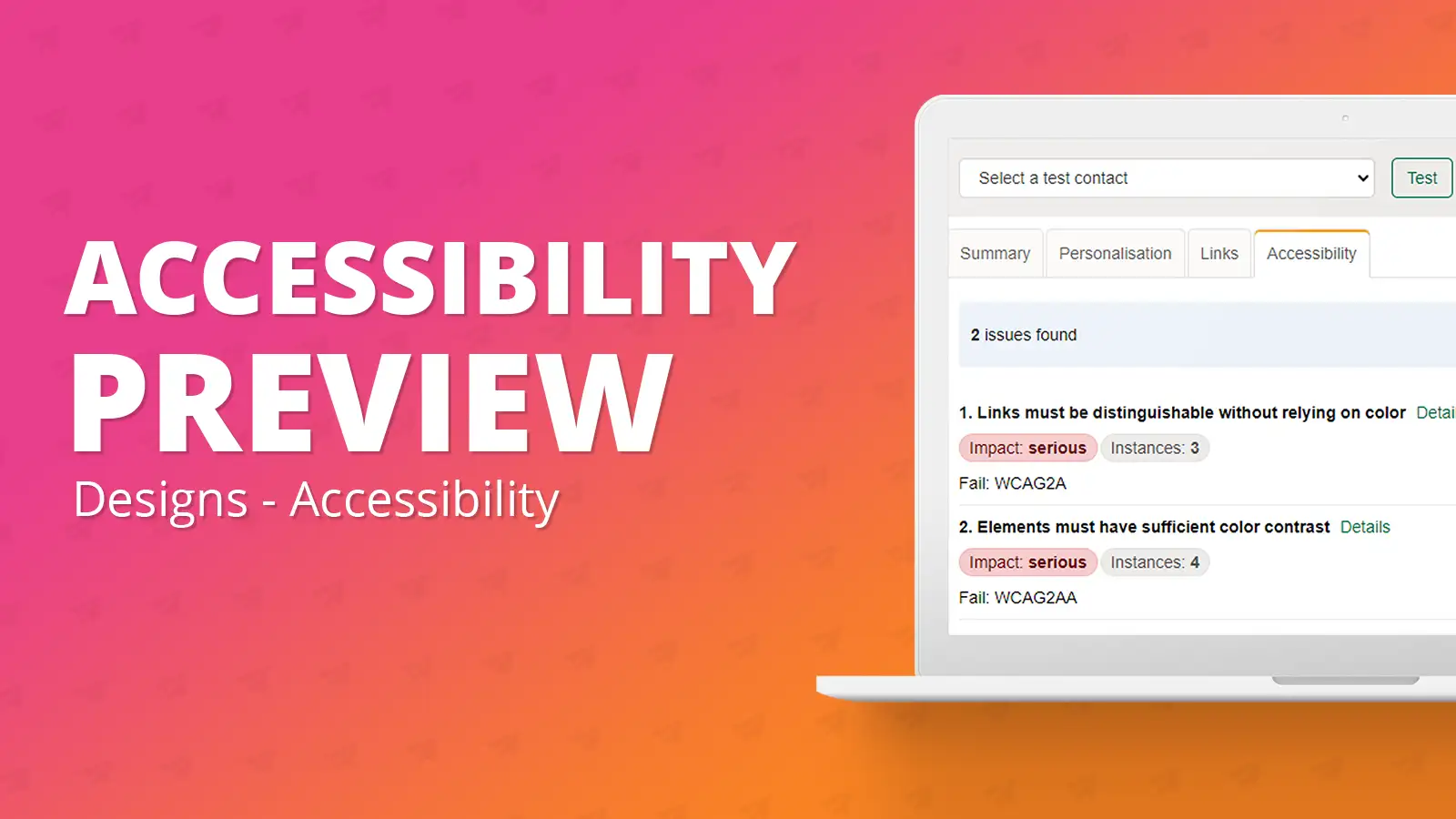
Smart Editor: Accessibility Preview
September 19th, 2023 - Harry Thomas
The accessibility widget tool allows the user at any moment in the design creation process to preview their design and address any WCAG AA...
Solutions

Email Marketing
Create email campaigns and newsletters and manage end-to-end subscription processes with forms and preferences.

Marketing Automation
Create sophisticated automated campaigns for email and SMS combined.

Digital Communication
The comprehensive solution to manage and automate your digital communication across email, SMS, websites and landing pages.

Email marketing healthcheck
We are confident that we can help you, which is why we offer a free healthcheck to identify potential issues with your current programme and free advice on things that could be done to improve it.