Help articles
CATEGORY: FAQsAnalytics
Reports FAQs
.png)
What is the definition of a display?
A display means the contact has opened your email. To find out more about how e-shot measures opens and displays, you can find our dedicated help article here.
What is a soft and hard bounce?
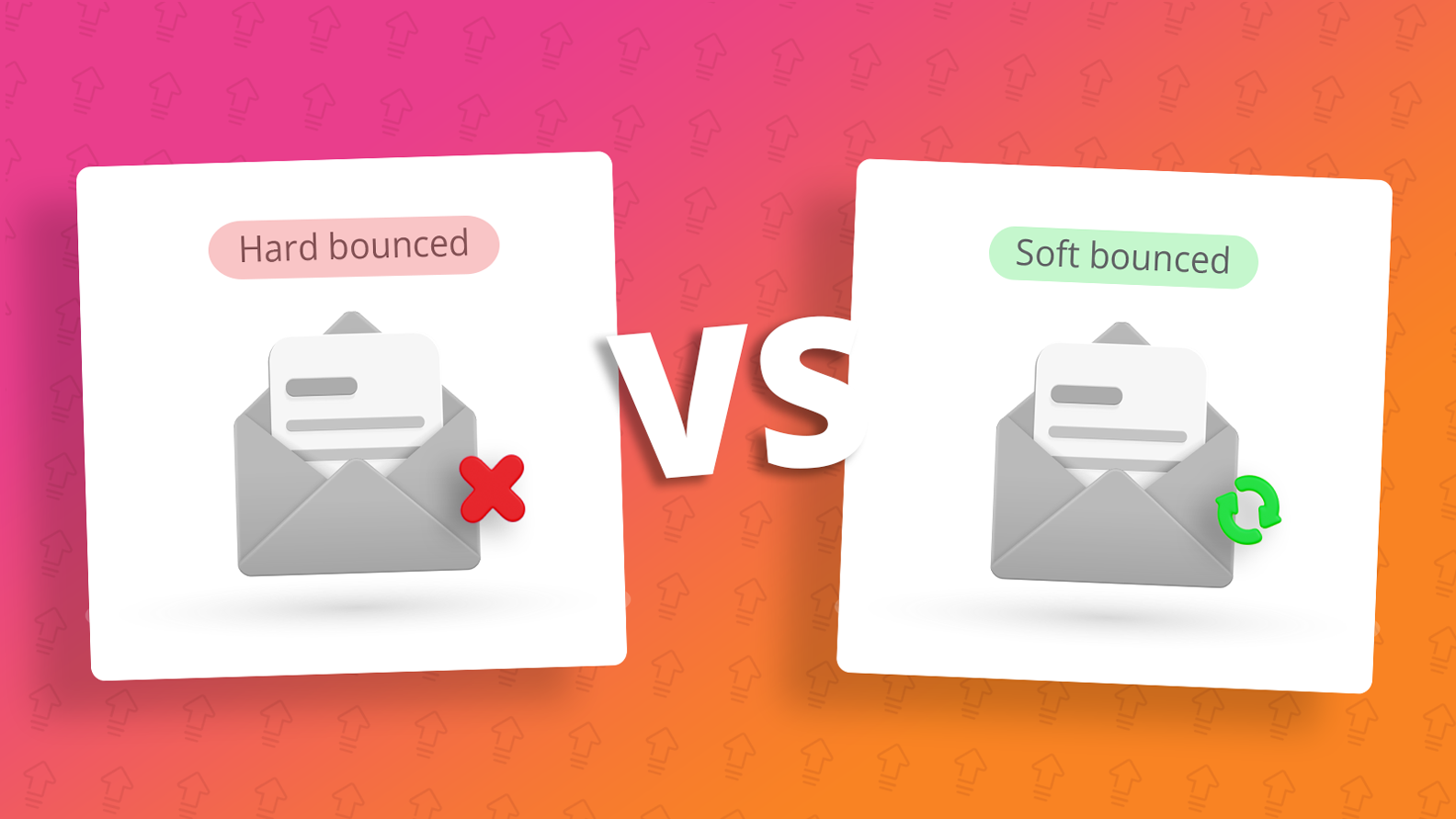
A soft bounce is when the bounce is temporary which means that the email address was valid, and the email message reached the recipient’s mail server. An example of a soft bounce would be the contacts mailbox was full.
A hard bounce occurs when the message has been permanently rejected. Some examples of hardbounce reasons include:
The email address is invalid
The email address doesn’t exist
Mail server doesn't exist
You can find out more in our dedicated article here.
What is the difference between clicks and unique clicks?
A new click is counted every time someone clicks on a link from your campaign. All clicks go towards the tracking for a link, whereas unique clicks are the number of the unique users that click on a tracking link of your campaign. If a single contact clicks 5 times on a link, the servers will record 5 clicks and 1 unique click for example.
The clicks shown on the analytics > email reports page shows unique clicks whereas if you view the full report for a campaign and view the ‘Links statistics’ report, this will show all the clicks your campaign received on each link.
How can I tell which links performed best in my campaign?
As mentioned above, you can use the ‘Link statistics’ report after viewing the full report for a campaign. This page will detail how many clicks each different link received in your campaign.
Each campaign will also give you the option to view a ‘Click overlay’ report, this provides you with a visual of where people clicked and how well each link performed in a campaign while ranking them in order of their popularity.
How can I archive a report?
Reports will automatically be archived after 3, 6 or 12 months depending on what your account admin has set in the account's settings; however, it is possible to un-archive a report at any time.
To do so click the dropdown arrow next to the report and then click ‘Archive’ - Upon doing so the report will be queued for archiving and moved by the time you log back in the next morning.
To un-archive a Campaign report, go to the the Analytics > Email reports page, then click onto the ‘Archived’ tab on the right of the page. From here, click the down arrow next to the full report button, and click “Unarchive”.
When a Campaign report is un-archived, this task is processed overnight, so it will be available to view again the following day.
How can I download a report for my campaign?
e-shot provides additional reports to users that can be downloaded in various file formats. To download a report, click the ‘View full report’ button on a campaign. On the right-hand side of the page, you will find the various reports as shown below.
How can I import contacts in to my CRM
To begin the import process, head to the CRM > Imports page. This will provide you with a list of all the previously completed imports in that subaccount.
To import a new list of contacts, click the ‘New import’ button in the top right of the page.
Choose a file: This allows you to choose your CSV, XLS or XLSX file from your files. You can either drag it into the box or click to open your files.
Paste rows: This allows you to paste rows from your file. Typically, we would only advise this if you were importing just email addresses and no other data such as first name.
For additional information head to e-shot™ | CRM - Importing Contacts
What is a Group vs a Preferance
A Group is a mailing list that is fully controlled by e-shot users and contacts cannot opt in out of. They can only unsubscribe from the whole account.
A Preference is a mailing list that contacts control themselves by opting in or out based on their interests.
For additional information about them head to e-shot™ | Groups vs Preferences
You may also like these articles
Best practice Deliverability
Hard bounce vs soft bounce: What's the difference?
August 26th, 2026 - Sadie Burgess
According to the DMA's Marketer Email Tracker 2026, email remains a core marketing channel, with 74-83% of marketers using it across every...
Analytics Campaigns
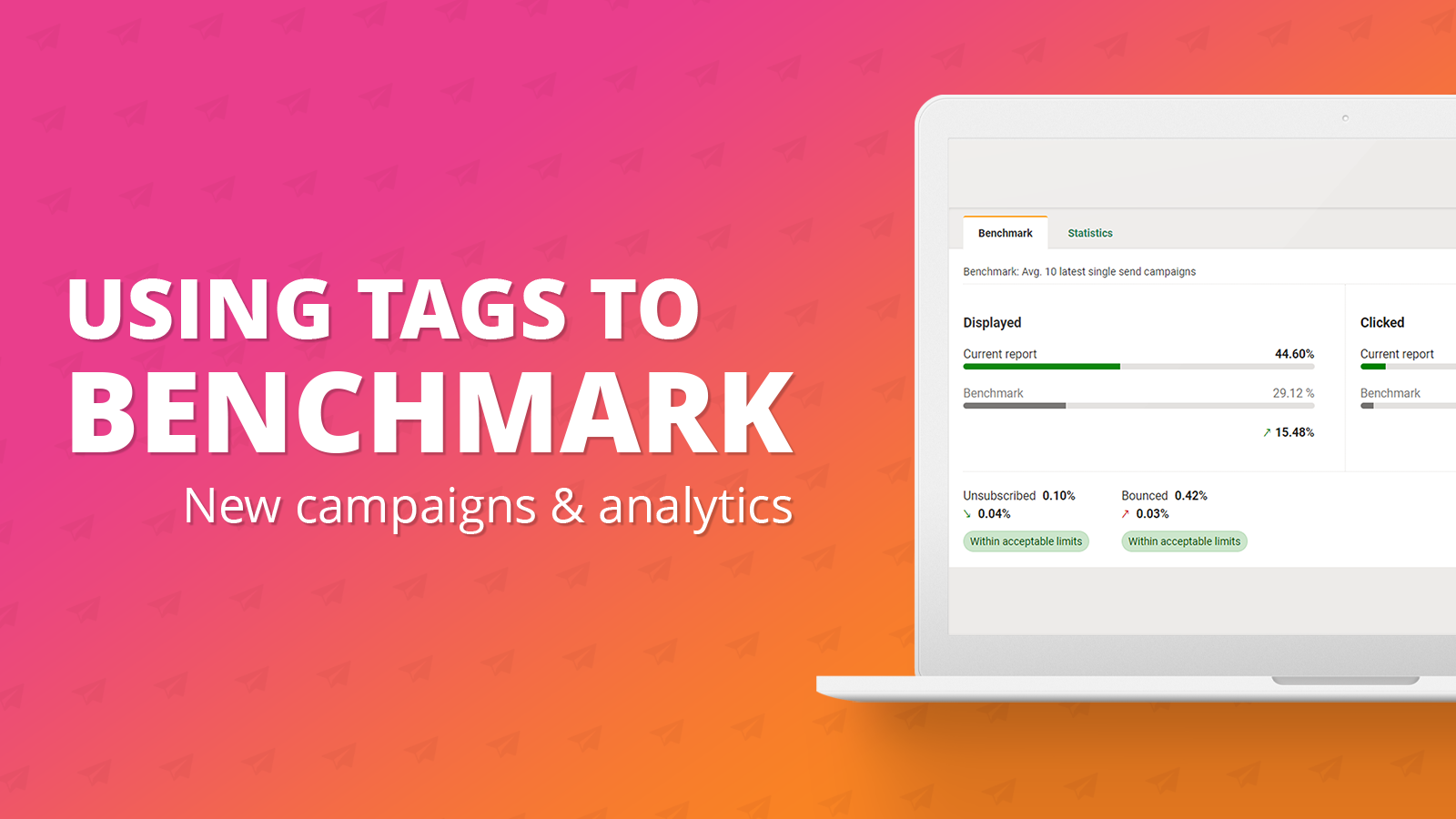
Using tags in your campaigns for analytics benchmarking
September 20th, 2024 - Harry Thomas
In this help article we will delve into how tags can be set on your campaign and used to benchmark your campaigns. Benchmarking is a new feature...
Analytics
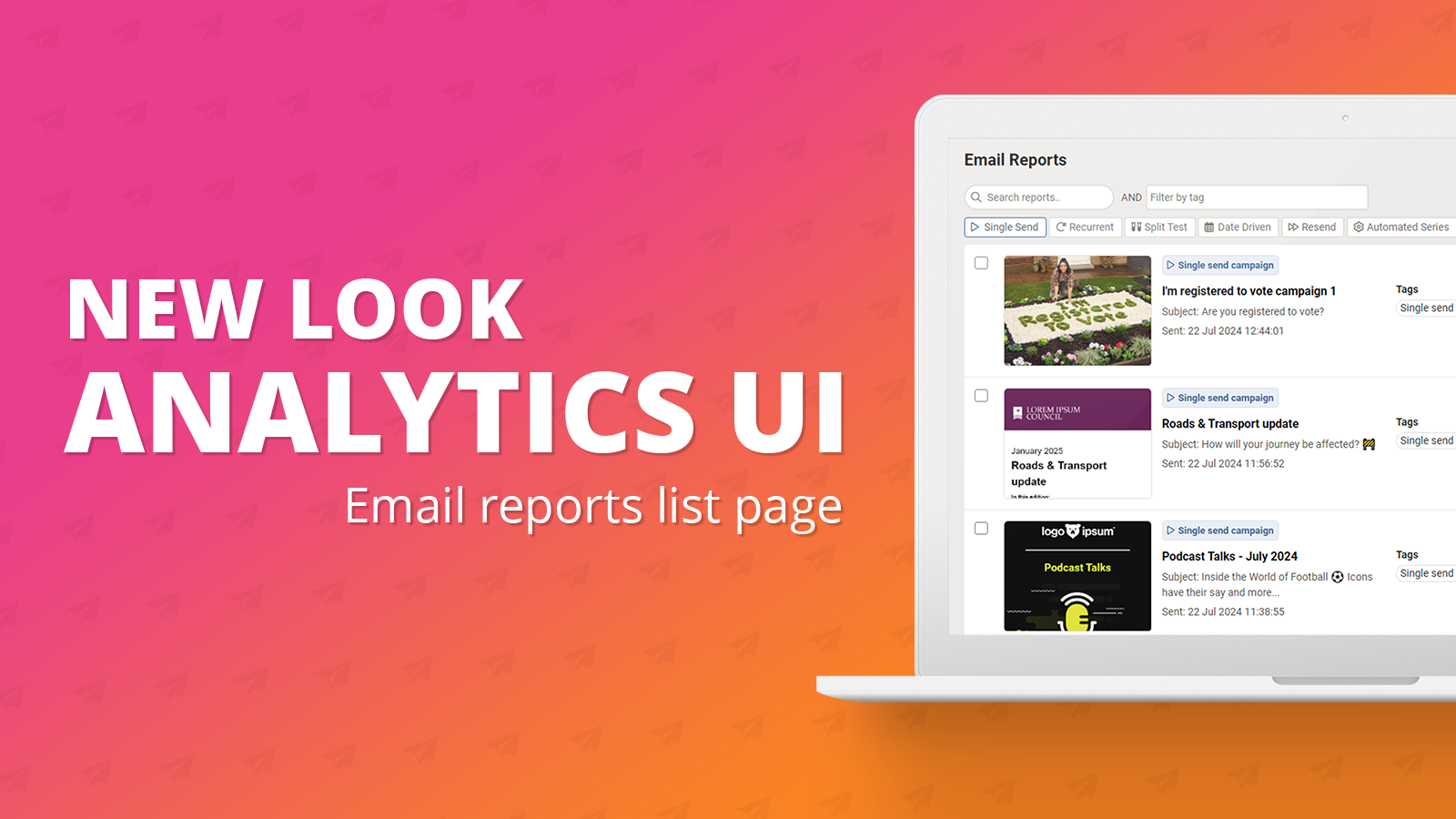
Analytics UI (New): Email reports list page
July 23rd, 2024 - Harry Thomas
On Thursday 18th July, as part of e-shot's latest release, the analytics page within the platform has had a complete UI overhaul. As part of...
Solutions

Email Marketing
Create email campaigns and newsletters and manage end-to-end subscription processes with forms and preferences.

Marketing Automation
Create sophisticated automated campaigns for email and SMS combined.

Digital Communication
The comprehensive solution to manage and automate your digital communication across email, SMS, websites and landing pages.

Email marketing healthcheck
We are confident that we can help you, which is why we offer a free healthcheck to identify potential issues with your current programme and free advice on things that could be done to improve it.