Help articles
CATEGORY: CRMCampaigns
Groups vs Preferences
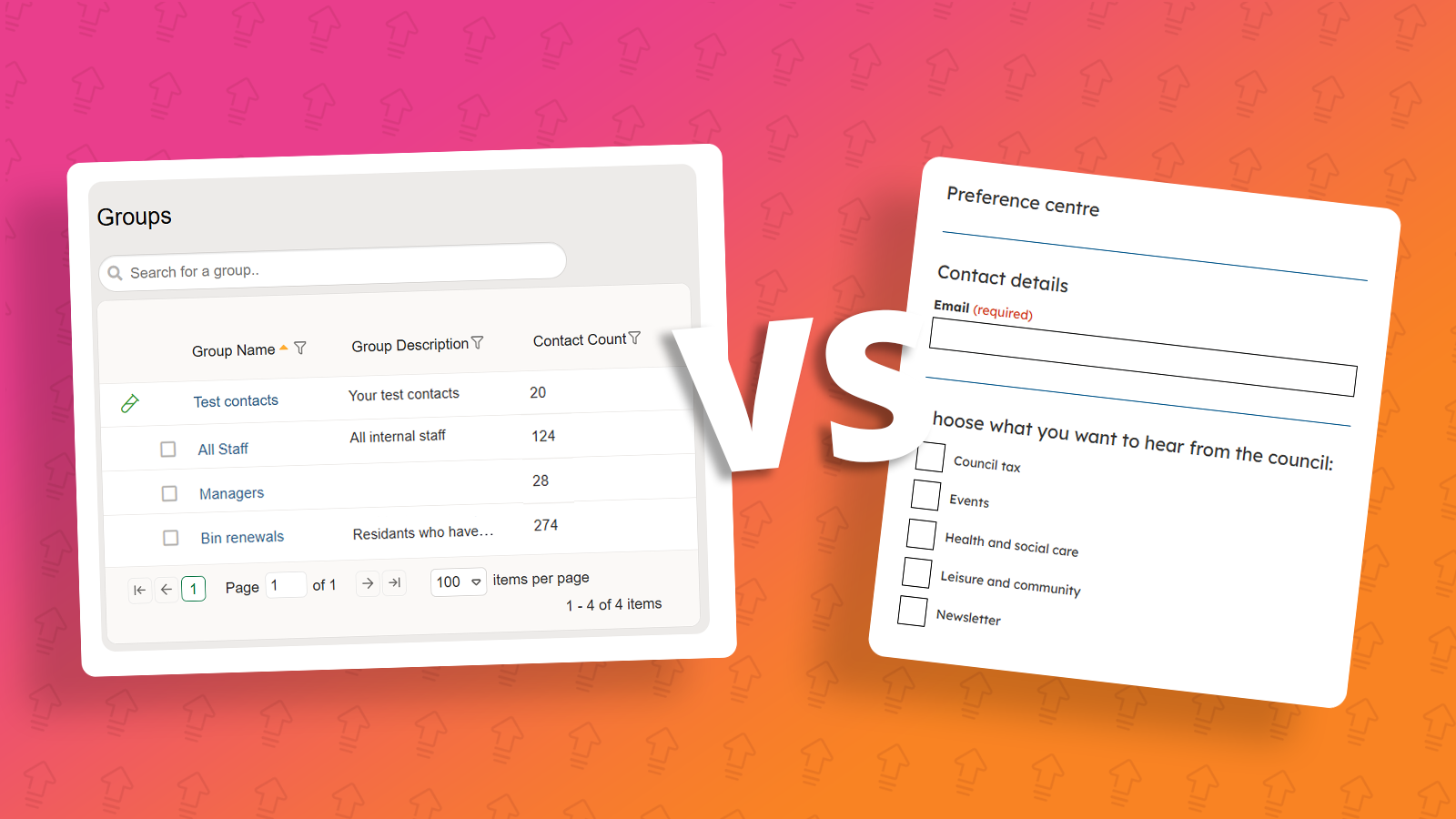
In e-shot there is two ways to organise contacts in your account. Them being Groups and Preferences. While both function as mailing lists, they differ in the way they should be used and how contacts are managed.
Groups
Definition:
A Group is a mailing list that is fully controlled by e-shot users and contacts cannot opt in out of. They can only unsubscribe from the whole account.
Key points:
You (e-shot user) add or remove contacts manually
Contacts cannot manage their own memberships
Typically used for internal comms or one-off communications
When to use:
Internal staff lists
Event follow-ups
Imported contact lists
Campaign-specific segments
Example:
Sending a one-time update to a list of event attendees who have not opted into ongoing communications.
Preferences
Definition:
A Preference is a mailing list that contacts control themselves by opting in or out based on their interests.
Key points:
Contacts choose what they want to receive
Managed via the e-shot Preference Centre
Linked in the footer of all e-shot emails
When to use:
Re-occurring newsletters e.g. A monthly council newsletter updates or a Libraries newsletter.
Topic-based updates
Ongoing external communications
Example:
A contact subscribes to a monthly newsletter but opts out of promotional emails.
Key Difference
Groups: Controlled by you and managed by you the e-shot user.
Preferences: Managed by the contact themselves through sign-up forms and the preference centre.
Benefits of Using Preferences
Using Preferences for external communications provides:
More targeted messaging
Improved engagement and deliverability
Fewer full unsubscribes (contacts can opt out of specific topics only)
Greater transparency and user control
Preference Centre
The Preference Centre allows contacts to manage their subscriptions.
Accessible via the footer of all emails
Enables opt-in and opt-out of specific topics
Helps maintain accurate and compliant contact data
For setup guidance, see the Preference Centre Help Guide.
Further Support
To learn more about using Groups and Preferences effectively:
CRM Training: Focuses on contact management, segmentation, and best practices
Our upcoming training: e-shot™ | Customer Training
You may also like these articles
Campaigns
Campaigns: Single send campaign
June 11th, 2024 - Harry Thomas
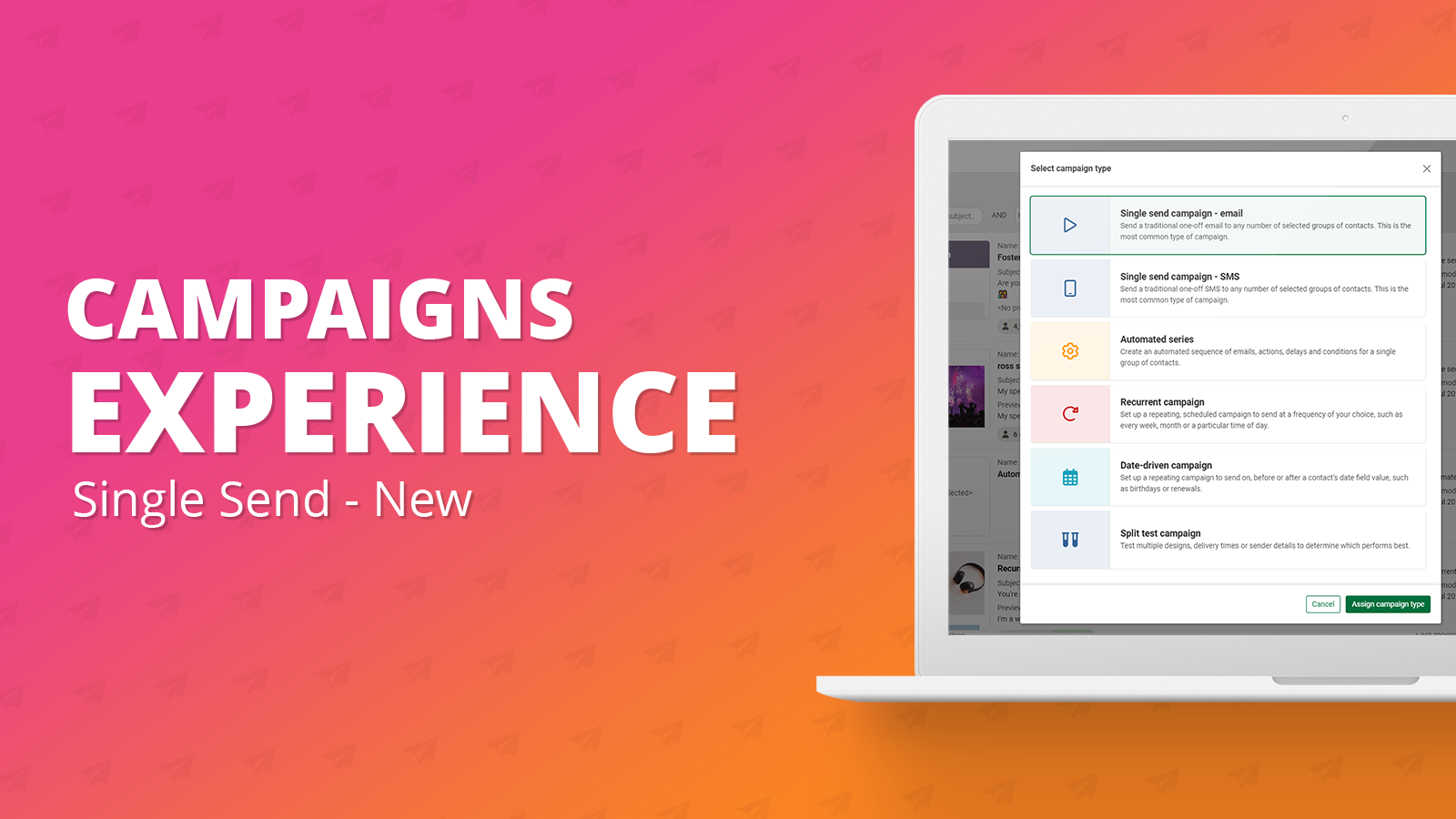
The ‘New single send campaign’ offers the same functionality as the legacy single send campaign but with an improved overall user experience. New...
Solutions

Email Marketing
Create email campaigns and newsletters and manage end-to-end subscription processes with forms and preferences.

Marketing Automation
Create sophisticated automated campaigns for email and SMS combined.

Digital Communication
The comprehensive solution to manage and automate your digital communication across email, SMS, websites and landing pages.

Email marketing healthcheck
We are confident that we can help you, which is why we offer a free healthcheck to identify potential issues with your current programme and free advice on things that could be done to improve it.