Help articles
CATEGORY: Campaigns
Automation Examples: New contact sign-up
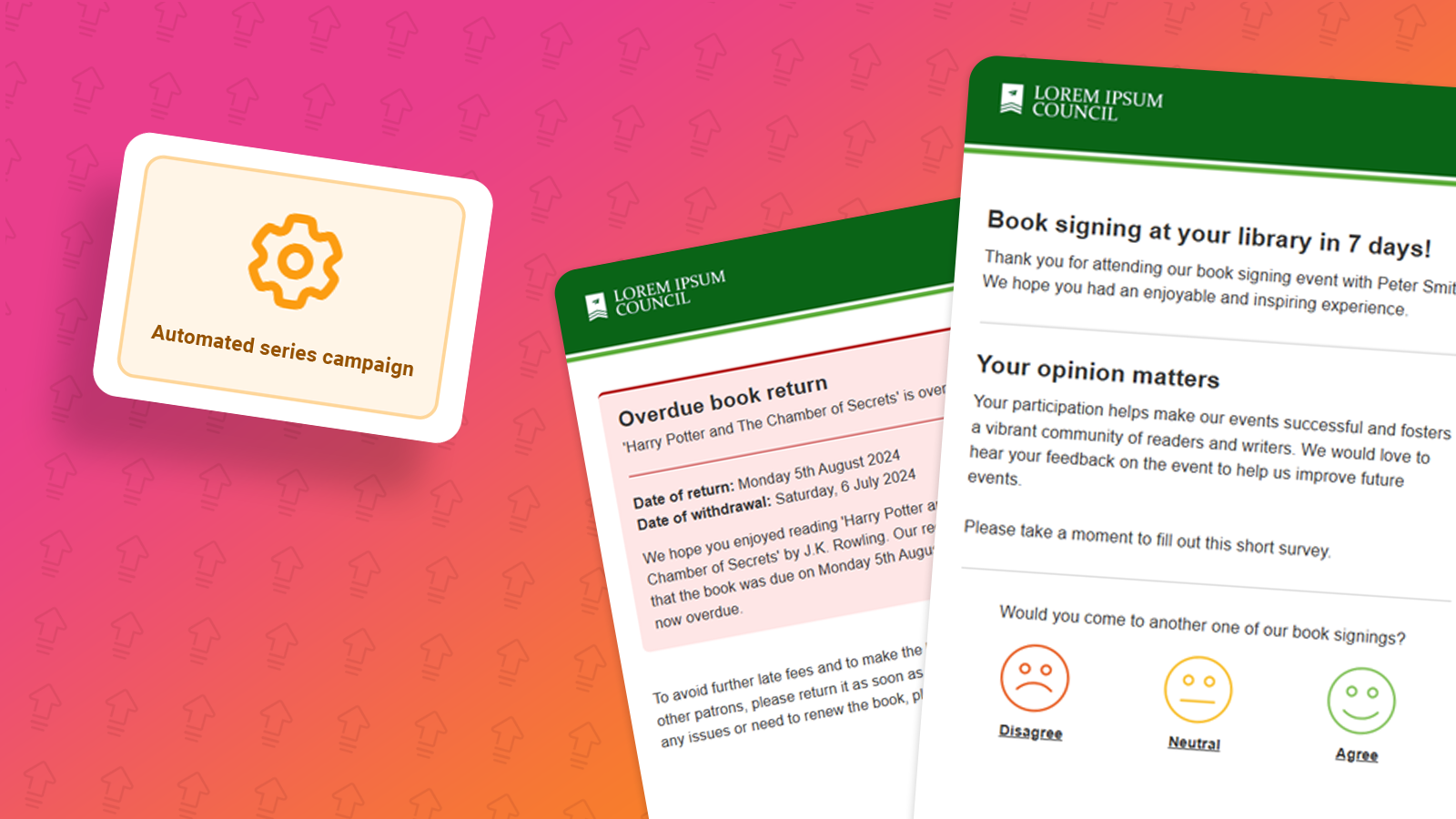
Automated Series can be used to cater for all kinds of triggered campaigns, from welcome emails when recipient's sign-up, and more, in this help document we’re going to create a basic new user sign up series that sends a thank you for signing up and then a follow up email that lets the new subscriber know about your other preferences.
First things first, we need to set the start group for the series. The group chosen here should be one of the groups on your forms that contacts are subscribing to. This is the group that starts the series.
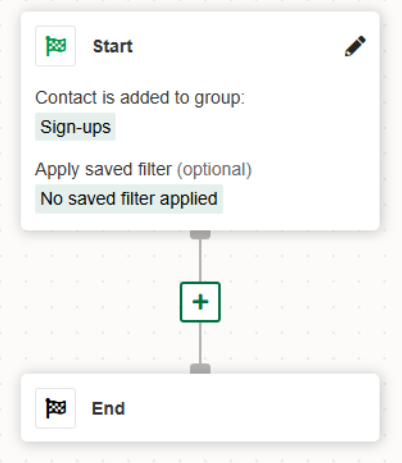
The next thing after you have selected the starting group, is to send the first thank you email. In order to do this use the “send email” step as seen below.
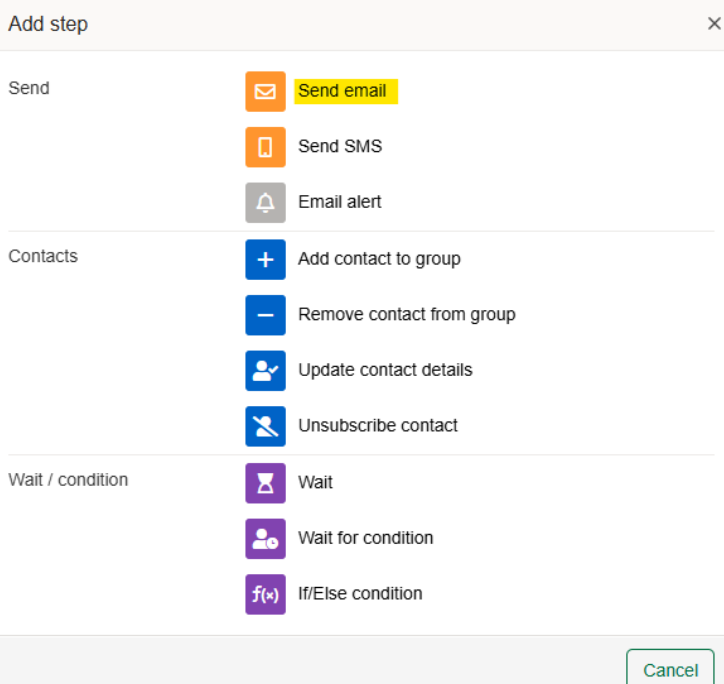
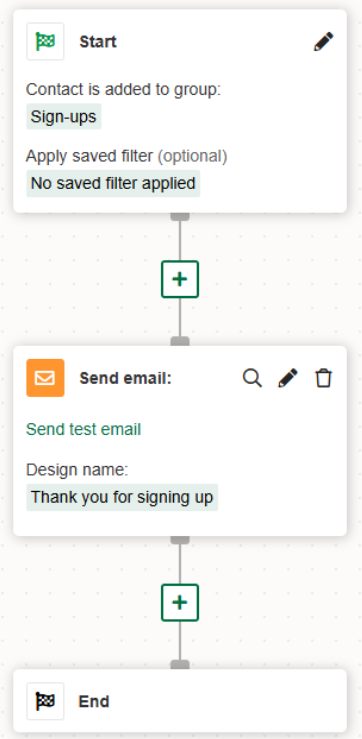
When you select the send email block, you then need to select the corresponding design you wish to send.
The next block that we will be adding is the “wait” block, and selecting wait for time. The reason for this is we want to send the next email only on certain days and between certain times. In our example, we have selected, Monday, Wednesday and Friday between 11:00 – 14:00, but this can be set to the day’s and times that your recipients are most active.
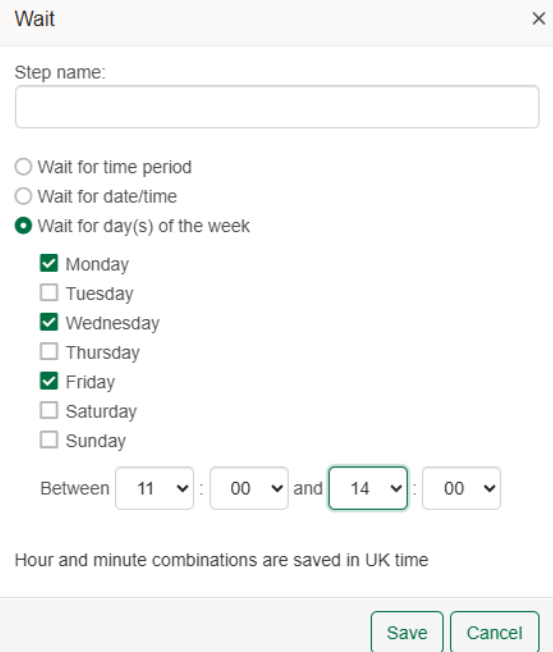
Once we have selected the correct times and days, we can then add the second send email block so that when the days and time’s match the condition, an email is sent. The email we are adding this time is prompting the new subscribers to check their email preferences. This is a good way to get them to sign up to more preferences and show what you offer.
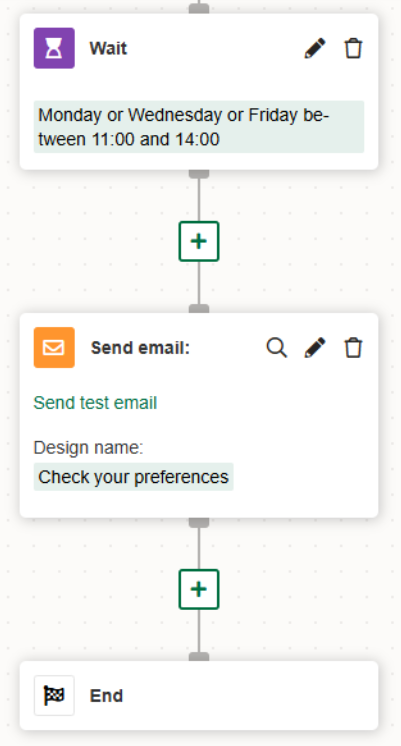
Once this has been completed, our series is ready and can be seen below.
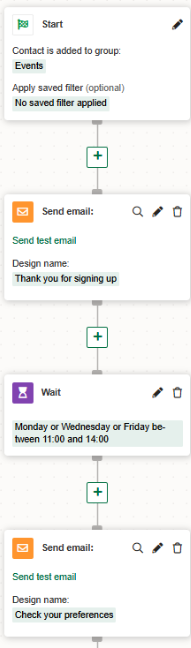
Once the Automated Series has been completed, you may now click “save & continue”. On the next page, you would need to select “New contacts only”. This ensures that only new contacts that are added go through the series.
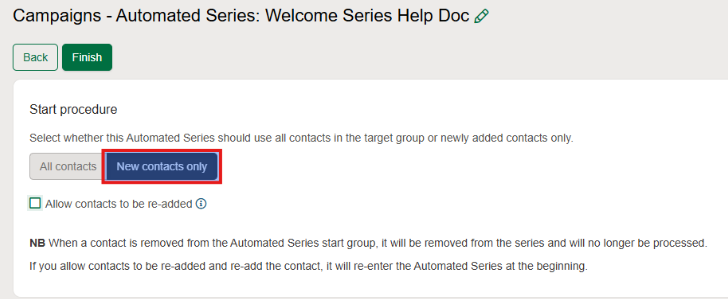
Please note, this series is a simple new sign up welcome series and you can add steps as desired.
If you're interested in building your own series. Our walkthrough help document can be found here.
You may also like these articles
Campaigns
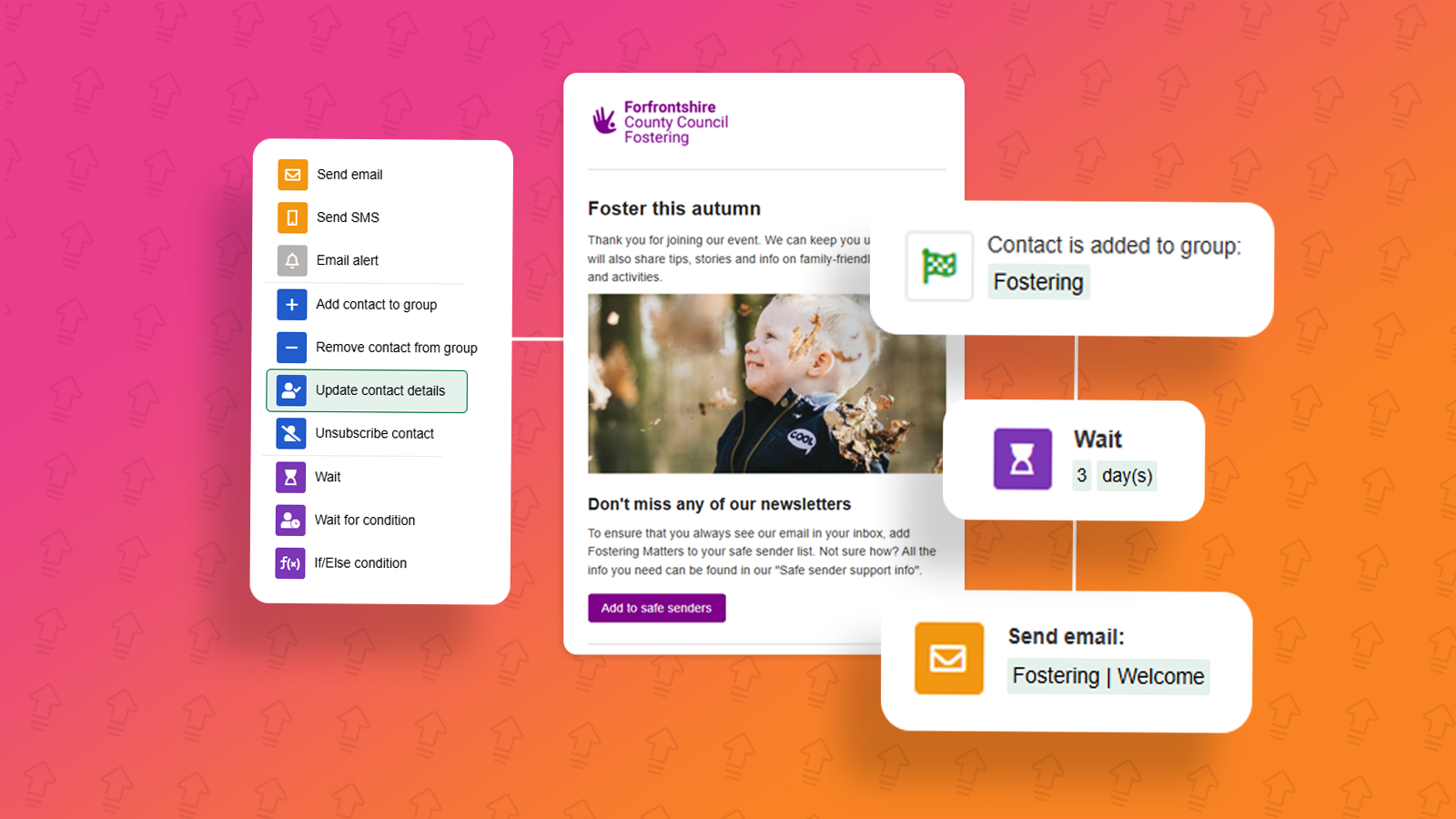
Campaigns: Automated Series campaign
March 24th, 2025 - Harry Thomas
The Automated Series campaign allows you to set a series of steps which will automatically do the work for you, once it’s been activated. Common...
Campaigns Analytics
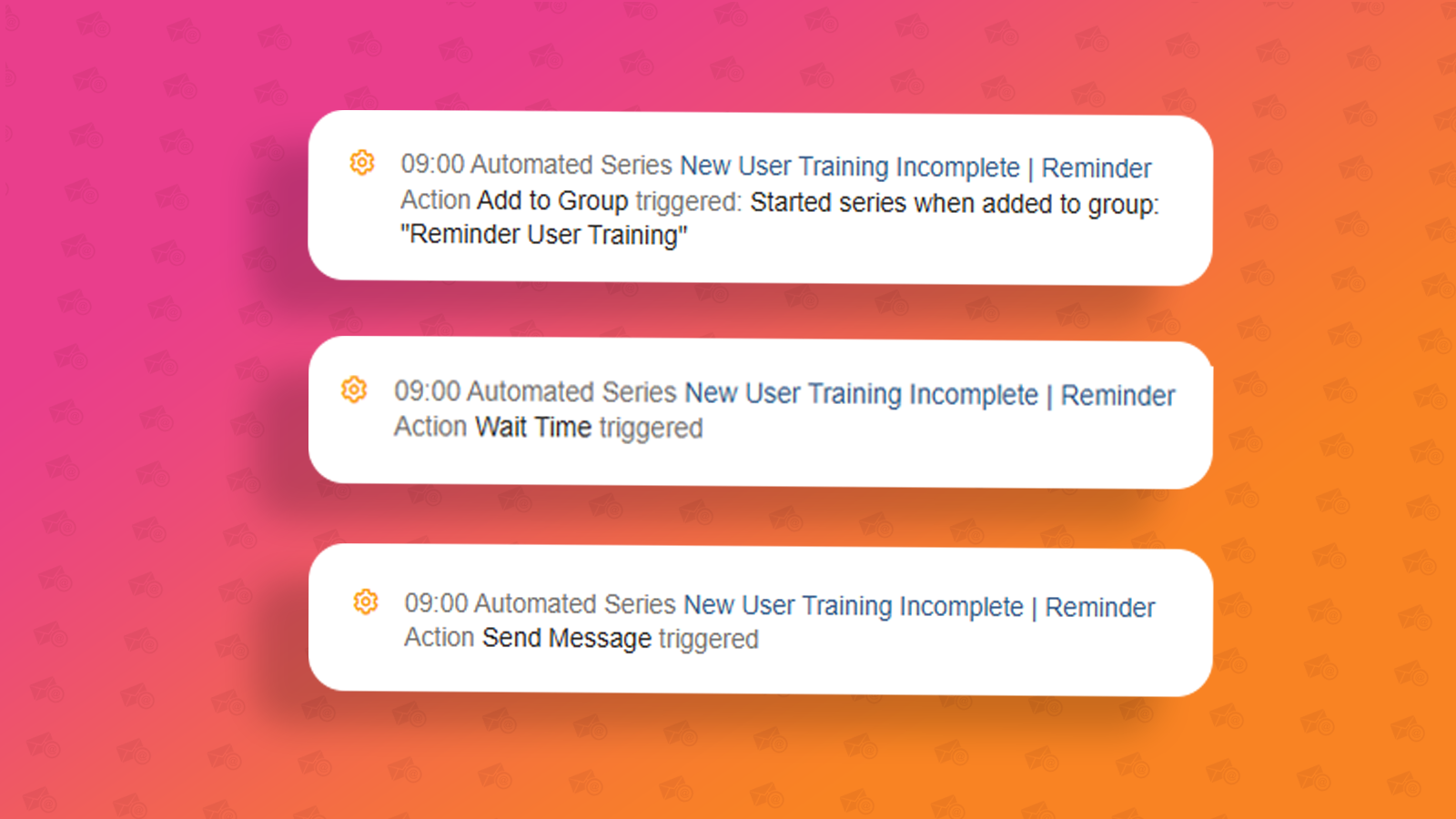
Understanding a contact's progress through an Automated Series
March 24th, 2025 - Harry Thomas
In this article we will be looking at Automated Series campaigns and how you can view the contacts progress through your series’ steps as well as...
Campaigns
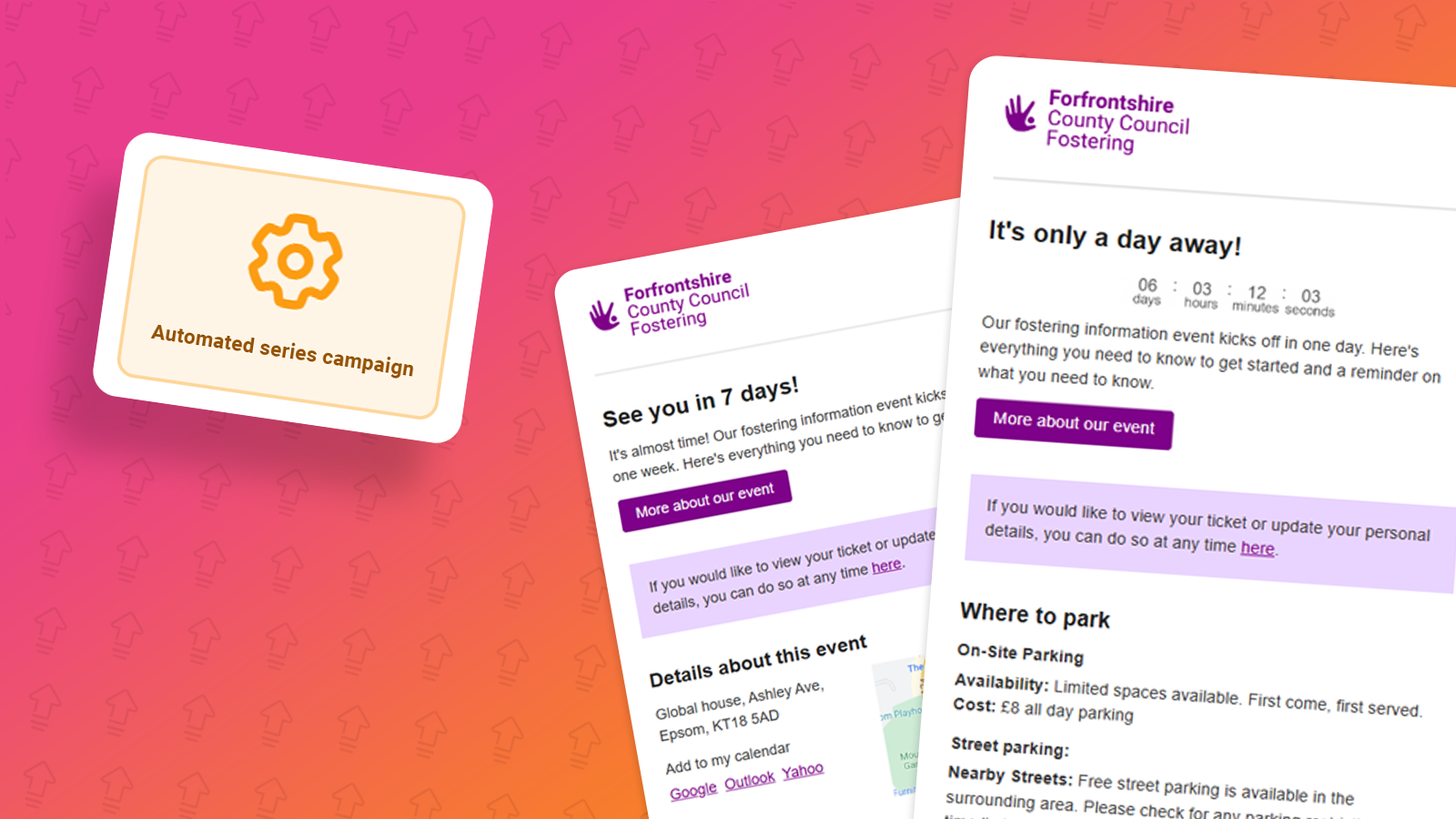
Automation Examples: Event reminders
May 23rd, 2025 - Harry Thomas
Automated Series can be used to cater for all kinds of triggered campaigns, from welcome emails when recipient's sign-up, and more, in this...
Solutions

Email Marketing
Create email campaigns and newsletters and manage end-to-end subscription processes with forms and preferences.

Marketing Automation
Create sophisticated automated campaigns for email and SMS combined.

Digital Communication
The comprehensive solution to manage and automate your digital communication across email, SMS, websites and landing pages.

Email marketing healthcheck
We are confident that we can help you, which is why we offer a free healthcheck to identify potential issues with your current programme and free advice on things that could be done to improve it.