Blog
CATEGORY: Social mediaBest practiceDesign
Social Share – how to grow your email audiences organically
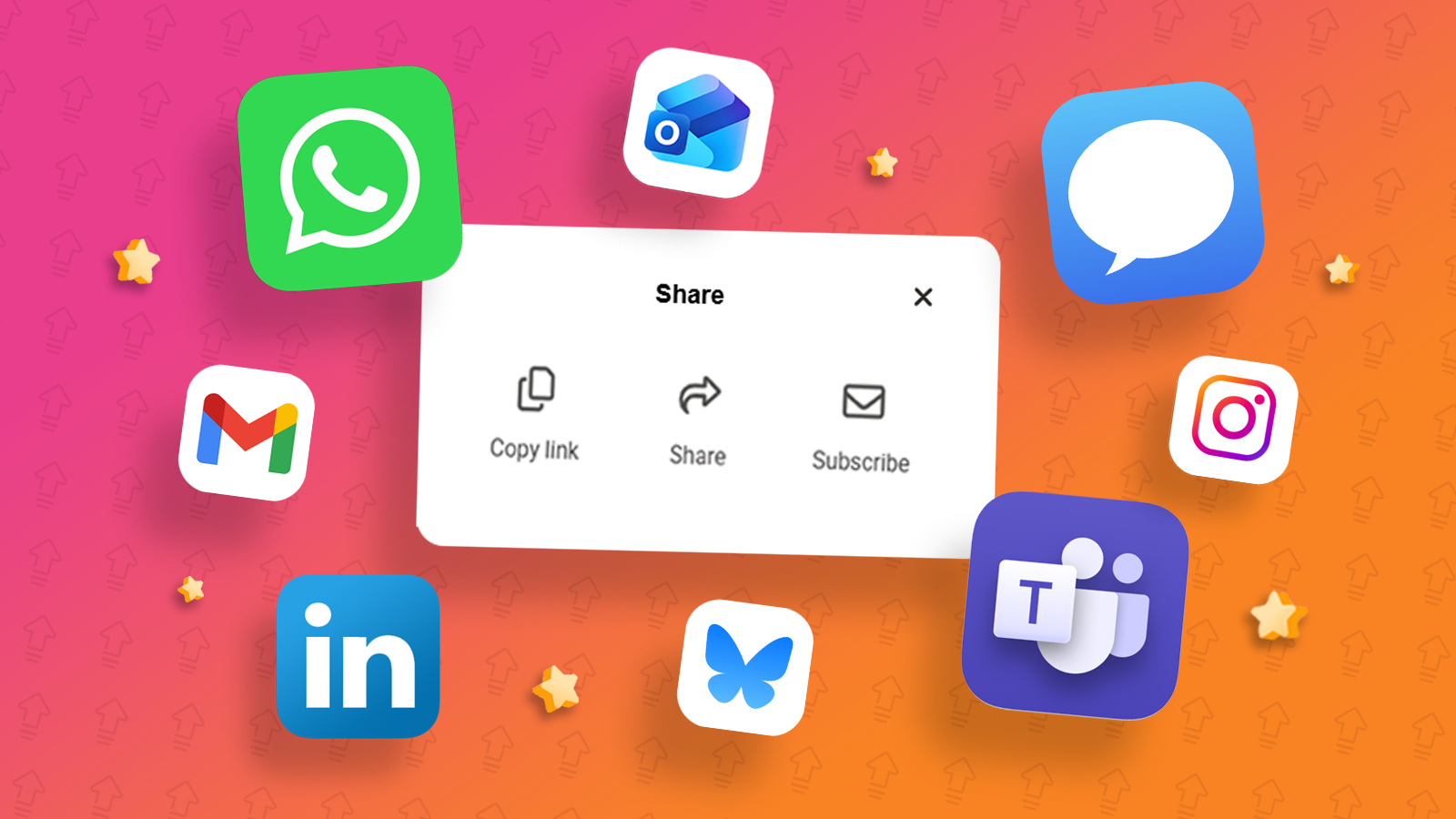
Social sharing is a way of building communities and driving engagement online, allowing you to reach wider audiences organically. Social sharing happens when someone takes content that they have discovered online and shares it through their own social media platforms or digital channels. It can be a powerful low-cost tactic for organisations to reach new audiences.
How can social sharing help grow your email lists?
Email is a great way to encourage social sharing and for the public sector, it is an effective way to ensure that you are growing your reach organically beyond your existing mailing lists. The content that can be shared includes images, videos, and rich media content such as gifs and infographics or you can even share an entire email
There are five reasons why you should include social sharing functionality, which can apply to your emails and newsletters:
Reach and Visibility. Shared content increases the chances of reaching broader audiences to engage with your content. This can potentially lead to even more shares, creating a ripple-effect of further reach and visibility.
Brand Awareness. Social sharing can enhance your brand awareness, as shared content has visibility to much broader audiences beyond your original mailing lists.
Engagement and Community Building. Sharing is a great way to encourage engagement and to build online communities with your target audience around key topics, sparking conversations, engagement and further interactions.
Social Proof. Shared content from your audiences can establish social proof from those sharing your content and building trust across your audiences.
Traffic and Conversions. Shared content can increase reach and visibility that in turn leads to increased levels of traffic to your website.
How can I create an email for social sharing
To effectively share your content via email, consider our 6 top tips:
Create engaging content that resonates with your audience and encourages sharing.
Place the link in more than one spot, such as the header or footer of your email. If you have a particular content piece you want people to share, include a prominent link.
Consider including an eye-catching button instead of plain text for your link.
Ask directly: “Know someone who’d love this? Share it!”, use friendly emojis to grab attention, and remind readers that their friends can subscribe to newsletters too.
Make social share a consistent part of all your emails, so readers get used to it being there.
Keep testing; try different placements or phrases to see what works best for your audiences.
Small tweaks like these can make a big difference in how far your emails, newsletters and your content can travel.
Tracking your social share
The best part of social share? You don’t have to guess if it is working. You can track different metrics such as:
How many times your social share link was clicked per campaign send.
New subscribers gained from existing subscribers sharing your email.
All of this can be accessed within your e-shot account under the Forms and Analytics sections of the platform. This will enable you to understand what content and formats are resonating with your audiences. This provides you with valuable insights to help you continually improving your emails.
e-shot makes social sharing simple
e-shot allows your subscribers to easily share your emails with their own networks, helping you connect with new audiences via messaging apps, social platforms, or email. Sharing is seamless thanks to native options on the device being used. The share options available will vary depending on the type of device and the most common apps used. For example, from your PC you may have the option to share via Teams or Outlook, whereas on a mobile the options may include sharing content via WhatsApp or Instagram.
The e-shot platform makes it effortless for new readers to subscribe to your future emails and newsletter. Every share can now become an opportunity to grow your audience, to strengthen engagement, and help grow your lists. It is a smarter, more natural way to turn your subscribers into your biggest advocates.
Your email “share” button is a built-in way to grow your audience.
It is super simple to integrate social share into your e-shot templates and newsletter campaigns. This will enable your readers to share posts to their favourite social platforms or channels including WhatsApp, Microsoft Teams, Outlook, Instagram and X (Twitter) to name a few. In turn friends, family, or colleagues can see your email or newsletter with the ability to subscribe for future updates themselves.
So, how does Social Share actually work on e-shot?
Getting started with social share takes no time at all:
Ensure the social share feature is enabled in your account settings.
Open your email editor.
Drop in the social share link (just like adding a button or hyperlink).
Send your email as usual.
That’s it! Now your subscribers can share your content in just one click. For more information on how to share your content via social share, check out the help guide or get in touch with the support team
You may also like these blogs
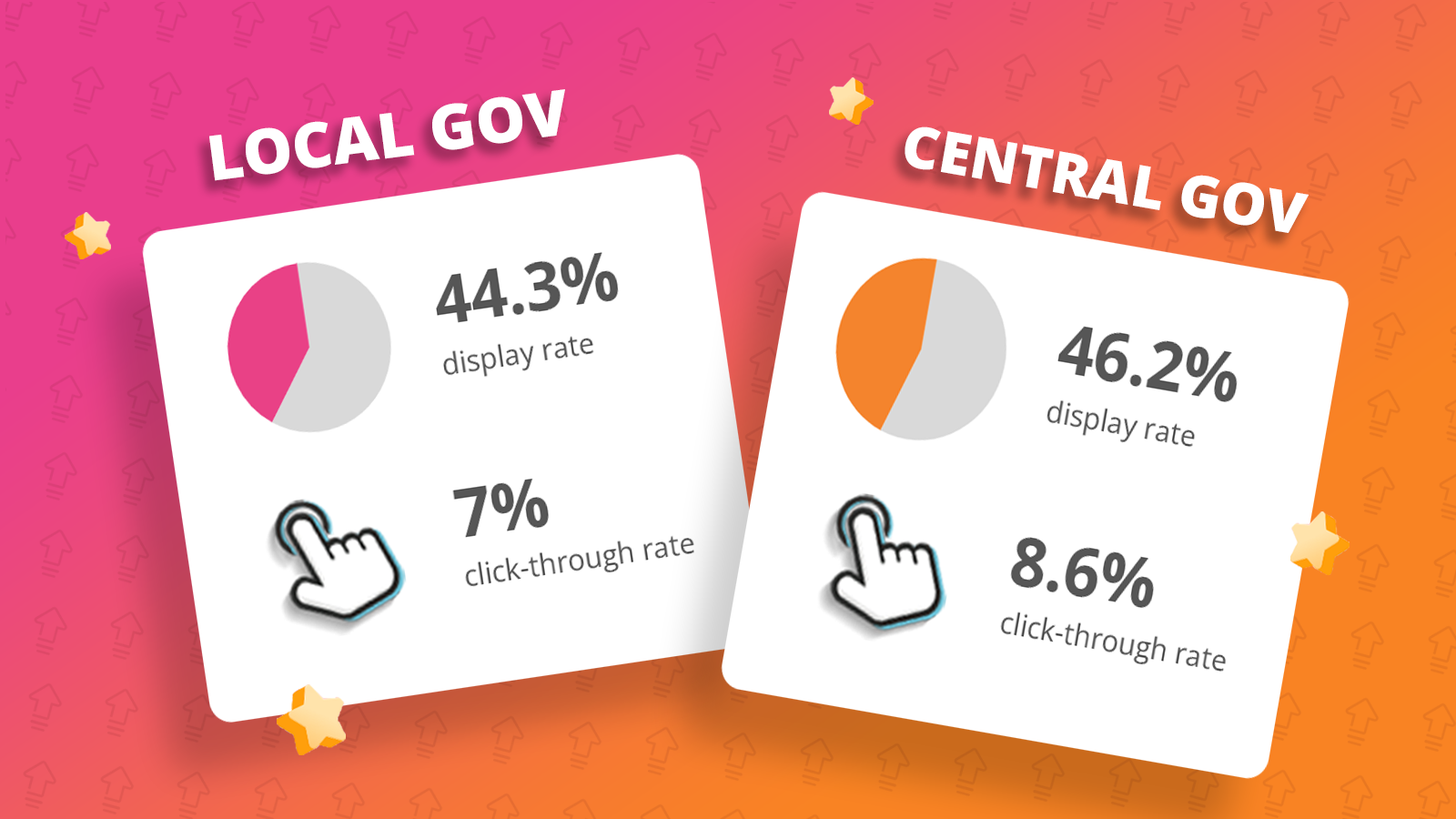
Public sector email benchmarks for 2026
January 5th, 2026 - Harry Thomas
What the data from 300 million public sector emails sent last year shows us (and what it doesn’t) This report summarises the 2025 performance over...
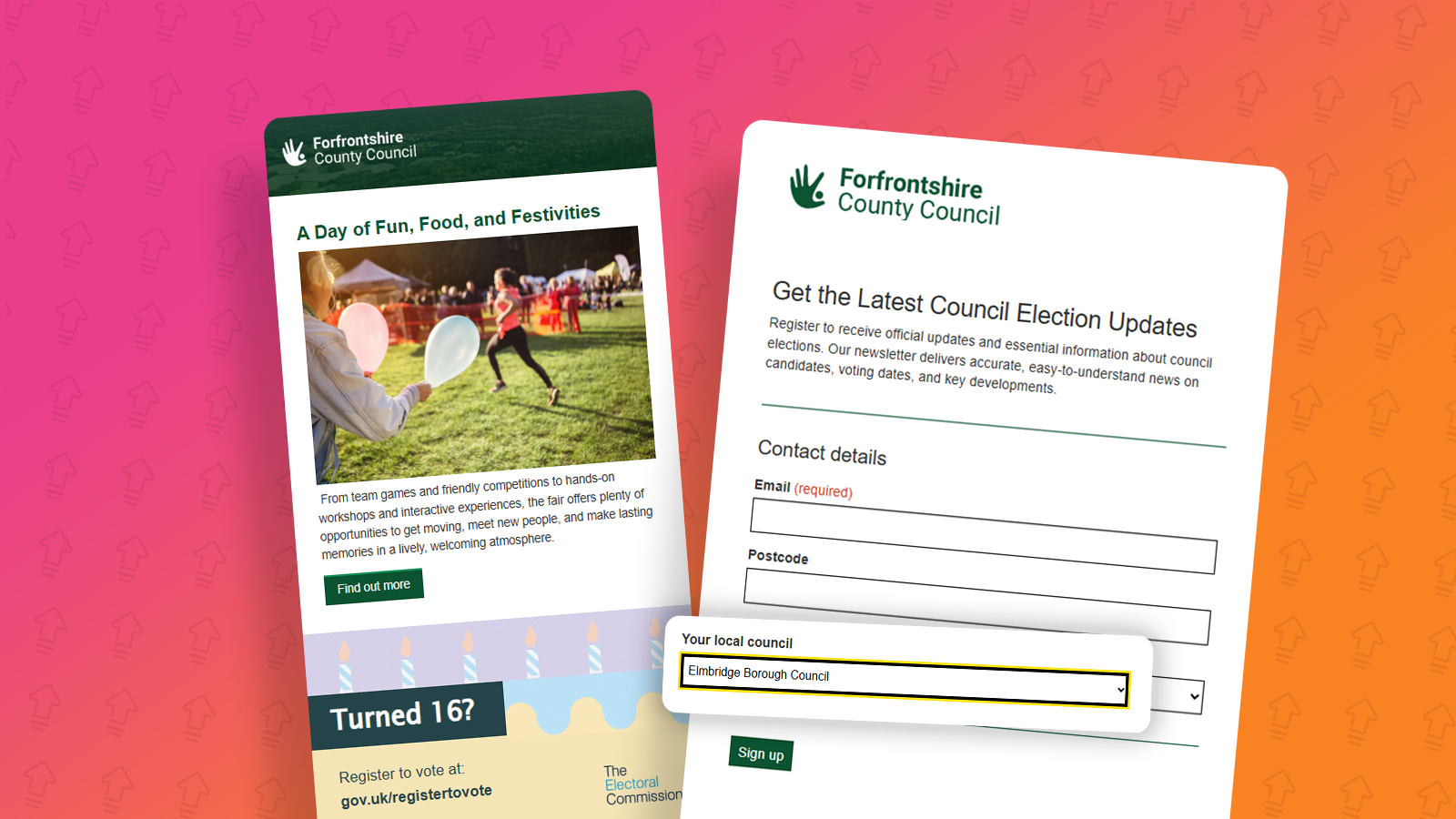
5 ways email can be used to promote local elections
February 16th, 2026 - Harry Thomas
Local elections suffer without direct contact. During campaigns, crucial information doesn’t reach the right people, confusion grows, and turnout...
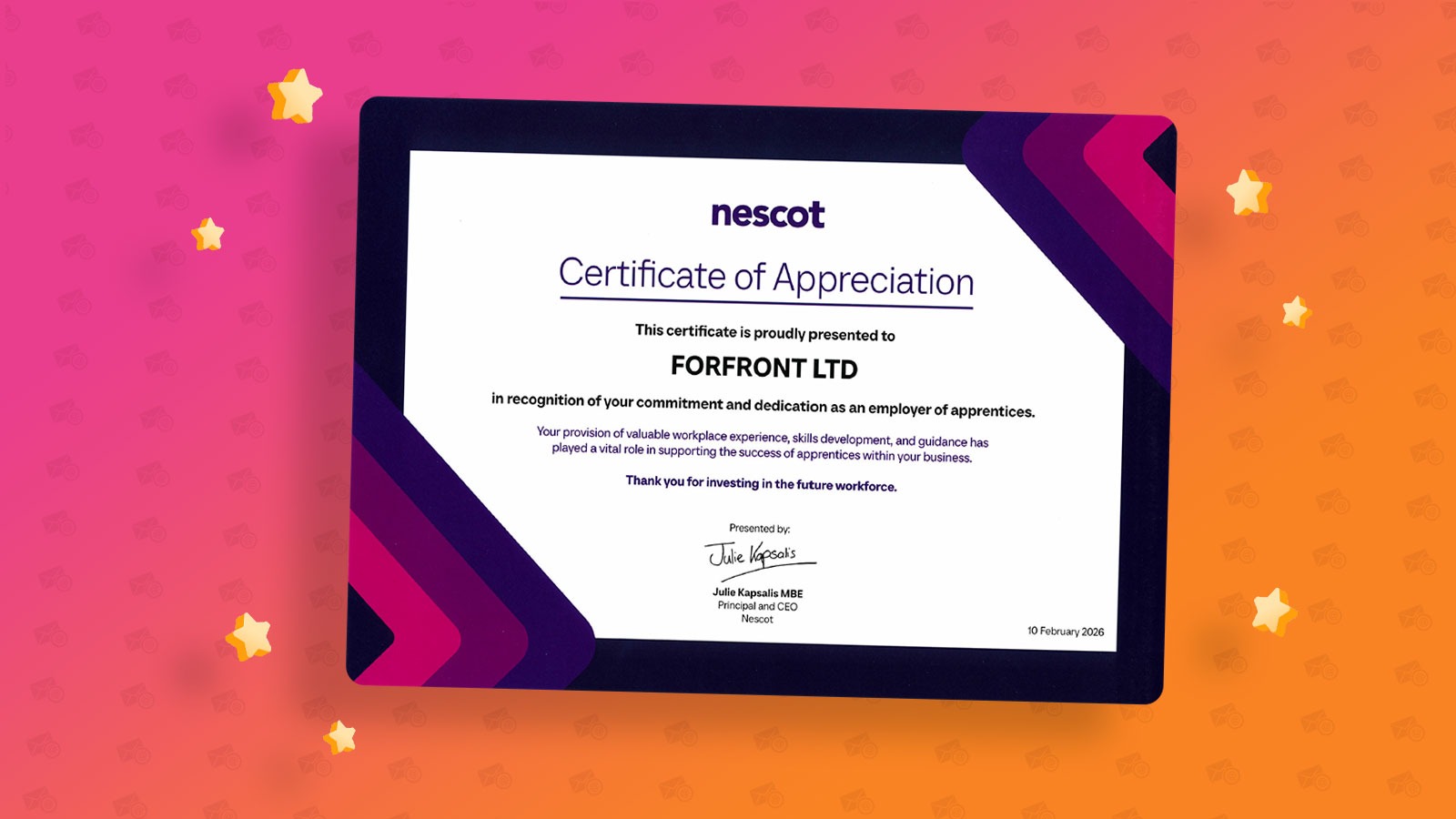
Forfront awarded Nescot certificate of appreciation
March 9th, 2026 - Harry Thomas
We are proud to share that Forfront has received a Certificate of Appreciation from Nescot in recognition of our continued commitment, dedication,...
Solutions

Email Marketing
Create email campaigns and newsletters and manage end-to-end subscription processes with forms and preferences.

Marketing Automation
Create sophisticated automated campaigns for email and SMS combined.

Digital Communication
The comprehensive solution to manage and automate your digital communication across email, SMS, websites and landing pages.

Email marketing healthcheck
We are confident that we can help you, which is why we offer a free healthcheck to identify potential issues with your current programme and free advice on things that could be done to improve it.