Help articles
CATEGORY: Feature Updates
e-shot feature update – September 2025
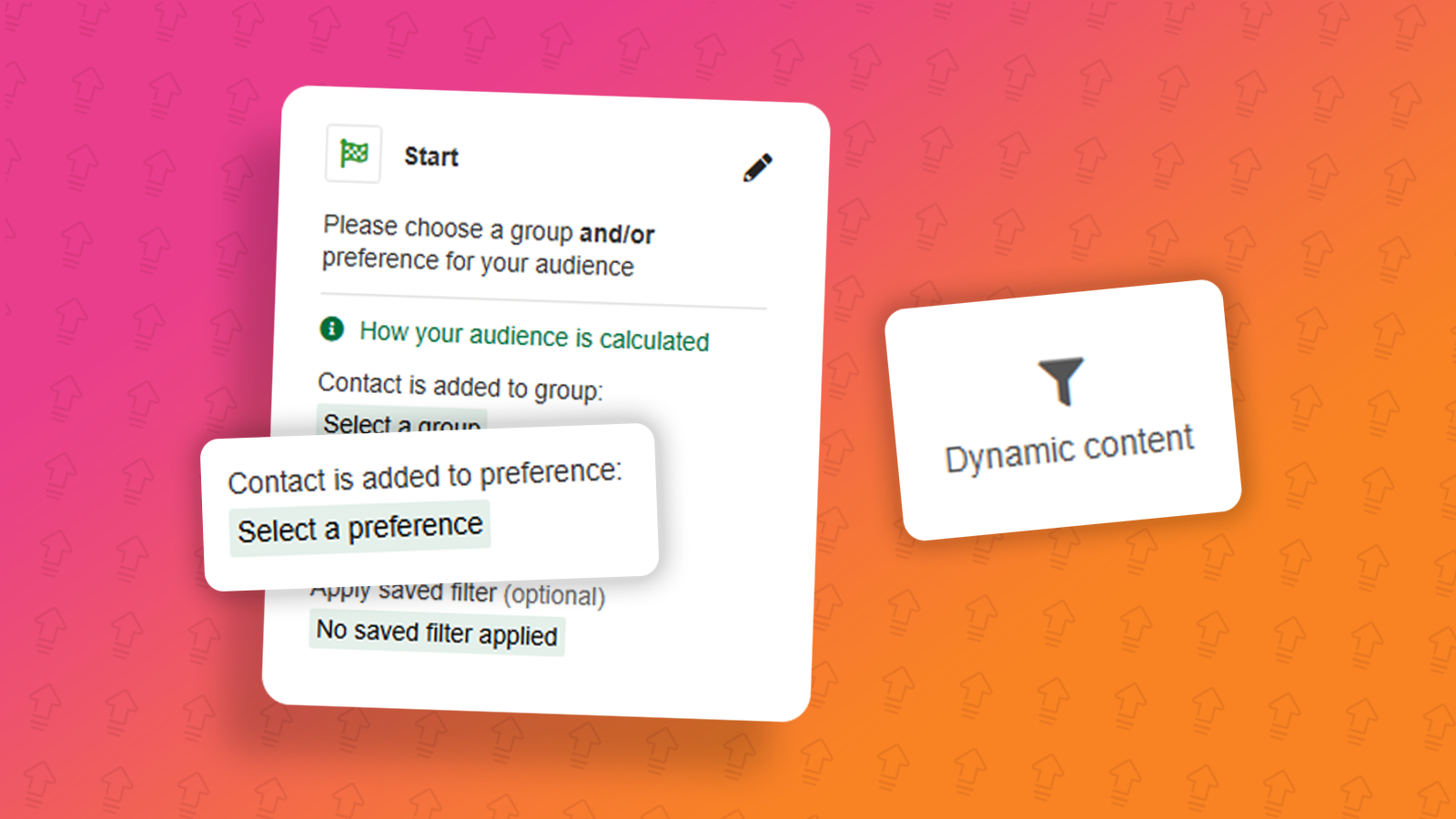
The latest e-shot release is here!
On Thursday 4th September, we released a product update. This release saw the introduction of a new dynamic content feature for use in Smart Editor designs as well as a few enhancements such as the introduction of preferences in Automated Series Campaigns.
Dynamic content
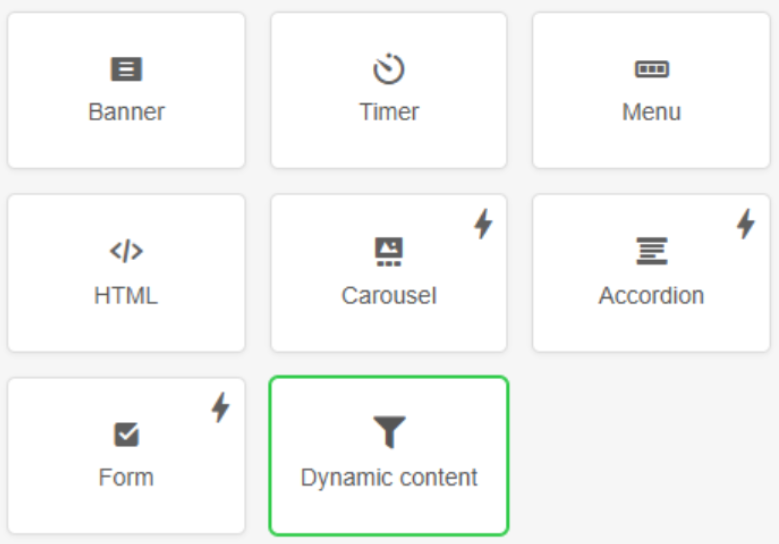
In this release we introduced dynamic content blocks within the e-shot Smart Editor. A feature which was previously only accessible to extremely advanced e-shot users. The introduction of this new content block makes using dynamic content much simpler for all users.
Dynamic rules can be setup with various conditions to meet your needs.
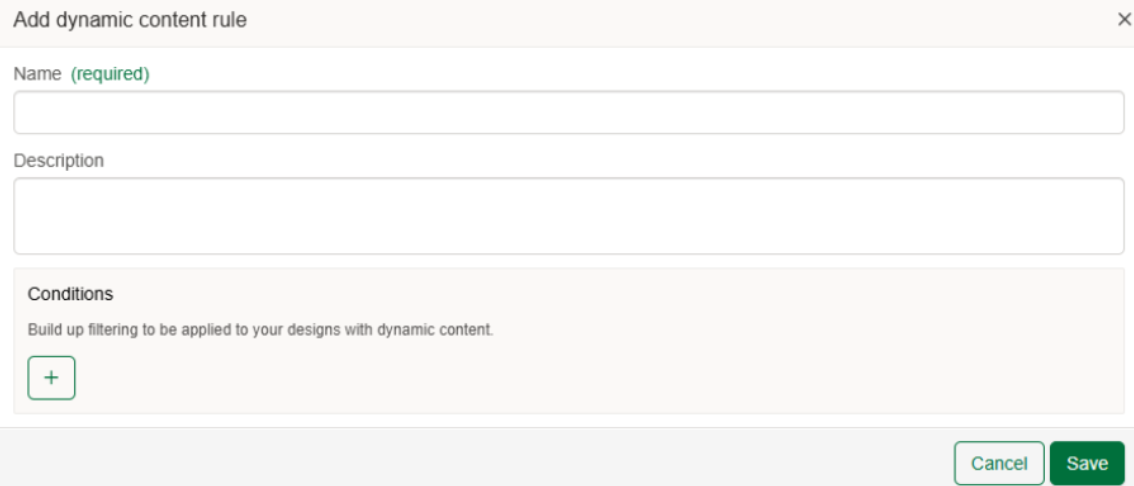
Once rules have been setup, they can be used to determine your dynamic content in the Smart Editor.
Preferences in Automated Series Campaigns
Automated Series Campaigns have been a feature within e-shot for some time now, however previously users have only been able to start a series when a contact is a member of a specified group.
We have often been asked for this to be possible with preferences and so we’re pleased to say now you can!
The campaign builder remains fundamentally the same, with the only change being the first start step, you can now choose a group, preference or both as seen below.
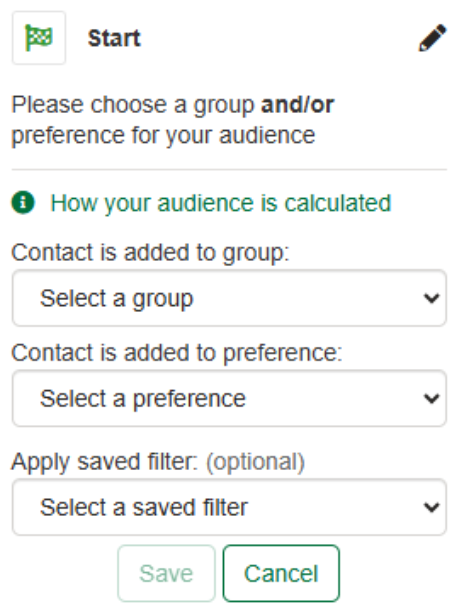
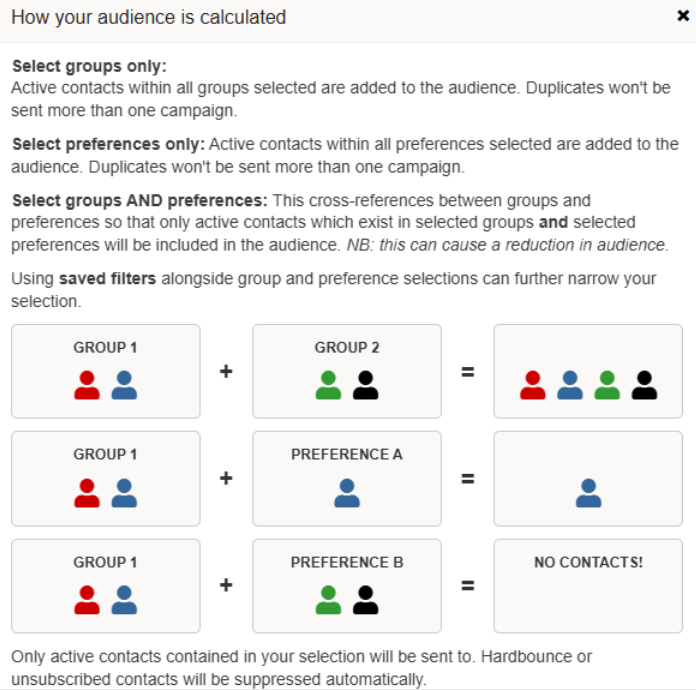
Only one group or preference needs to be selected, but you can combine both. See below how audience is calculated depending on your selection.
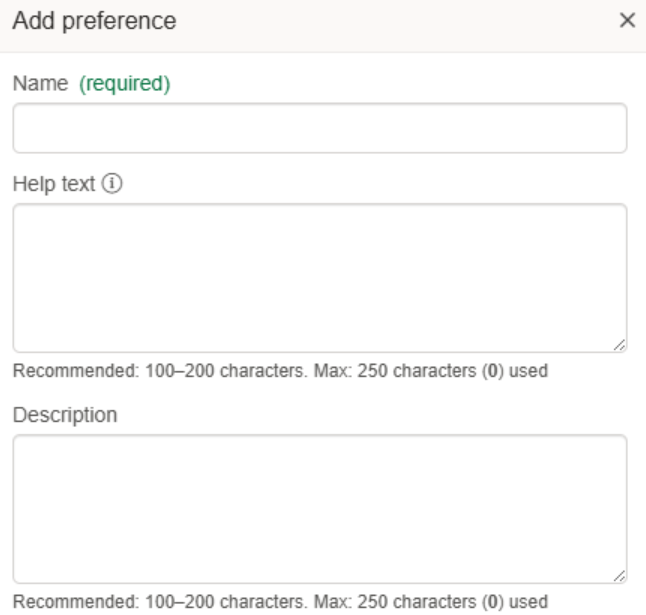
Help text for preferences which can be displayed on all e-shot forms
For accounts that have many preferences, some with names which are quite unique and may not be understood at first glance by their contacts. With the introduction of preferences help text, e-shot users will be able to set help text for any preferences they wish. Once set, a help icon will show next to the preference which contacts can click on to find out more about the preference.
Help text can be set by admins via the Settings > Preference settings page. When adding a new preference or editing an existing one, you will now find ‘Help text’.
If set, where the preference is shown e.g. forms, landing pages and preference centres, there will be an i icon next to the preference, upon clicking the help text is displayed.
Other updates
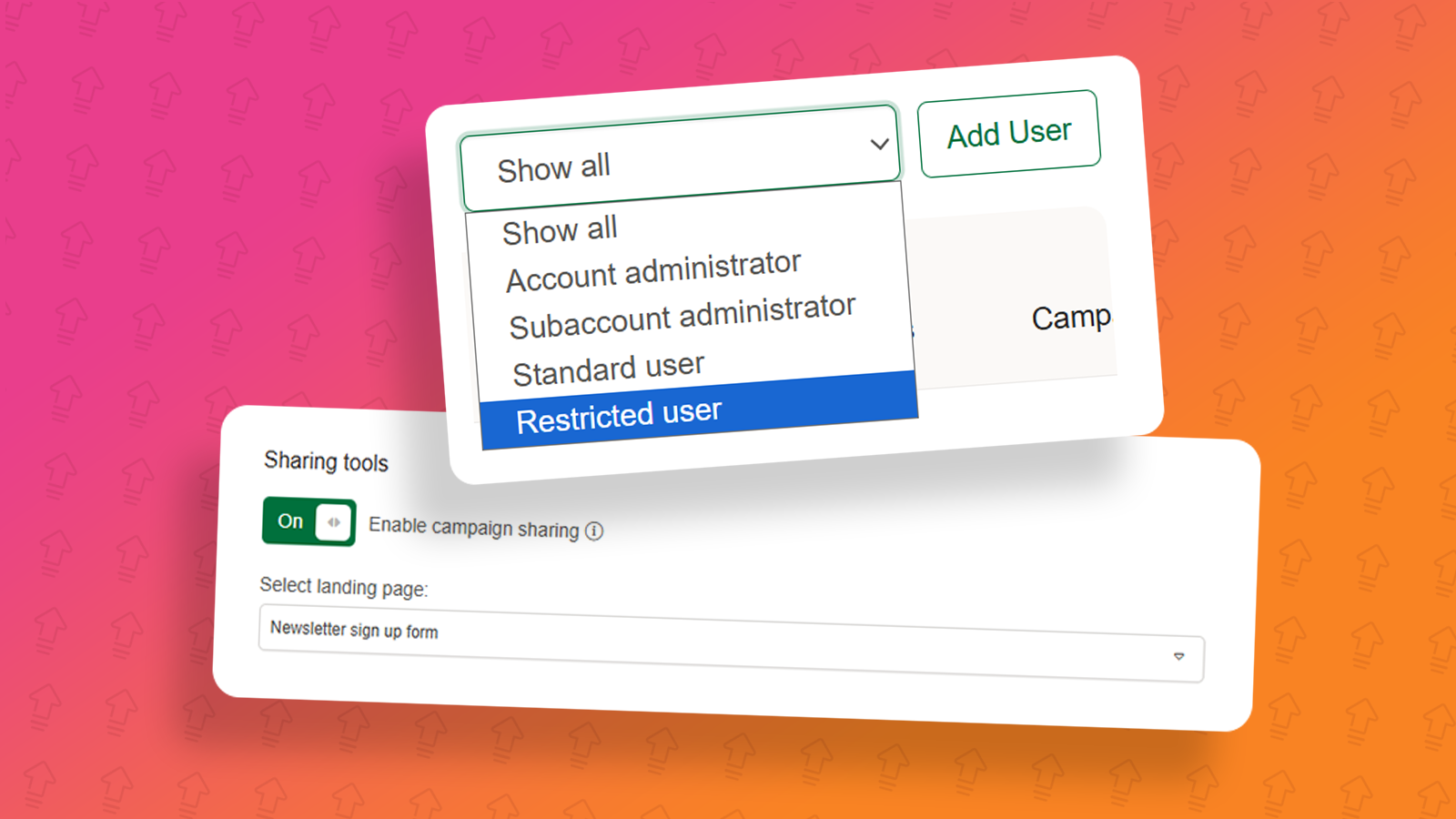
When a campaign was shared via the new social share feature, the popup modal would remain and need to be closed first before the person who was shared the campaign can read the email. This will no longer be the case.
Infinite scroll on the existing designs page now acts as expected and allows the user to scroll through all their existing designs.
A new HTML Upload editor has been enabled for all accounts. Combing the pre-existing HTML Upload editor and Dynamic HTML editor into one. Note Dynamic HTML has been removed from the platform, but its functionality now sits within the HTML Upload editor.
Website popup accessibility enhancement which prevents tabbing to elements outside of the popup.
That's all the key points this month's release, for the full release notes, please refer to the release notes section here, when you are logged into e-shot.
You may also like these articles

Feature Updates
e-shot feature update – May 2025
May 2nd, 2025 - Harry Thomas
The latest e-shot release is here! On Thursday 1st May we released a product update. This release focused on some minor enhancements and fixes as...
.png)
Feature Updates
e-shot feature update – June 2025
June 13th, 2025 - Harry Thomas
The latest e-shot release is here! On Thursday 12th June, we released a product update. This release saw the introduction of two bigger enhancement...
Feature Updates
e-shot feature update – July 2025
July 25th, 2025 - Harry Thomas
The latest e-shot release is here! On Thursday 24th June, we released a product update. This release saw some minor enhancements along with a...
Solutions

Email Marketing
Create email campaigns and newsletters and manage end-to-end subscription processes with forms and preferences.

Marketing Automation
Create sophisticated automated campaigns for email and SMS combined.

Digital Communication
The comprehensive solution to manage and automate your digital communication across email, SMS, websites and landing pages.

Email marketing healthcheck
We are confident that we can help you, which is why we offer a free healthcheck to identify potential issues with your current programme and free advice on things that could be done to improve it.