Blog
CATEGORY: News
Gmail takes aim at inbox clutter with new 'Manage subscriptions' hub
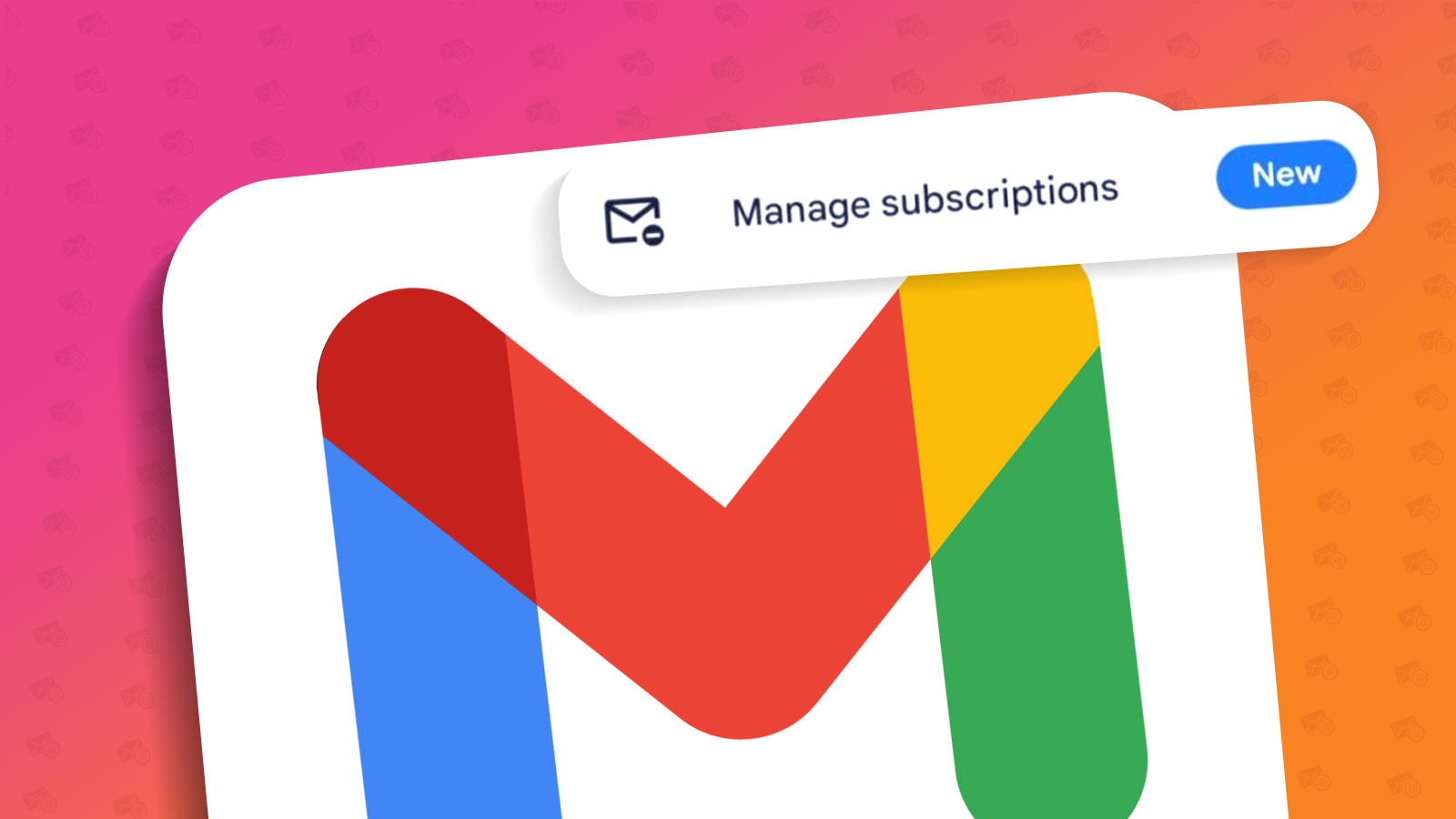
Google is enhancing Gmail with a helpful new tool. They are introducing a dedicated “Manage subscriptions” page, currently rolling out to Android users, designed to give people clearer oversight and easier control over their email subscriptions.
This isn't just a minor interface tweak; it's a significant step towards streamlining how users interact with bulk email senders, and it carries important implications for email marketers focused on responsible communication.
What exactly is rolling out?
According to recent reports and user sightings (including our own checks as of May 2025), Gmail is activating this new feature via a server-side update. This means it might appear in your Android Gmail app without you needing to manually update it. Users are typically notified by a prompt within the app, directing them to the new option often found in the overflow menu (the three dots).
So, what does this hub actually do?
Centralised Listing: It gathers your email subscriptions in one place, listing the sender's name and email address.
Activity Indication: It gives you an idea of how frequently you receive emails from that sender, often showing the number of emails received "recently."
One-Click Unsubscribe (Mostly): The star feature is a prominent button next to each subscription allowing you to unsubscribe directly from the list. Reports indicate this often works with a single tap. However, it's worth noting that in some instances, users might still be directed to the sender's website via a pop-up browser window to complete the process.
Processing Time: Google includes a sensible disclaimer, reminding users that it "can take senders a few days to stop sending messages" after using the unsubscribe shortcut. This acknowledges the processing time required on the sender's side.
This feature isn't entirely new in concept – keen observers noted hints of its development over a year ago. Its current rollout suggests a deliberate, phased approach by Google to enhance inbox management. While currently focused on Android, it seems highly likely we'll see similar functionality extend to Gmail on iOS and the web in the future, following the pattern of previous features like the top-of-email unsubscribe button.
A clear win for user experience
From the recipient's point of view, this is undeniably a welcome addition. It drastically simplifies the process of unsubscribing from multiple unwanted mailing lists. No more hunting for tiny footer links or navigating complex preference centres for a simple opt-out. Providing a clear overview and easy exit route empowers users, reduces inbox noise, and ultimately leads to a less frustrating email experience.
Why marketers shouldn't panic (and what to focus on)
The phrase "one-click unsubscribe hub" might initially sound alarming to email marketers. Does making it easier to leave mean mass exoduses from mailing lists? Not necessarily, especially for those committed to best practices.
Quality over quantity: This feature reinforces the importance of a high-quality, engaged subscriber list. If you are sending relevant, valuable content based on genuine opt-ins, your subscribers are far less likely to be seeking a quick exit. Those who do use this feature likely weren't engaging anyway, and their removal helps clean your list.
Alignment with best practice & regulations: Easy unsubscribing isn't just good manners; it's a legal requirement under regulations like GDPR. Gmail is essentially building a tool that helps users exercise a right they already have. Platforms like e-shot have always championed straightforward unsubscribe mechanisms as fundamental to ethical marketing. This development simply brings mailbox provider functionality closer to that standard.
Natural list hygiene: Think of it as an automated list-cleaning assistant. Users effortlessly removing themselves improves your list health, reducing bounce rates and spam complaints from disengaged recipients, which positively impacts your overall sender reputation and deliverability.
Focus on the welcome: It underscores the need for clear welcome emails that set expectations, confirm consent, and perhaps even link to a preference centre where users can tailor the communications they receive before they ever feel the need to hit unsubscribe.
The bigger picture: user control is key
Gmail's move is consistent with a wider industry trend where mailbox providers (like Apple with Mail Privacy Protection) are increasingly prioritising user privacy and control. For marketers, resisting these changes is futile. The future lies in adapting and embracing transparency.
This means:
Ensuring your own unsubscribe process is flawless.
Double-downing on segmentation and personalisation to deliver relevance.
Continuously monitoring engagement metrics to understand what resonates.
Treating subscriber permission as a privilege, not a right.
In conclusion
The rollout of Gmail's "Manage subscriptions" page on Android is a clear signal that user control over the inbox remains a top priority for major providers. While it streamlines the opt-out process, it primarily impacts senders whose audiences are disengaged or whose list practices aren't up to scratch.
For responsible marketers focused on building genuine relationships through valuable content, this change should be viewed not as a threat, but as another step towards a healthier, more effective email ecosystem. It's a prompt to ensure our practices are truly user-centric – something that ultimately benefits both senders and recipients. 👍
You may also like these blogs

Pop-ups: From Passive Browsing to Purposeful Action
May 1st, 2025 - Jakub Gacon
Pop-ups have come a long way from their clickbait origins. When used with intention and purpose, they can play a vital role in helping public...

Deliverability Public Sector News Best practice
Does Apple think your newsletter is a promotion? Apple Mail iOS 18 changes
February 21st, 2025 - Harry Thomas
In the recent Apple Event, new details came to light about what to expect in iOS 18. In this blog we will cover some of the key changes and how...
Social media Best practice Design
Social Share – how to grow your email audiences organically
April 17th, 2026 - Harry Thomas
Social sharing is a way of building communities and driving engagement online, allowing you to reach wider audiences organically. Social sharing...
Solutions

Email Marketing
Create email campaigns and newsletters and manage end-to-end subscription processes with forms and preferences.

Marketing Automation
Create sophisticated automated campaigns for email and SMS combined.

Digital Communication
The comprehensive solution to manage and automate your digital communication across email, SMS, websites and landing pages.

Email marketing healthcheck
We are confident that we can help you, which is why we offer a free healthcheck to identify potential issues with your current programme and free advice on things that could be done to improve it.