Help articles
CATEGORY: Feature UpdatesFAQs
New e-shot dashboard
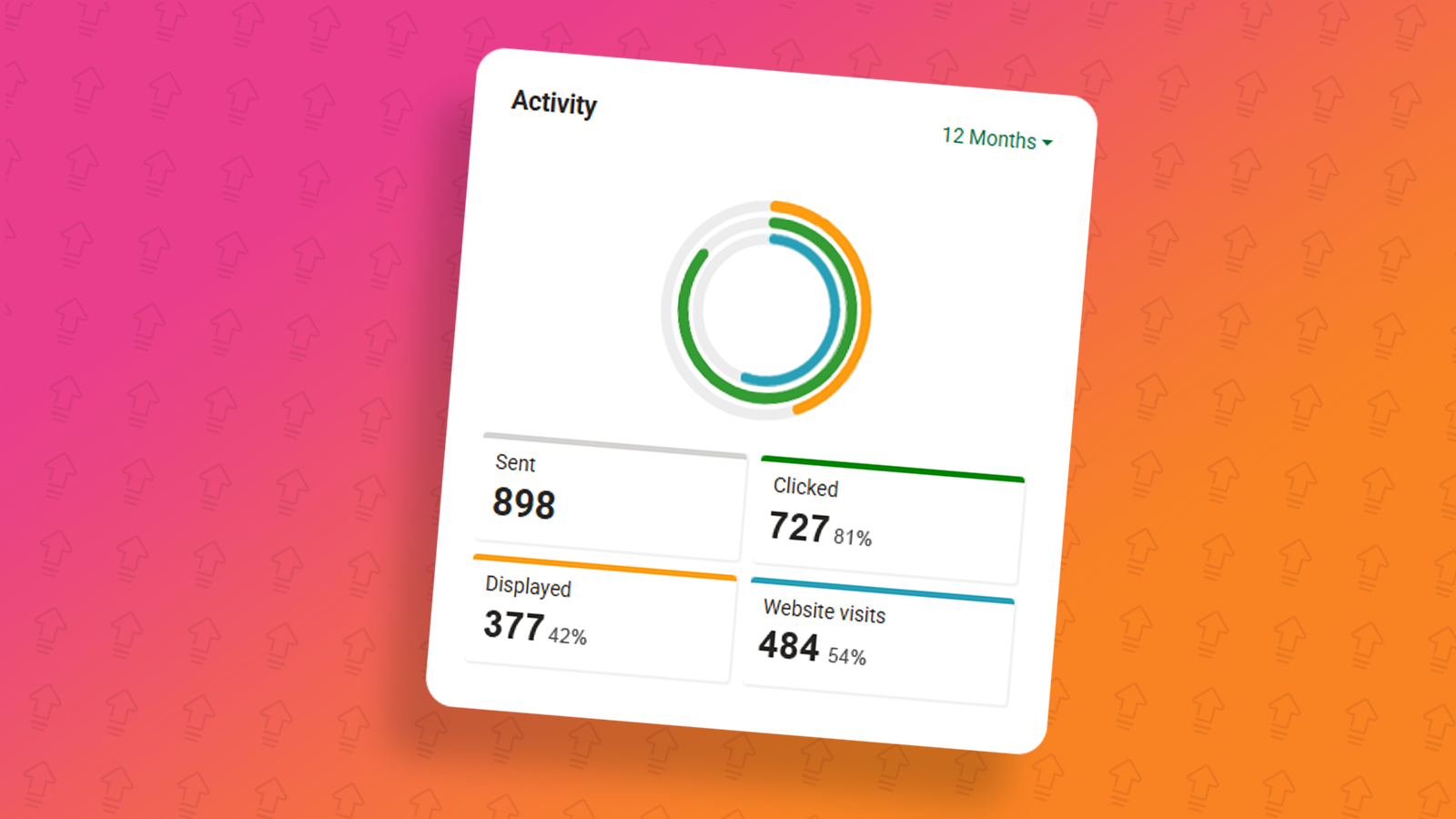
As part of the June 2025 e-shot release, we have made some changes to the e-shot dashboard, the very first page you land on when logging in.
With this update we have made some changes to the UI. Take a look below.
-1749722242.png)
Let me show you around the new page and what each widget does/is for.
Contacts widget
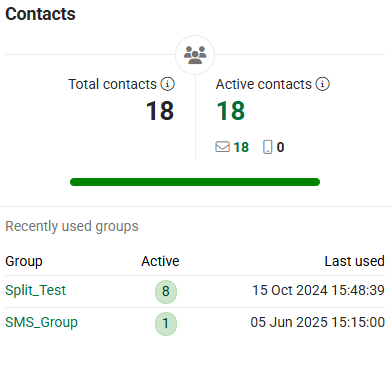
This widget already existed and has just had a UI update. On the left-hand side (Total contacts). This is the total number of contacts in your subaccount, including deleted ones that have received a campaign in the past 30 days.
To the the right of that (Active contacts), these are the contacts you are able to send campaigns to, this includes engaged, slipping away, disengaged and never sent contacts but does not include unsubscribes or hard bounces. Underneath the active contacts section, you have email and SMS contacts, that is the number of contacts you have active for each.
In the middle the green bar in my image above represents the number of engaged contacts. 18/18 of my active contacts are engaged so this bar is full.
Finally, you have the recently used groups. This one shows the groups which have recently been used in any campaign sends, along with how many active contacts they have and the date/time of when it was last used.
Activity widget
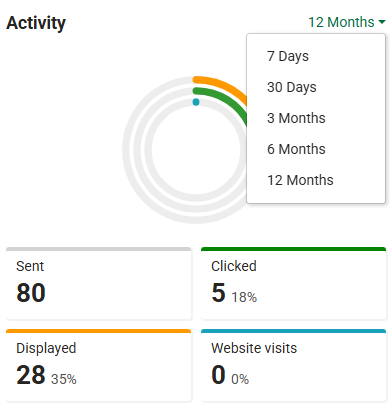
This widget allows you to see your contacts activity across various time frames (7 days, 30 days, 3 months, 6 months or 12 months). In the time frame chosen you will be able to see:
Sent: Number of emails or SMS messages sent.
Clicked: The number of clicks gained from the sent messages.
Displayed: The number of displays from the sent messages.
Website visits: The number of page visits by contacts through website tracking.
Quick links widget
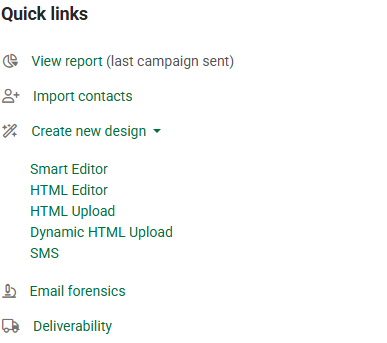
Simply put, in this widget you will find links that take you to some of the key pages within e-shot.
View report: Takes you directly into the report for the most recently sent campaign.
Import contacts: Takes you directly to the imports page to import a new list of contacts.
Create new design: Takes you to the design creation page for the desired design type.
Email forensics: Takes you straight to the email forensics website to view previews of your email sends etc.
Deliverability: Takes you straight to the analytics > deliverability dashboard page.
Calendar widget
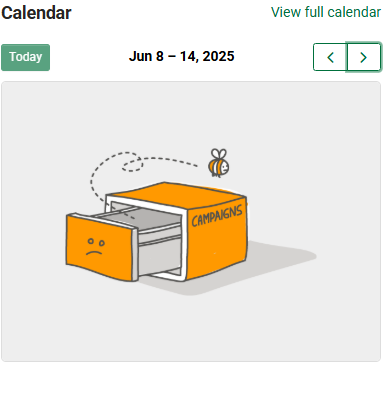
This widget will show you the campaigns that were sent or are scheduled to go out on the chosen week.
Note you can use the left and right arrows in the top right to switch between weeks or use the ‘Today’ button to take you to today's date.
If no campaigns have been sent or are scheduled to go out in the week, you will see the image as seen in the image above.
Latest stock template widget
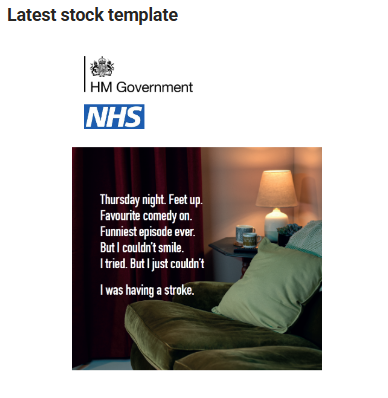
This shows you what the latest stock template is that has been published by the e-shot team. If it is a template you wish to use, you can click the image to take you straight to the template, where you can save the template to use for yourself.
Accounts widgets
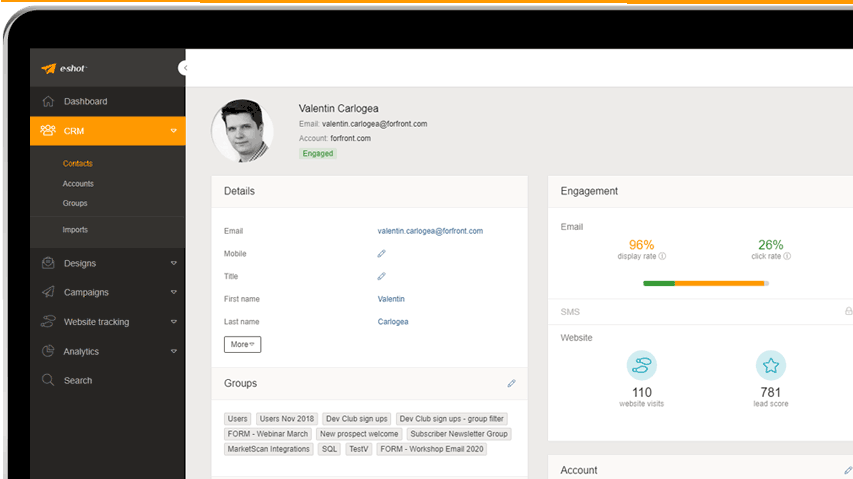
The accounts widget shows the recent activity from accounts you have setup in your CRM as seen below.

This subaccount has no accounts setup and so the widget displays 'There is no recent activity'.
That's all for the new e-shot dashboard. If you have any specific questions, please ask our Customer Success team via the live chat.
You may also like these articles
CRM
CRM - Engagement Categories
October 30th, 2019 - Harry Thomas
With e-shot you can keep a close eye on the health of your contact data simply and efficiently. Using the CRM dashboard, you are able to see at a...
CRM
Preparing your import file
September 2nd, 2019 - Sadie Burgess
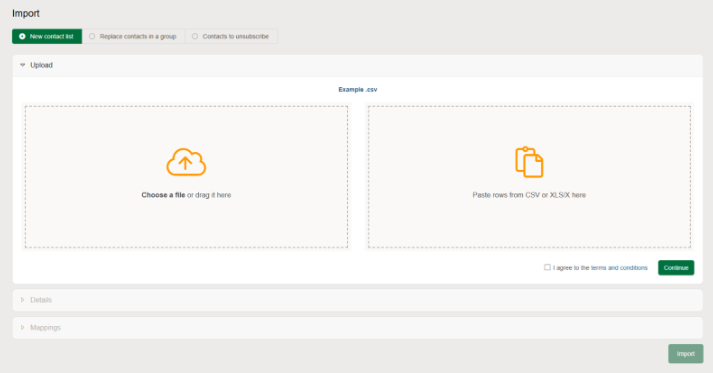
When importing contacts into e-shot, you need to make sure that your file is saved in one of the following three formats: csv xls or xlsx No...
Design Product walkthroughs
Designs walkthrough: Platform overview
March 20th, 2024 - Harry Thomas
e-shot offers a state-of-the-art email editor, Smart editor is our prized jewel which enables stunning accessible emails to be made in seconds. ...
Solutions

Email Marketing
Create email campaigns and newsletters and manage end-to-end subscription processes with forms and preferences.

Marketing Automation
Create sophisticated automated campaigns for email and SMS combined.

Digital Communication
The comprehensive solution to manage and automate your digital communication across email, SMS, websites and landing pages.

Email marketing healthcheck
We are confident that we can help you, which is why we offer a free healthcheck to identify potential issues with your current programme and free advice on things that could be done to improve it.