Help articles
CATEGORY: FAQsSettings
Restricted users guide
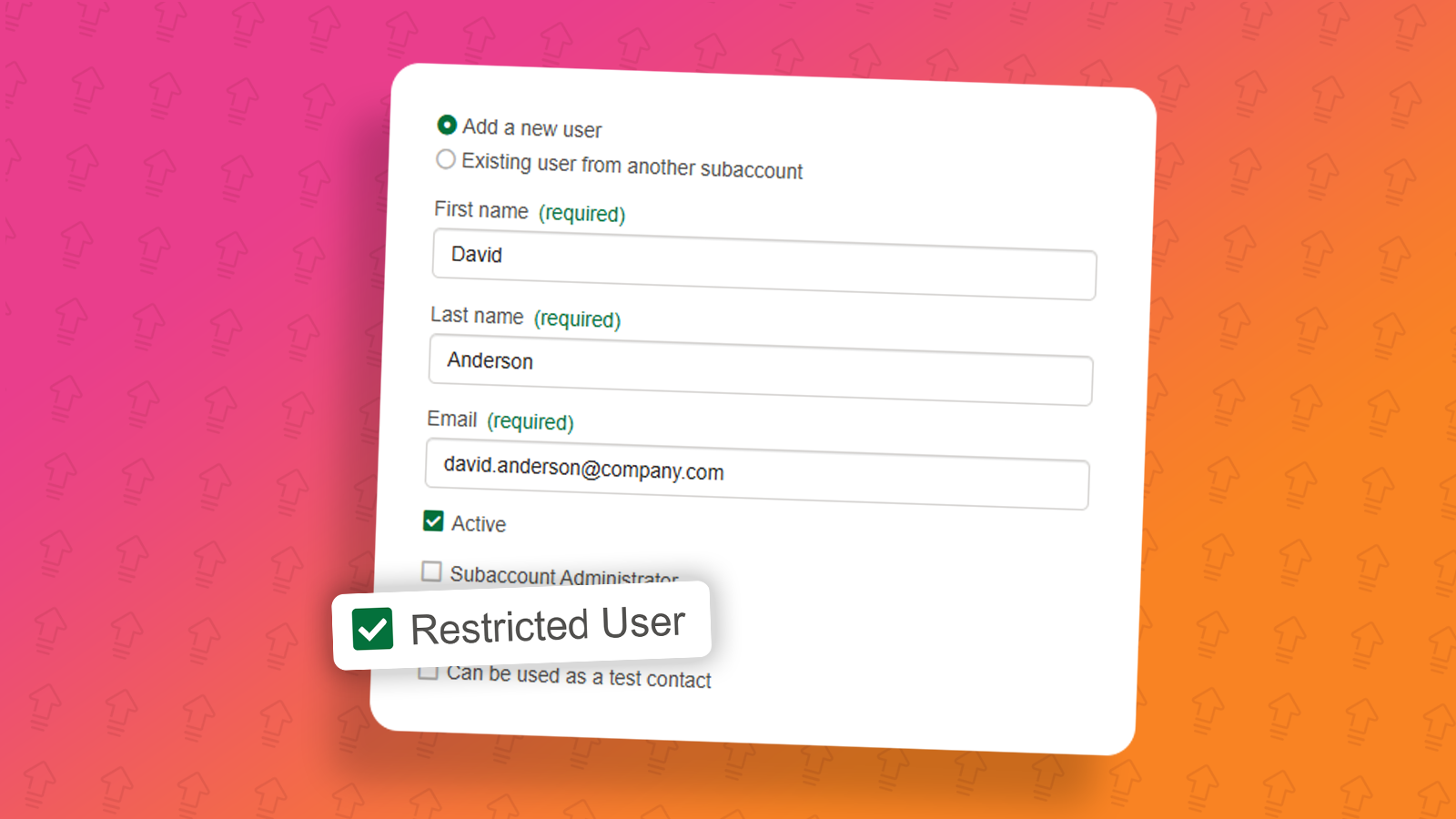
What is a restricted user?
A restricted user a user type available within e-shot that allows administrators to lock down their users to only being able to use certain groups or preferences available within the subaccount.
The restricted user will:
Not have access to the CRM pages at all
Have their access limited to designs, campaigns and analytics pages
Will only be able to send campaigns to the groups/preferences specified by the administrator
Be able to view all designs in the subaccount if granted access but cannot delete any designs or templates
Be able to create single send (email) campaigns only
Not be able to access the ‘Advanced’ section when creating a campaign. Setup, testing and history only
Only be able to view campaigns created by themselves and cannot delete any campaigns
Only be able to view campaign reports for campaigns they themselves have sent
The main purpose of the restricted user type is to lock a user down to certain audiences, preventing them from sending to the incorrect ones and providing only access to the essential areas of e-shot.
How to make a user a restricted user
Setting up a restricted user is fairly straight forward. To begin like any other user, head to the Settings > Account settings > Users and permissions page.

From this page you can either edit existing users if you wish to make them a restricted user or you can add a new user.
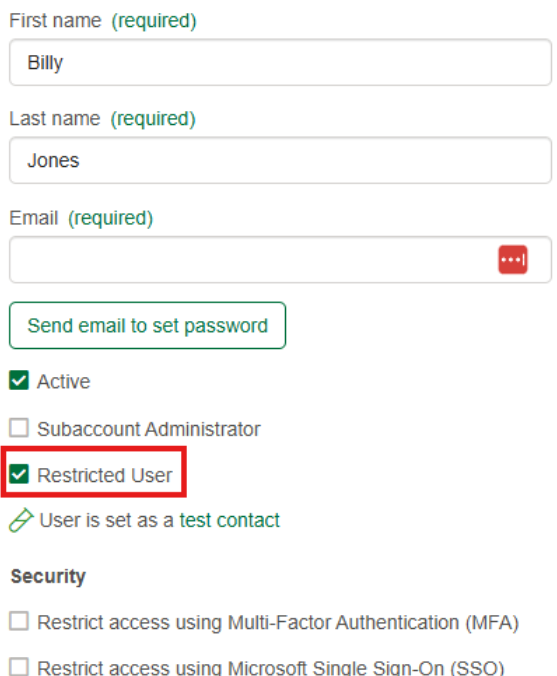
When adding or editing a user, administrators will now see the ‘Restricted user’ tick box as seen below.
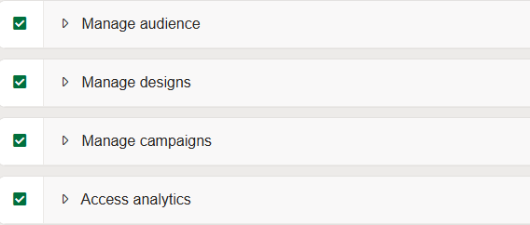
Upon ticking this box, the permissions available to you on the right-hand side will change. See below.
As mentioned, a restricted user can be locked down to specific groups or preferences set by the administrator. This can be done under the ‘Manage audience’ section.
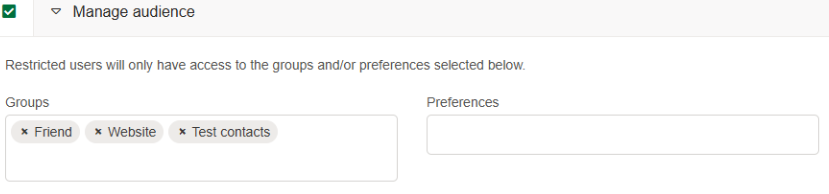
Here you can choose the groups or preferences this restricted user will be able to send campaigns to. Note at least one group/preference must be selected but you can choose more or a selection of both.
The manage designs, campaigns and access analytics sections remain the same as what you’re used to. Giving the user access to these sections still restricts them to what they can do.
Manage designs: They can edit and create designs but not delete them.
Manage campaigns: They can only create single send (email) campaigns and can only send said campaigns to the audiences you choose.
Access analytics: They can only view analytics and reports for campaigns they have sent.
What does the restricted user see?
Dashboard
The dashboard will be more simplistic only showing my engagement, my activity and the quick links widgets.
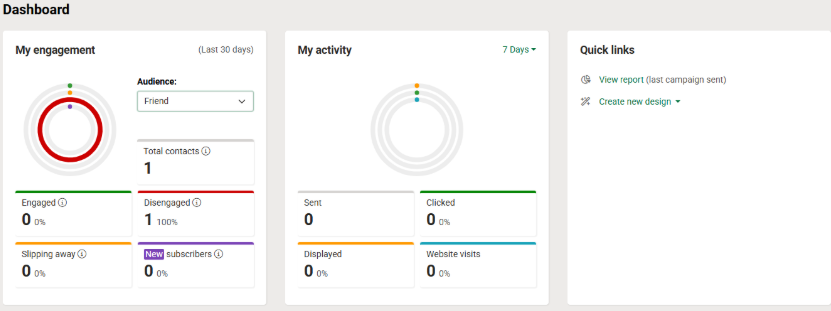
My engagement: The user will only be able to choose audiences they have access to
My activity: The activity will be limited to only campaigns the user has sent
Quick links: Only reports and design links will be available
Designs page
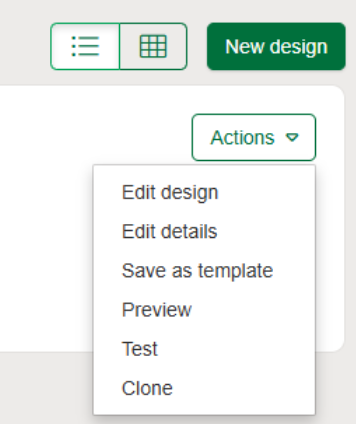
The designs page remains all the same for a restricted user, other than the fact they cannot delete any designs including ones they have crested themselves.
Campaigns page
The functionality here remains the same, only difference being the restricted user will:
Only be able to see campaigns they have created
Not be able to delete any campaigns
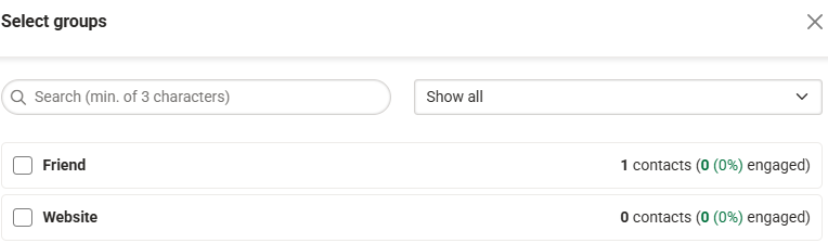
Only be able to select the audiences set by the administrator
Not be able to access the advanced section

See below despite their being more groups in the subaccount. I only have access to the Friend and Website group as that's what my admin has set.
Analytics page
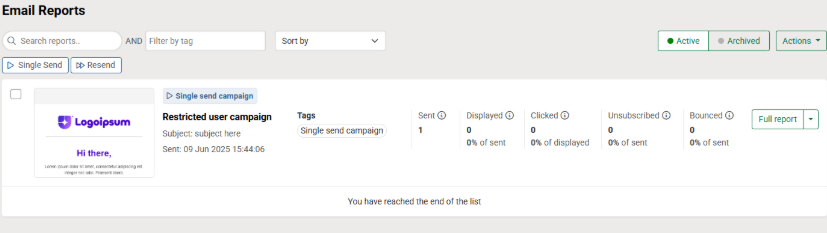
The functionality here again remains the exact same to any other user. The only differences being the user will only be able to see campaigns that they have sent. They will also not be able to delete or archive those reports.
See below despite more campaigns having been sent, I can only see the one campaign send I have performed.
Thats all for the run through on the restricted user type. If you have any questions about this user type, please let us know via the live chat where we can assist you.
You may also like these articles

help-articles FAQs Settings
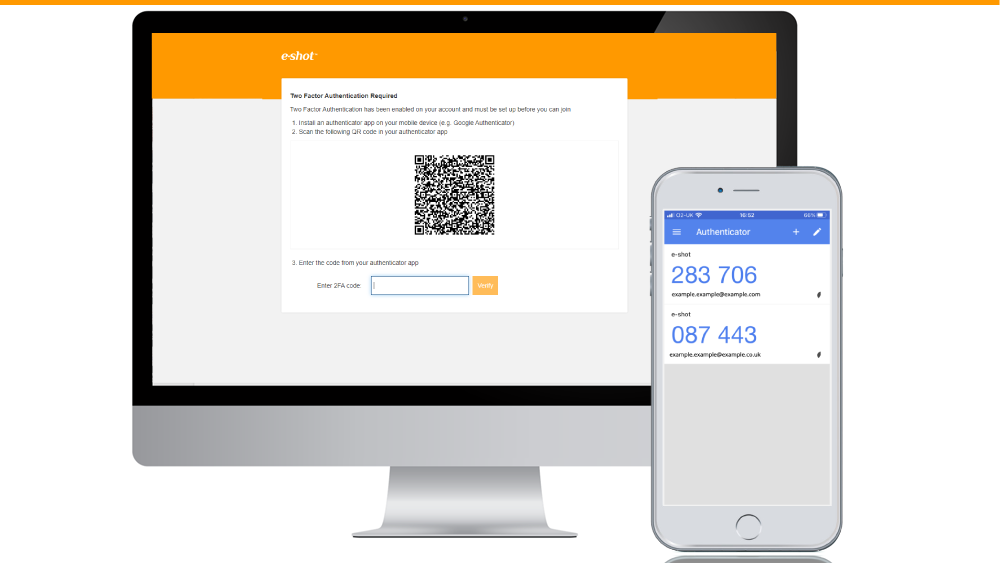
Enabling MFA: Administrator Guide
November 12th, 2020 - Sadie Burgess
To protect your security, you should restrict access to your account by using Multi-Factor Authentication (MFA). You will sign in using your email,...
Settings help-articles
Enabling SSO with Microsoft 365: Administrator Guide
June 7th, 2023 - Harry Thomas
This guide is intended for your IT support team to enable authorised e-shot users to sign in to e-shot by using their Microsoft 365 credentials....
Solutions

Email Marketing
Create email campaigns and newsletters and manage end-to-end subscription processes with forms and preferences.

Marketing Automation
Create sophisticated automated campaigns for email and SMS combined.

Digital Communication
The comprehensive solution to manage and automate your digital communication across email, SMS, websites and landing pages.

Email marketing healthcheck
We are confident that we can help you, which is why we offer a free healthcheck to identify potential issues with your current programme and free advice on things that could be done to improve it.