Help articles
CATEGORY: FAQsCustomer Success
Glossary of Terms
Glossary of terms
A/B split test: An optimisation technique that divides a contact list in smaller ‘splits’ then sends a user defined variation of your email to each split, enabling you to see which email variation performed better. Common split test examples include different send times, different subject lines or an entirely different email Design.
Acceptance rate: The percentage of email messages that a mail server accepts.
Animated GIF: An image that changes, like an animation but only with a few frames. Animated GIFs can be used in emails but note not all email clients will play them automatically.
Attachment: A file that can be attached to an email or in a chat with our Customer Success Team. We do not allow you to attach attachments to emails sent from e-shot as they can increase the chances that your email may be auto sorted into contacts spam/junk folders.
Autoresponder: An automated message or series sent often after filling in a form. Sometimes referred to as a drip campaign.
Blocklist: A list of email senders of bad repute. Being on a blocklist means a sender's email messages may not get to the inbox at all.
Bounce rate: The number of emails that bounced in a campaign. Can be measured using soft, hard or both bounce types. It measure's how many emails have been returned by an email service.
Broadcast: When you send out the same email message to multiple people/a list at one time.
Call to action (CTA): A word of phrase used to incite the subscriber to do something. CTAs can exist as in line text links or more often as a link in a button. It essentially will take you somewhere after clicking.
Click through rate (CTR): A percentage that shows how many subscribers clicked on a link in your emails.
Click to open rate: A percentage of how many people opened your email then clicked on one of the links.
Complaint: A subscriber has marked your email as spam.
Contact list: Another term used for your subscriber list or mailing list.
Group: A way to store contacts in e-shot. Groups a type of mailing list that is are intended to be managed by the e-shot user.
Preference: Another way to store contacts in e-shot as a mailing list but this time managed by the contacts themselves using the preference centre. Contacts can opt into or out of Preferences, depending on their own interests.
Deliverability: The art and science of getting emails from a sender all the way to the contacts inboxes.
DKIM: Domain keys identified mails is an email authentication technique that links a domain name to an email message. Used to verify an emails authenticity and to increase deliverability rates.
DMARC: A DMARC policy allows a sender to indicate that their emails are protected by SPF and or DKIM and tells the receiver what to do if neither of those methods pass such as moving the email to junk.
SPF: Sender policy framework is an email validation system designed to prevent email spam by allowing administrators to specify which IP or hosts are allowed to send email from a given domain.
Double opt in: A way to process a new email subscriber. It requires them to confirm their email once they have filled in a form. Double opt in is best practice for form creation as it helps to improve the reliability of your lists.
DPO: Data protection officer. They help to monitor internal compliance, inform and advice on your data protection obligations, provide advice regarding data protection impact assessments (DPIAs) and act as a contact point for data subjects and the information commissioner's office (ICO).
Drip marketing: Usually refers to automated messages that send a series of messages to contacts over time.
Dynamic content: A personalisation technique that swaps different content into pre-defined parts of an email message based on the contacts preferences, or data. Such as their first name.
ALT text: Text that can be set in place of an image if someone cannot view the image, perhaps due to a limited internet connection or through use of a screen reader. Setting ALT text is important for accessibility purposes.
Automated series: A campaign type that puts a contact through a series of steps and or emails. A welcome series for new subscribers would be considered an automated series.
Hyperlink: A link that is placed in your email for subscribers to click through to.
Header: The very top part of your email. Often includes just the logo of the company.
Footer: The very bottom part of an email. Often includes the company logo, company info, the unsubscribe link and social icons.
Email client: The software the contact views the email in e.g. Outlook.
Email phishing: A fraudulent imposter email sent from a spammer where they try to act as someone that they are not for their own gain such as access to your bank details or other sensitive information.
ESP: Email services providers are the company that provides software and hardware to manage your contact lists and deploy and track email messages, e-shot is an ESP.
Engaged: Contacts that are engaged have opened or clicked an email from you in the past 30 days.
Slipping away: Contacts that are slipping away have clicked or opened an email in the past 6 months.
Disengaged: Disengaged contacts have been sent at least one email but haven't opened or clicked in an email in up to or over 6 months (or no interaction at all).
Landing page: A page a contact will land on after clicking a link in your emails. Can also apply to a page someone is taken to after subscribing to your emails.
List growth: How quickly are you adding new subscribers to your list.
List fatigue: Declining engagement in that occurs over time after an email list has been mailed to frequently or contacts that have lost interest.
Subject line: An emails equivalent to a headline or title. Seen in the subscriber's inbox when you send an email.
Preview text: An emails equivalent to a subheading/title. Also seen in the subscr9berscontacts inbox when you send an email.
Throttling: An email deployment technique. Throttling sends your emails out in batches instead of all at once. It can help to improve deliverability rates and server load management when establishing your sending pattern.
Plain text: As opposed to ‘an HTML email’. Plain text is an email layout or formatting that uses no markup or layout in the email. The entire content of the email is just lines of text with the calls to action being highlighted like an inline text link.
Preference centre: A page that contacts can use to update their details stored in e-shot and what Preferences they are subscribed to as well as unsubscribe from everything.
Privacy policy: Every website is required to have a privacy policy. It explains to visitors and subscribers how their information is collected and used.
Re-engagement campaign: An email campaign sent to try to get inactive contacts to re-engage.
Re-send: An email campaign where you send the same email a second time to try get more contacts to respond to it.
Sender score: An email deliverability metric assigned by the company return path. A sender score of about 70 is average.
Single opt in: As opposed to double opt in, single opt in is a way to let new subscribers in without requiring them to confirm their email address.
SMTP: Simple mail transfer protocol is the language protocol severs use to talk to each other as they send email around the world.
Soft bounce: A type of bounce that is not permanent, e.g. the recipient's inbox being full at the time.
Hard bounce: A type of bounce that is permanent, e.g. an email address that does not exist.
Thank you page: A page a contact is taken to after subscribing to thank them for their subscription.
Unique clicks: Clicks your email gets but each recipient only counts once towards the unique clicks total.
Displays: The number of subscribers who opened/displayed your email.
Total clicks: All of the clicks your email received. If the same contact clicked twice, this would count twice towards the total clicks.
Unsubscribes: An unsubscribe is someone who has opted out from receiving your email, you will not be able to send to them again unless they opt in again.
You may also like these articles
Designs
Clickable phone numbers in email
April 16th, 2025 - Harry Thomas
When designing emails, you should give your recipients multiple ways to contact you, for feedback, or suggestions, adding an email address which...
Campaigns
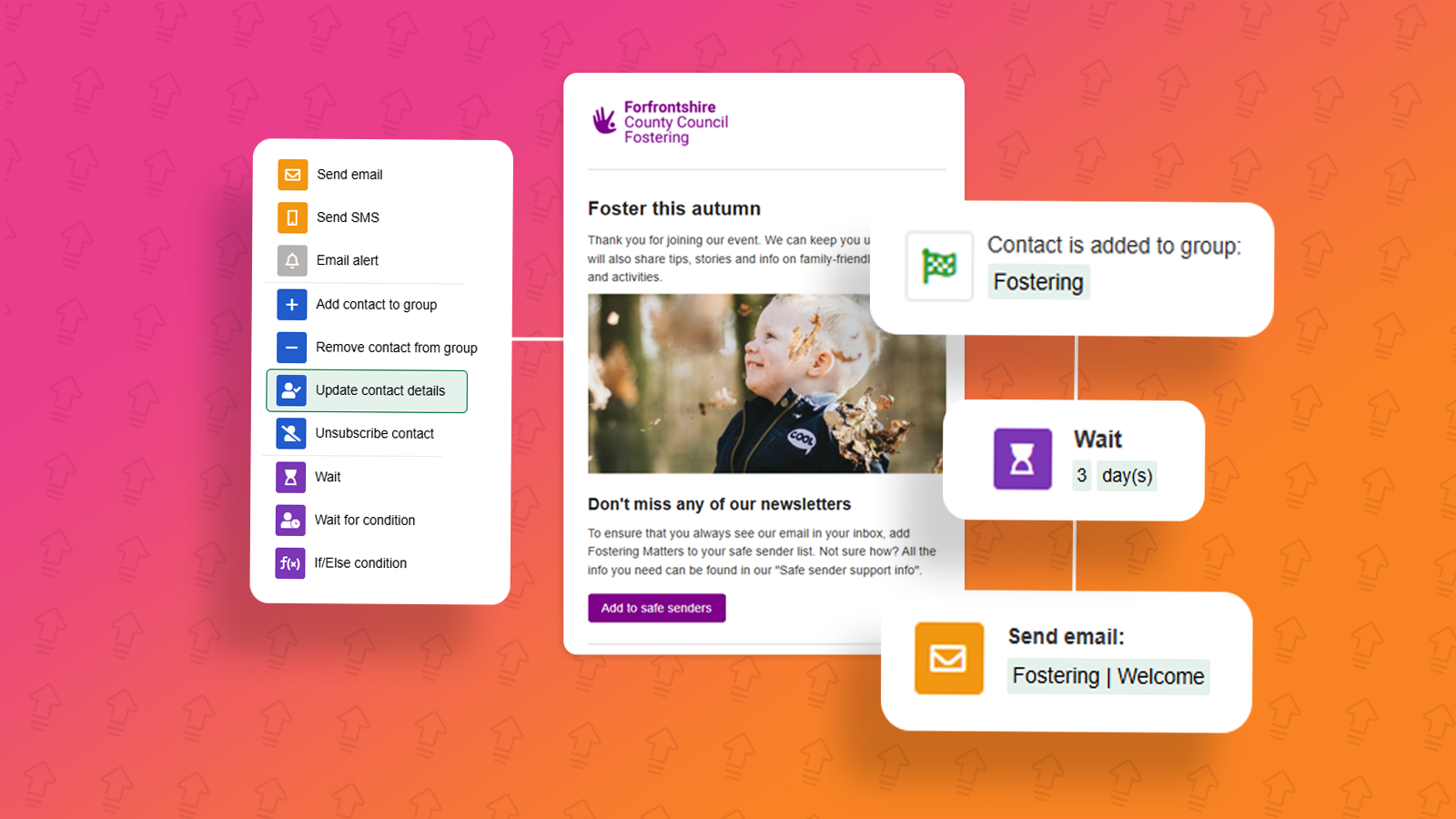
Campaigns: Automated Series campaign
March 24th, 2025 - Harry Thomas
The Automated Series campaign allows you to set a series of steps which will automatically do the work for you, once it’s been activated. Common...

Public Sector
Maximising impact with limited resources in 2025
January 9th, 2025 -
Local authority communications teams are poised to navigate one of the most transformative years in decades. As the Government's white paper...
Solutions

Email Marketing
Create email campaigns and newsletters and manage end-to-end subscription processes with forms and preferences.

Marketing Automation
Create sophisticated automated campaigns for email and SMS combined.

Digital Communication
The comprehensive solution to manage and automate your digital communication across email, SMS, websites and landing pages.

Email marketing healthcheck
We are confident that we can help you, which is why we offer a free healthcheck to identify potential issues with your current programme and free advice on things that could be done to improve it.