Microsoft Teams integration
Post email communications to Teams chats and channels

.png)

.png)

The Microsoft Teams integration makes it easy to share your email campaigns or performance reports directly into Teams chats or channels.
Ideal for internal communication, this integration ensures colleagues are instantly notified in Teams when a new campaign goes out. You can choose to share a “view in browser” link to the email itself, or a detailed performance report with campaign analytics.
Campaign reports
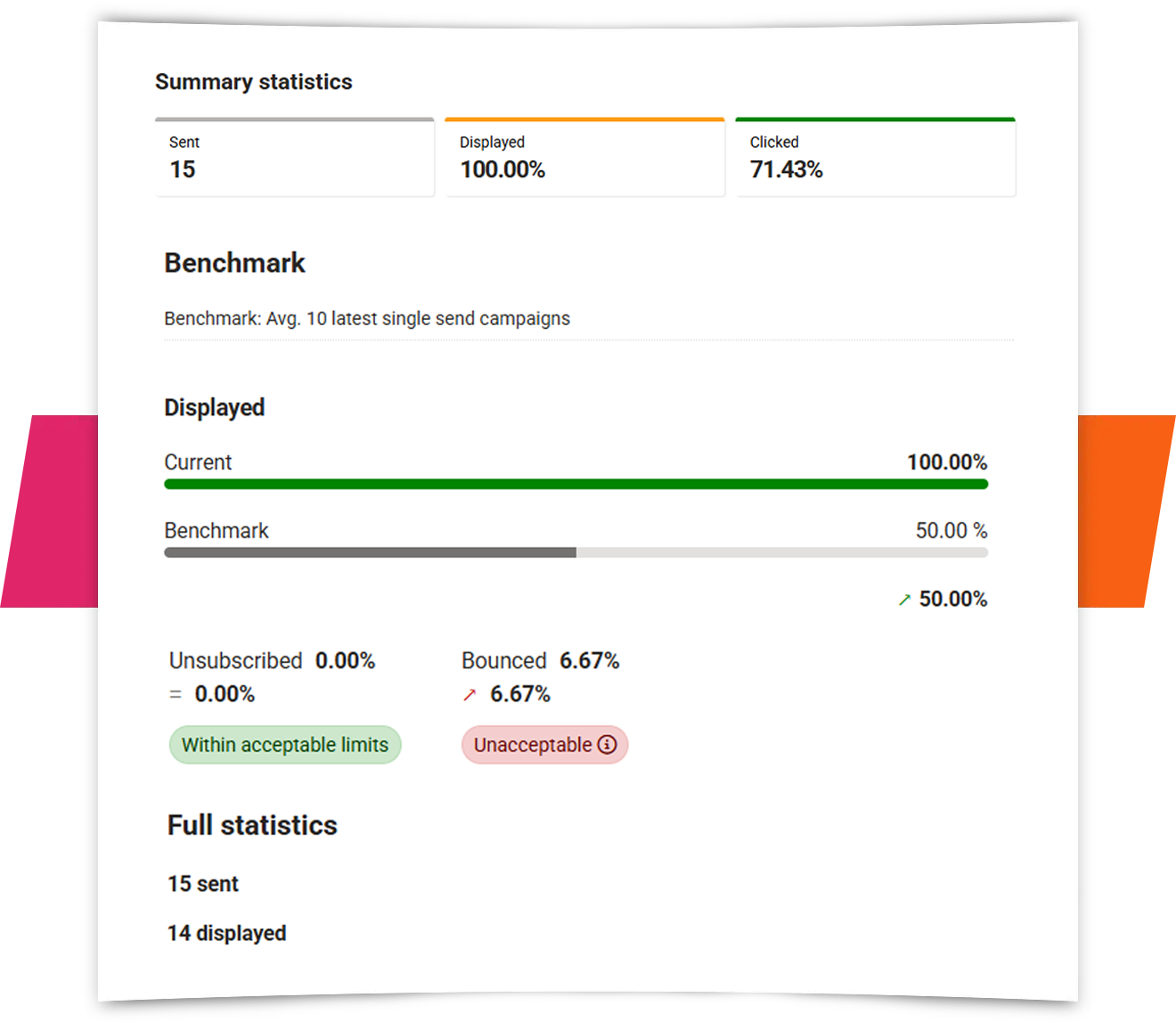
Share real-time campaign performance reports in Microsoft Teams—safely and seamlessly.
With the Teams integration, you can post a link to your email campaign’s performance report directly in a chat or channel. The report contains no personal data, updates in real time, and makes it easy for your team to monitor key metrics like opens and clicks—without ever leaving Teams.
View in browser
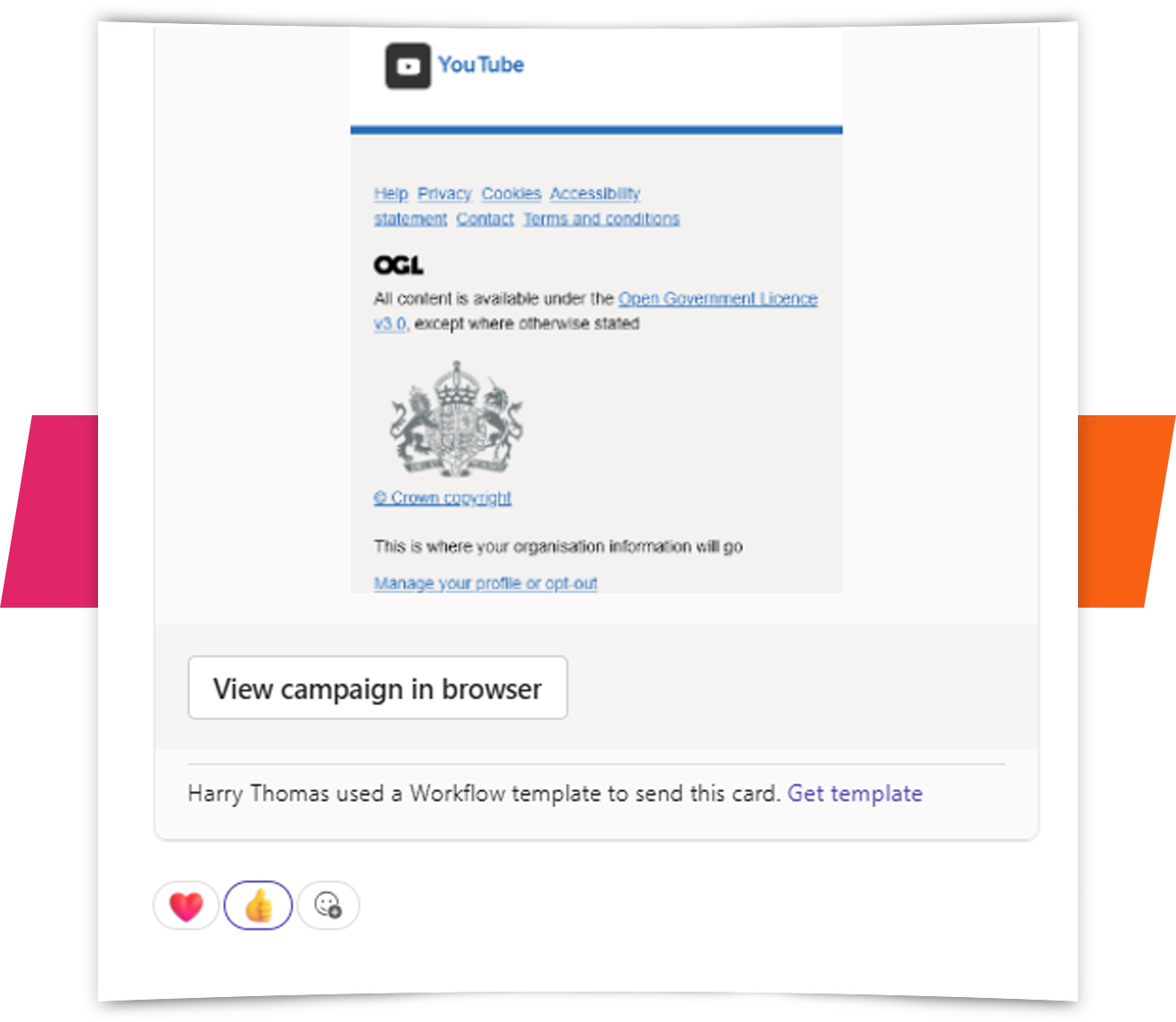
Notify colleagues instantly by posting a “view in browser” link to your latest email campaign in any chat or channel. It’s a simple way to keep everyone aligned and give your team immediate access to the content with no inbox digging required.
Click overlay report
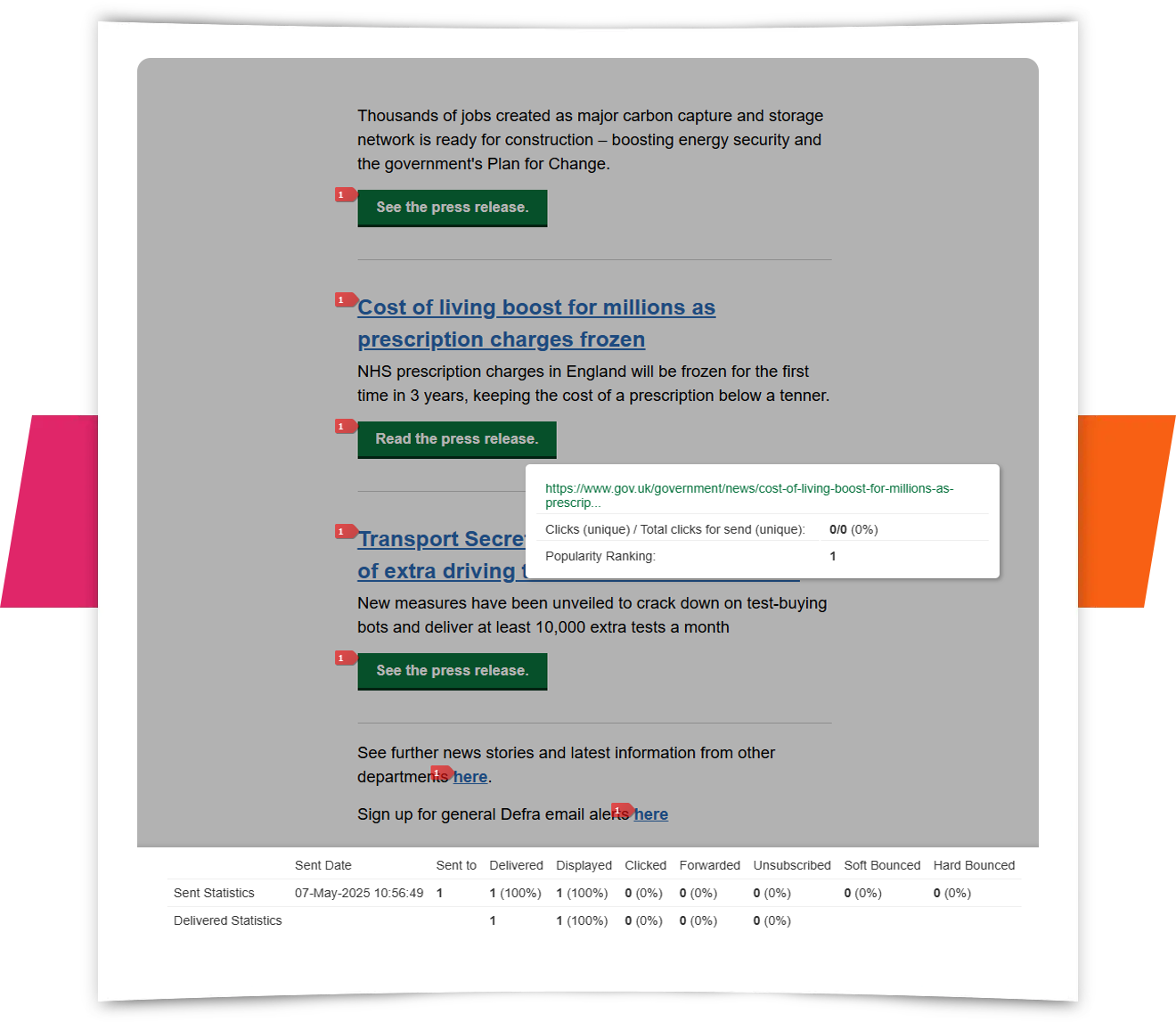
Instantly get your team aligned on email results. Post a direct link to the click overlay report in any Teams chat or channel to visually highlight which links drove the most engagement. It’s an easy way for everyone to see click hotspots and popularity rankings, skipping the need to dig through analytics individually.
Simple setup
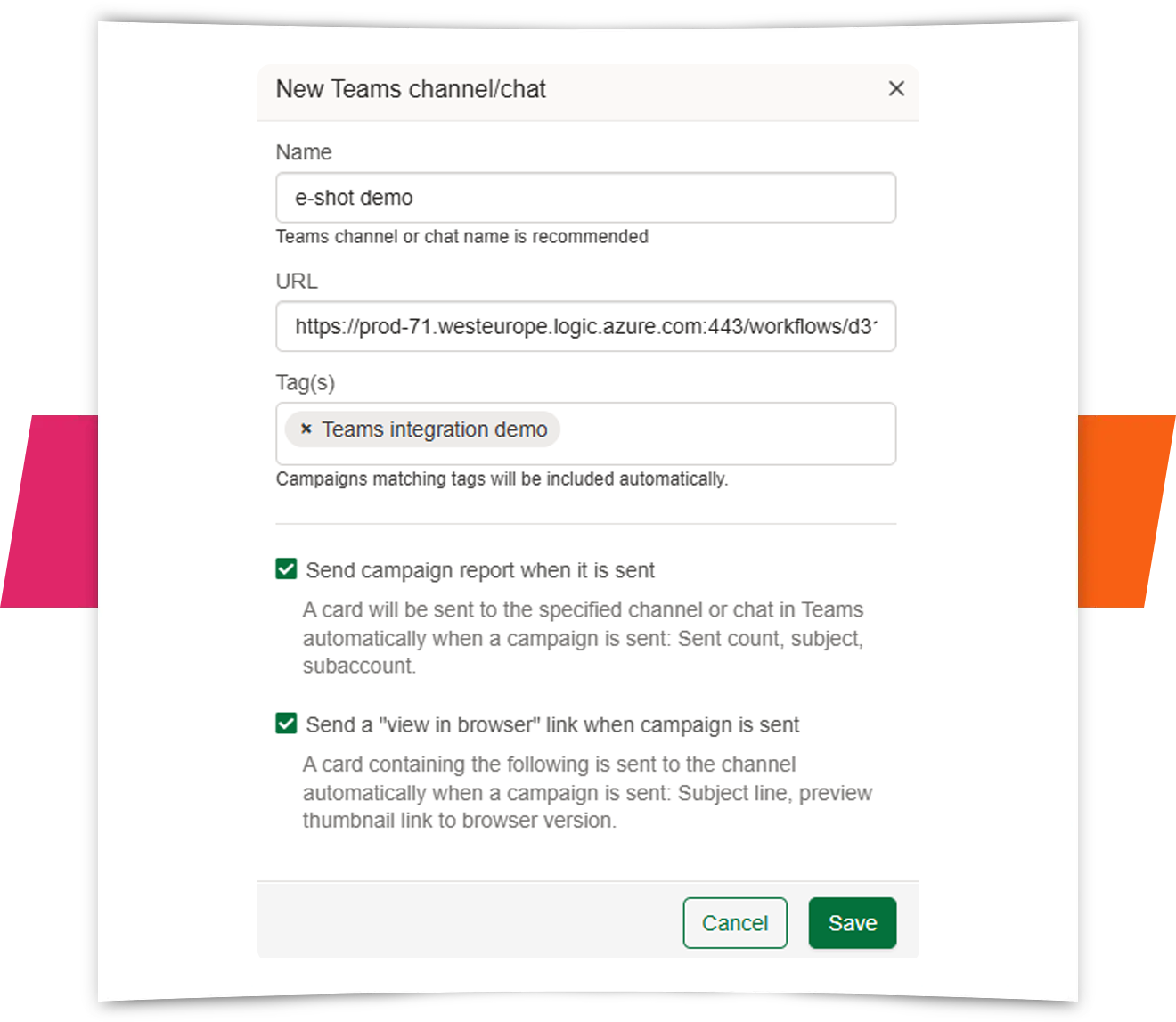
Effortlessly integrate your e-shot account with your Microsoft Teams environment. We've made the setup incredibly simple, meaning no technical background is needed. Just follow a few easy steps to connect and start streamlining your workflows directly within Teams – no IT help required!